

Readme
ScreenshotKit
Capture screenshots and scrolling videos of any website.
What You Can Do
📸 Screenshots
- Capture any website as an image
- Get the visible viewport or the full scrollable page
- Choose between PNG, JPEG, or WebP formats
🎬 Scrolling Videos
- Record smooth auto-scrolling videos of web pages
- Perfect for showcasing long landing pages or documentation
- Up to 30 seconds of recording
📱 Device Presets
- Desktop — 1920×1080
- Phone — 390×844
- Custom — Any dimensions you need
Quick Examples
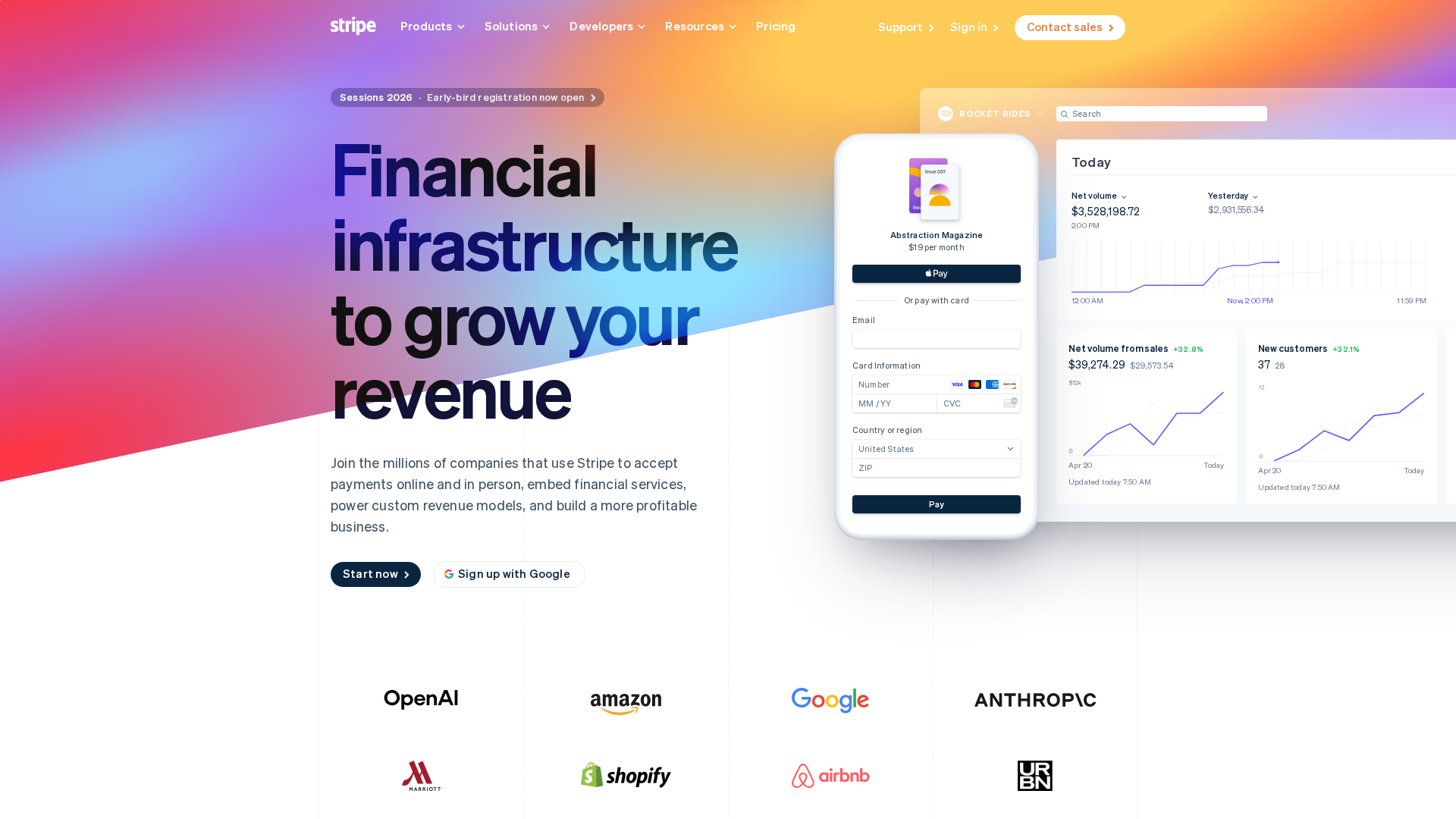
Simple screenshot:
url: stripe.com
Full page capture:
url: your-website.com
full_page: true
Mobile screenshot:
url: your-website.com
device: phone
Scrolling video:
action: video
url: your-landing-page.com
video_duration: 15
Parameters
| Parameter | Description | Default |
|---|---|---|
action |
screenshot or video |
screenshot |
url |
Website URL (with or without https://) | — |
device |
desktop, phone, or custom |
desktop |
full_page |
Capture entire scrollable page | false |
image_format |
png, jpeg, or webp |
png |
video_duration |
Recording length in seconds (max 30) | 10 |
scroll_speed |
Scroll speed in pixels/second | 300 |
Custom Dimensions
When using device: custom, set:
- width — Viewport width in pixels
- height — Viewport height in pixels
Page Loading
wait_until— When to capture:load,domcontentloaded,networkidle, ortimewait_time— Seconds to wait (when usingwait_until: time)
Model created