



Readme
Seedream 5.0 lite
Seedream 5.0 lite is ByteDance’s image generation and editing model. It adds multi-step reasoning, example-based editing, and deep domain knowledge to text-to-image generation.
What’s new in 5.0
Example-based editing
Instead of describing a complex edit in words, show the model what you want. Give it a before and after pair, then a new image. The model works out what changed and applies the same change to the new image. This works for material swaps, style transfers, scene changes, and more.
Logical reasoning
Seedream 5.0 reasons through spatial relationships, physics, and processes. Ask it to put objects on a seesaw with correct weight distribution, draw a clock with hands in the right positions, or illustrate a metamorphosis across life stages, and it gets the details right.
Deep domain knowledge
The model understands professional conventions across architecture, science, health, and design. Feed it a floor plan sketch and get a photorealistic interior rendering. Ask for a scientific cross-section diagram and get labeled, accurate illustrations.
Features
- Text-to-image. Generate images from text prompts.
- Image-to-image. Edit existing images with plain-language instructions.
- Multi-image blending. Combine up to 14 images in
image_inputwith a prompt to make new compositions. - Sequential batch generation. Set
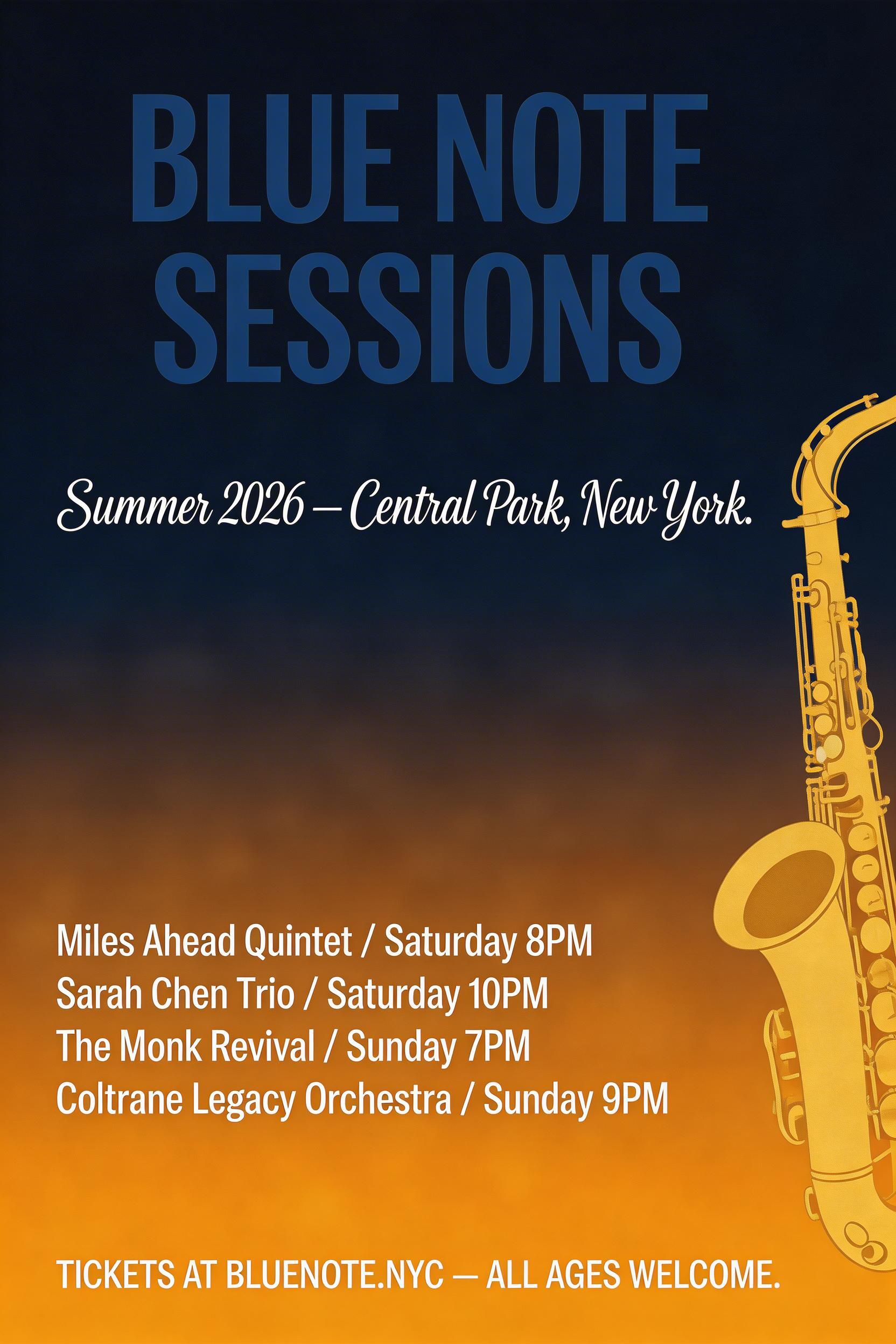
sequential_image_generationtoautoto generate sets of related images, such as storyboards, brand identity packages, or character sheets, in one run.max_imagessets the limit, up to 15, and input plus generated images can’t exceed 15. - Text rendering. Accurate typography in many languages. Wrap the text in double quotes for the best results.
- Output format.
png(the default) orjpeg.
Resolutions
2K(the default): up to 2048 px on the base dimension3K: up to 3072 px on the base dimension
Set aspect_ratio to 1:1, 4:3, 3:4, 16:9, 9:16, 3:2, 2:3, or 21:9. The default, match_input_image, matches your input image.
Prompting tips
- Use natural language, not keyword lists. “A girl in a lavish dress walking under a parasol along a tree-lined path, in the style of a Monet oil painting” works better than “girl, umbrella, tree-lined street, oil painting texture.”
- Use double quotes for text rendering. If you want specific text in your image, wrap it in double quotation marks.
- Be specific about what to keep. When editing, tell the model what shouldn’t change: “Replace the hat with a crown, keeping the pose and expression unchanged.”
- For example-based editing, show don’t tell. When the transformation is hard to describe in words, provide a before/after example pair as input images.
- Specify your use case. Telling the model “Design a logo for a gaming company” gives better results than just describing the visual elements.
Run it with Python
import replicate

output = replicate.run(
    "bytedance/seedream-5-lite",
    input={
        "prompt": "A color film-inspired portrait with shallow depth of field, fine grain suggesting high ISO film stock, candid documentary style",
        "size": "2K",
        "aspect_ratio": "3:2",
    }
)

print(output)
With image input
output = replicate.run(
    "bytedance/seedream-5-lite",
    input={
        "prompt": "Transform the color grading to match a Wong Kar-wai film: saturated teal shadows, warm amber highlights, soft diffusion",
        "image_input": ["https://example.com/portrait.jpg"],
        "size": "2K",
    }
)

Batch generation
output = replicate.run(
    "bytedance/seedream-5-lite",
    input={
        "prompt": "A series of 4 coherent illustrations of a courtyard across the four seasons",
        "sequential_image_generation": "auto",
        "max_images": 4,
    }
)