Readme
Krea 2 Medium
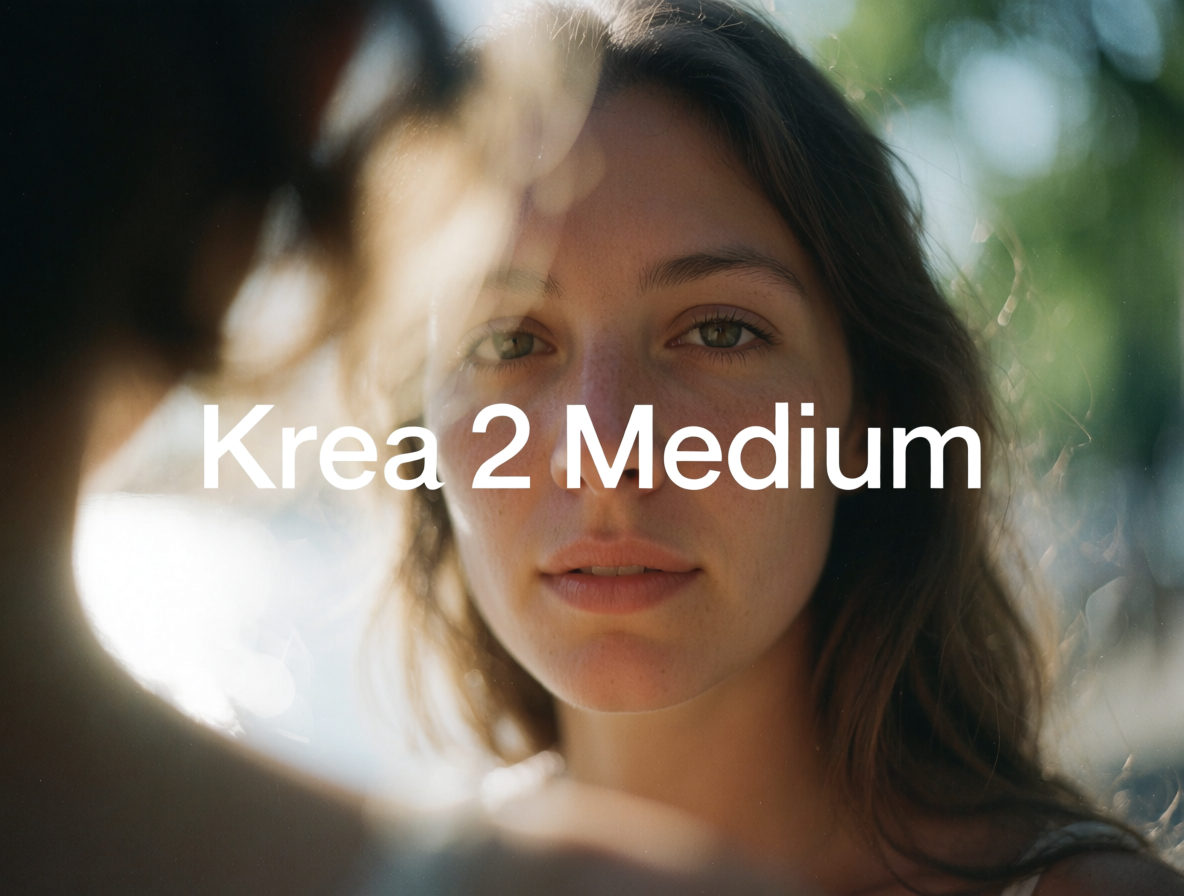
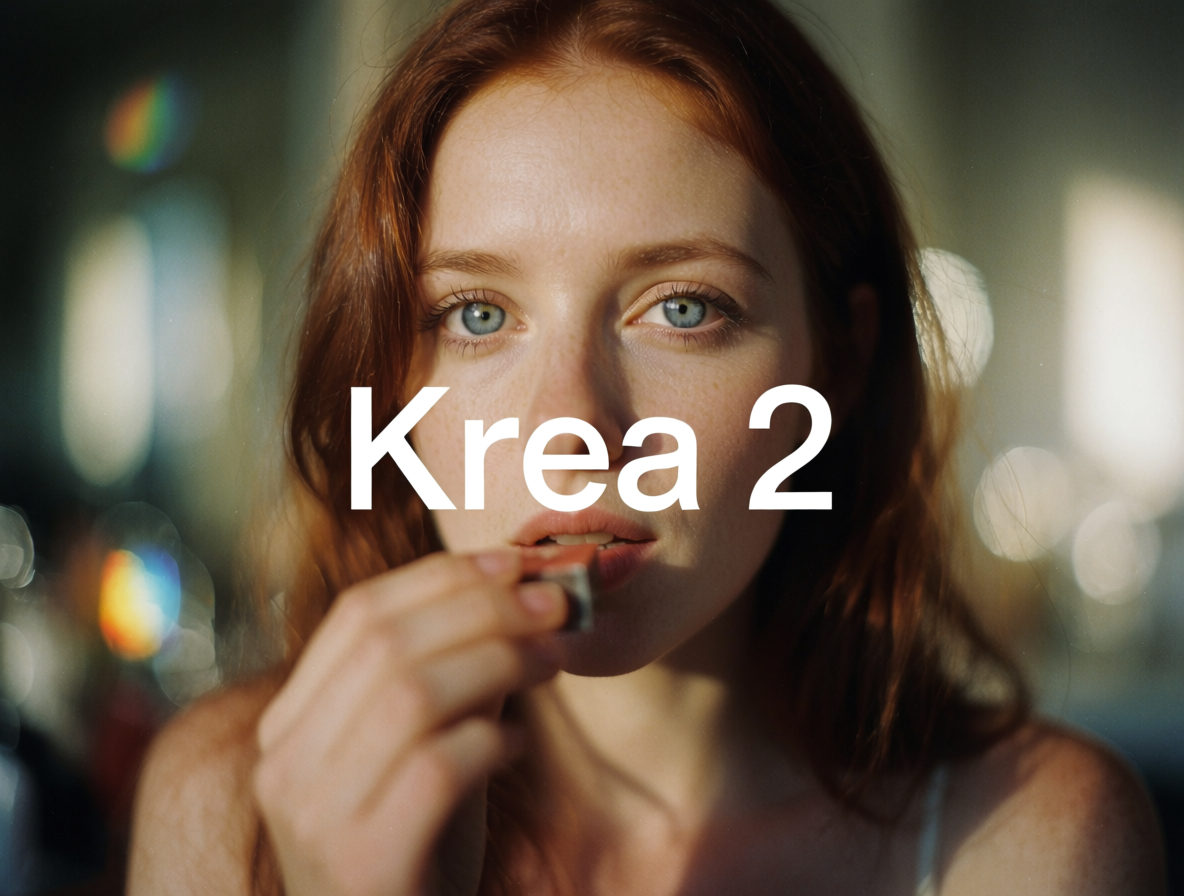
Krea 2 is Krea’s first foundation image model, trained from scratch to give you control over the look, feel, and creative direction of every image. Medium is the smaller, faster variant: extensive post-training makes outputs especially stable and consistent across generations.
Use Krea 2 Medium when you want fast, reliable results in illustration, anime, painterly, and other expressive artistic styles.
Features
- Aesthetic diversity. Generate a wide range of styles, with particular strength in artistic and expressive directions other models tend to flatten.
- Style transfer. Pass up to 10 style reference images and Krea 2 will extract their style and apply it to your output, with tunable strength.
- Tunable creativity.
creativityis a real input:rawrenders only what you describe,hightakes meaningful creative liberty. - Moodboards. Reference a moodboard you’ve built in the Krea webapp to anchor outputs to a specific aesthetic.
- Aspect ratios:
1:1,4:3,3:2,16:9,2.35:1,4:5,2:3,9:16.
Style references
Pass one or more image URLs as style_reference_images and Krea 2 Medium will extract their style and apply it to your output. Use style_reference_strength (0 to 1, default 0.5) to control how strongly the references shape the result.
Moodboards
Moodboards are bigger sets of images you curate in the Krea webapp. Once you create one, copy the ID from the end of its share URL (https://www.krea.ai/moodboards?share=YOUR_MOODBOARD_ID) and pass it as moodboard_id. Tune moodboard_strength (0 to 1, default 0.35) to shift between subtle and dominant influence.
When to pick Large instead
Krea 2 Large is roughly twice the size of Medium with softer post-training. Pick Large for photorealism, richer textures, or when you want results Medium can’t match. See krea/krea-2-large.