Readme
Furniture Removal AI
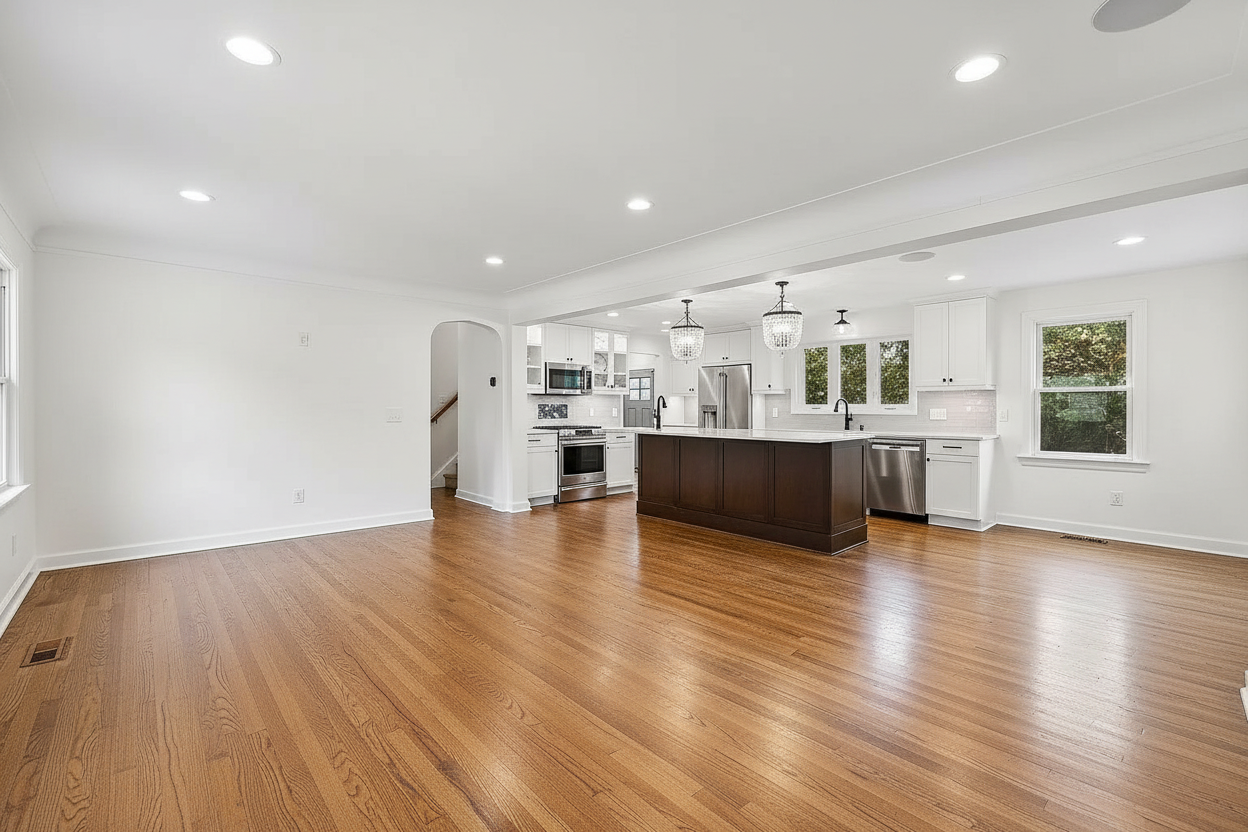
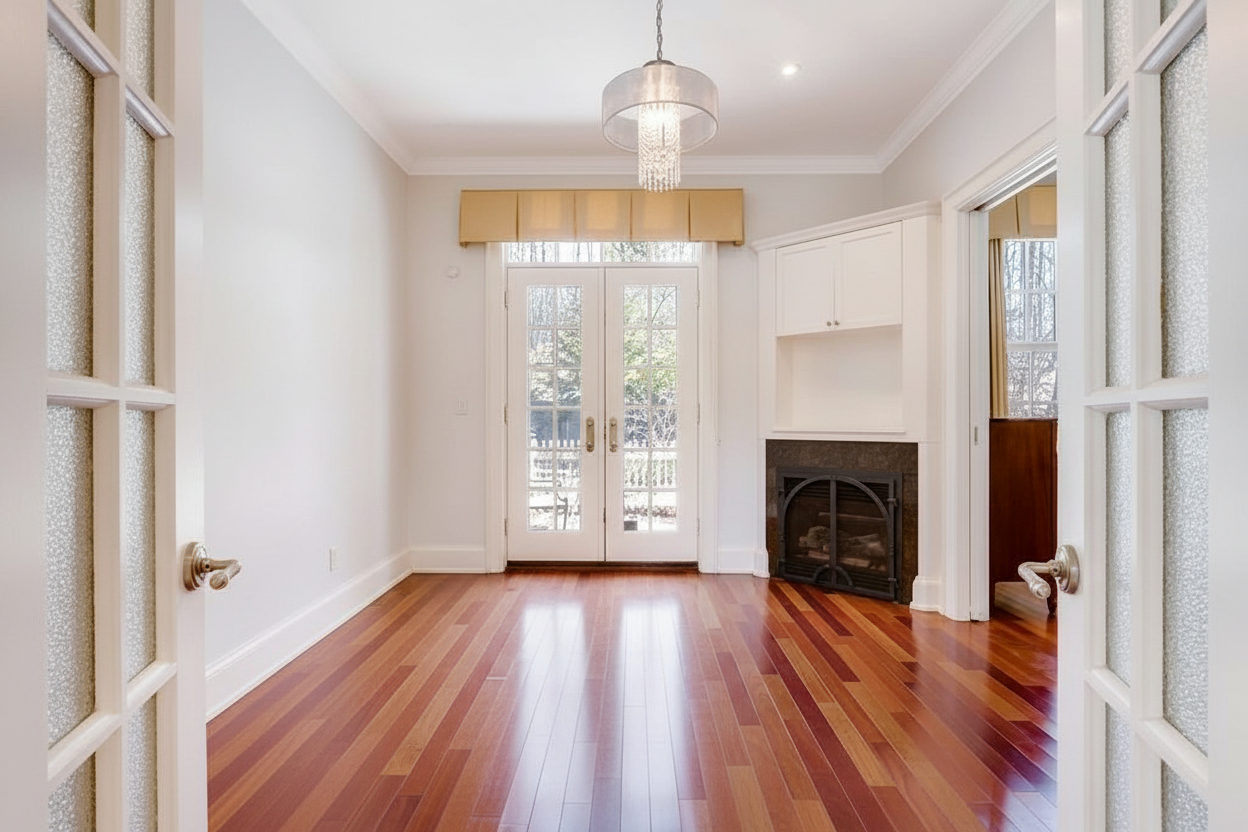
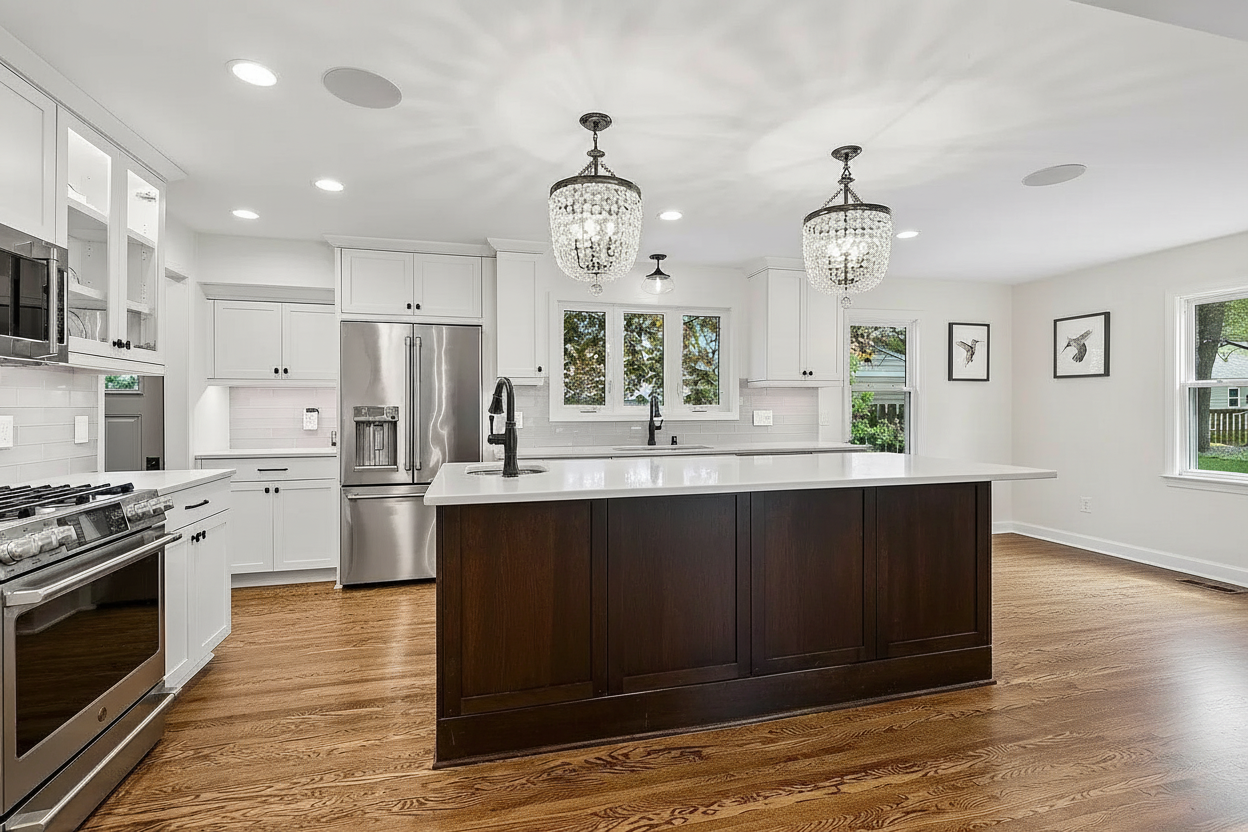
Furniture Removal AI clears a furnished room so it can be photographed as a vacant property. You upload a photograph of an occupied room, choose how much to take out, and the model removes the contents and rebuilds the space behind them — continuing the floor across the whole room in one consistent material and alignment, carrying each wall’s paint or panelling through, and running the skirting unbroken along every wall. What stays is the property itself: the fitted kitchen, the bathroom suite, built-in wardrobes, radiators, fireplaces, staircases and hard-wired lighting are all part of the building, not its contents, and are preserved exactly.
The model works from a single governing rule rather than a checklist: if an object would leave with the owner when they move out, it goes; if it would still be there for the next occupant, it stays. That covers the awkward cases a list never reaches — a grand piano, a pool table, a safe, a gym machine or an aquarium is contents however large it is.
PropLabs is a company by AxcelerateAI. This is our base furniture removal model — it works across room types with no setup. For advanced and enterprise use cases we fine-tune these models on your own property data, which gives noticeably higher fidelity and results tailored to your inventory and house style. If that would be useful, get in touch at shehryar@axcelerate.ai.
Output is watermarked by default and free to try — you pay only Replicate for the generation, on your own API token. To receive images without the watermark, supply a token in the optional watermark_remove_token field. Tokens are sold as a 1000-image pack for USD 100; contact shehryar@axcelerate.ai to buy one.
🎨 Key Features
Rooms are emptied completely rather than partially, including the largest and most unusual objects in the frame. Floors are reconstructed as a single continuous surface with consistent grain direction and plank or tile alignment, and walls are carried through with their original finish. Fixtures that a removed object was hiding — a radiator, a socket, a vent, a fireplace or a window — become visible and are drawn correctly. Marks left behind by the contents are taken out too: indentations in carpet, wear marks, picture hooks and the unfaded rectangles left on walls and floors. The room’s natural light is preserved exactly, with the same windows, the same direction and colour of daylight and the same time of day, and nothing is ever added back in — an empty room is the intended result.
🧹 Clearance Scope
| Scope | What is removed | What stays |
|---|---|---|
| Furniture only | Seating, beds, tables, desks, storage, televisions and freestanding appliances, plus large items such as pianos and pool tables | Rugs, artwork, lamps, plants, curtains and decor |
| Furniture and decor (default) | All of the above, plus rugs, pictures, mirrors, wall hangings, cushions, bedding, lamps, plants, ornaments, books and personal belongings | Curtains, blinds and window coverings |
| Completely empty room | Everything freestanding, plus curtains, blinds and shutters, leaving windows and frames bare | The building only |
Fitted kitchens, bathroom suites, built-in wardrobes, fitted shelving, radiators, fireplaces, mantelpieces, staircases, bannisters and hard-wired light fittings are kept at every scope.
🔒 Keeping Something In
The optional keep field is a comma-separated list of exceptions — for example the grand piano, the built-in desk. Anything named there stays exactly as it is, even though the rule would otherwise remove it. Use it when a feature is being sold with the property, or when a piece is the reason someone would want the room.
⚡ Quality & Resolution
quality chooses between Standard, which is faster and cheaper and suits most photographs, and Pro, which produces higher fidelity and finer detail but takes noticeably longer and costs more on your Replicate account. resolution applies to Pro only and accepts 1K, 2K or 4K, with Auto using 2K; Standard always renders at the source image’s own scale.
🪄 Use Cases
Estate agents photograph a property while it is still occupied and market it as vacant. Sellers whose furniture dates the room get listing photographs that show the space rather than the contents. Landlords produce clean between-tenancy images without waiting for a clearance. Developers and stagers use it as the first step before virtual staging, emptying a room so it can be restyled from scratch. It is also the fastest way to produce a genuine before-and-after pair, since the cleared room can go straight into the PropLabs Virtual Staging model.
⚙️ Example Workflow
Upload the photograph of the furnished room, choose a scope, and optionally name anything you want left in place. Run, and the model returns the same room cleared to the level you chose. To restyle it afterwards, pass the output into Virtual Staging and pick a design style.
📸 Output
The output is a photorealistic image at the same viewpoint, framing and aspect as the original, showing the room empty of the contents you asked to remove. Floors and walls read as continuous, unbroken surfaces, built-in fixtures are intact and correctly drawn, and the room’s original daylight and shadow direction are unchanged.
Before:
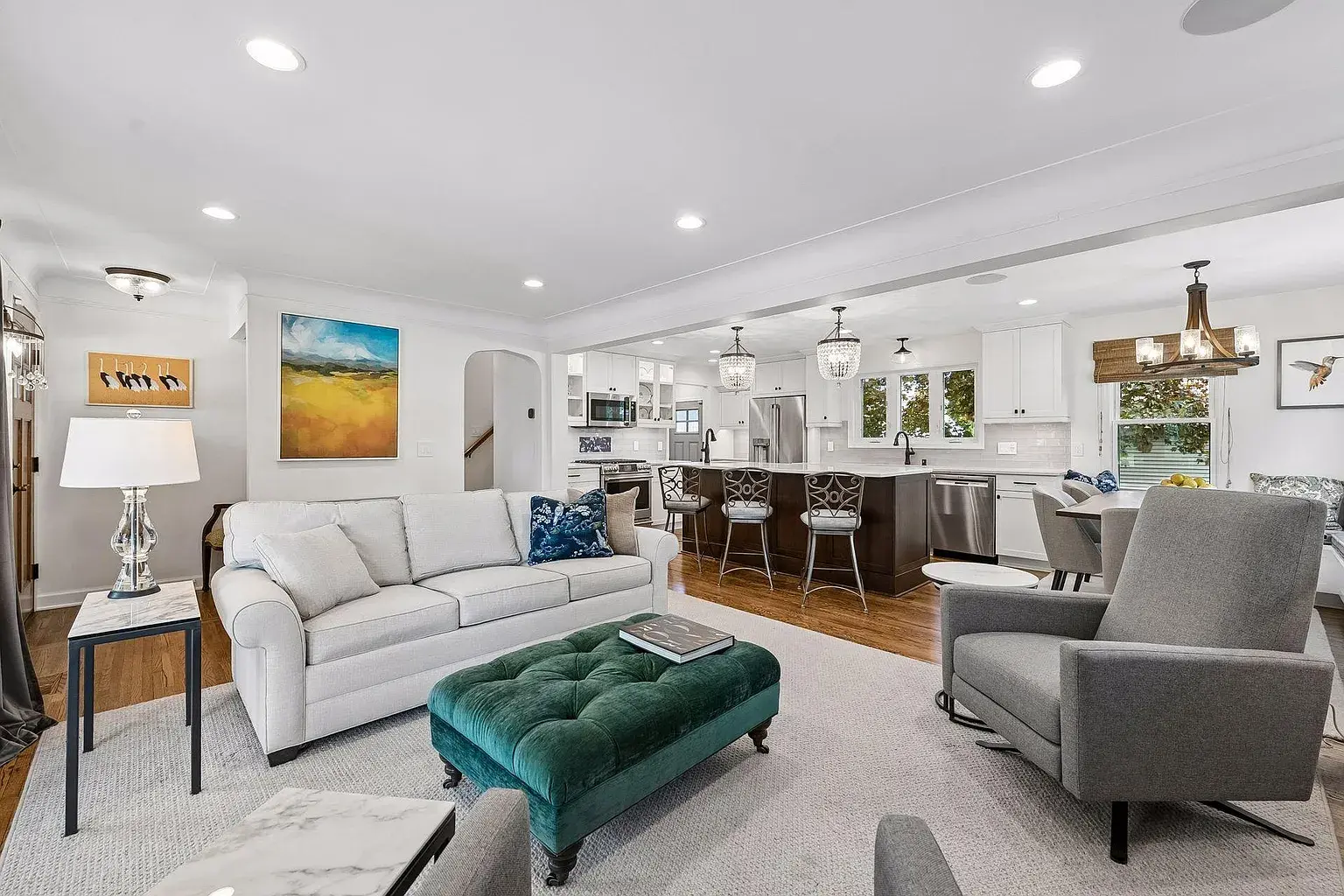
After: