Readme
Photo Enhancement AI instantly transforms ordinary interior property photographs into polished, listing-ready images. By uploading an image of a room, the system automatically corrects common photography issues such as dark interiors, blown-out windows, and unwanted colour casts. The enhanced image preserves the original room, layout, furniture, and architectural details while improving overall exposure, colour balance, and visual quality.
PropLabs is a company by AxcelerateAI. This is our base photo enhancement model — it improves property photographs by correcting exposure, colour balance, and common interior photography issues with no setup. For advanced and enterprise use cases we fine-tune these models on your own property data, which gives noticeably higher fidelity and results tailored to your inventory and house style. If that would be useful, get in touch at shehryar@axcelerate.ai.
Output is watermarked by default and free to try — you pay only Replicate for the generation, on your own API token. To receive images without the watermark, supply a token in the optional watermark_remove_token field. Tokens are sold as a 1000-image pack for USD 100; contact shehryar@axcelerate.ai to buy one.
🎨 Key Features
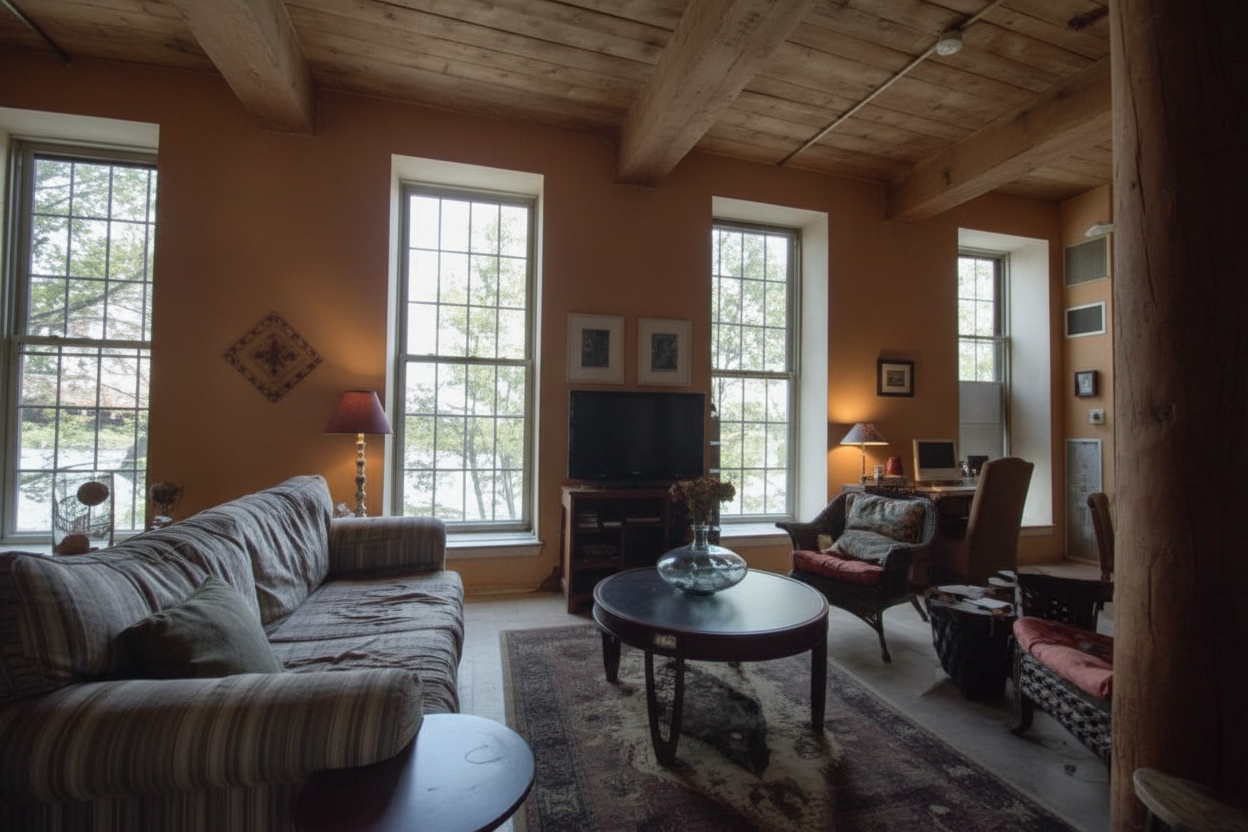
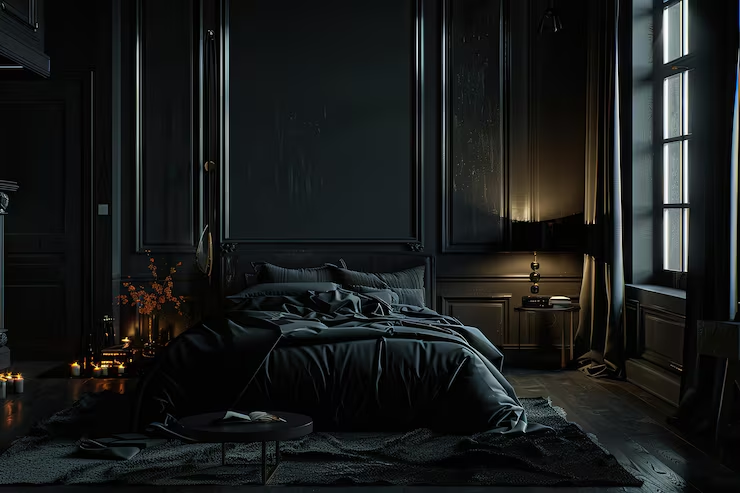
The application automatically analyzes the uploaded photograph to identify and correct common interior photography problems. Dark interiors are brightened to reveal important room details, while overly bright windows and other blown-out areas are balanced to produce a more natural exposure. Unwanted colour casts are corrected to create more accurate and consistent colours throughout the image. The enhancement process maintains the original room structure, furniture, architectural details, and composition while improving the overall visual quality. The result is a clean and polished photograph suitable for property listings and marketing materials.
🏠 Supported Property Images
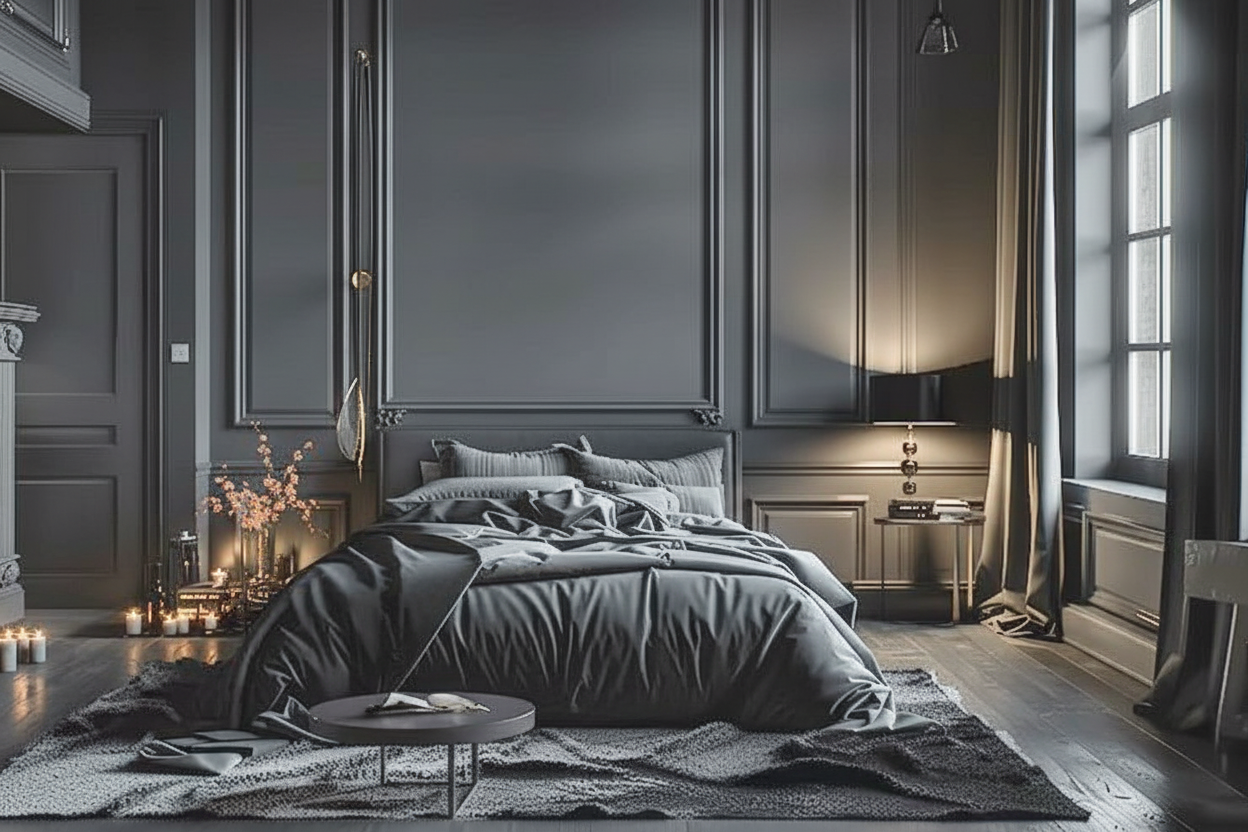
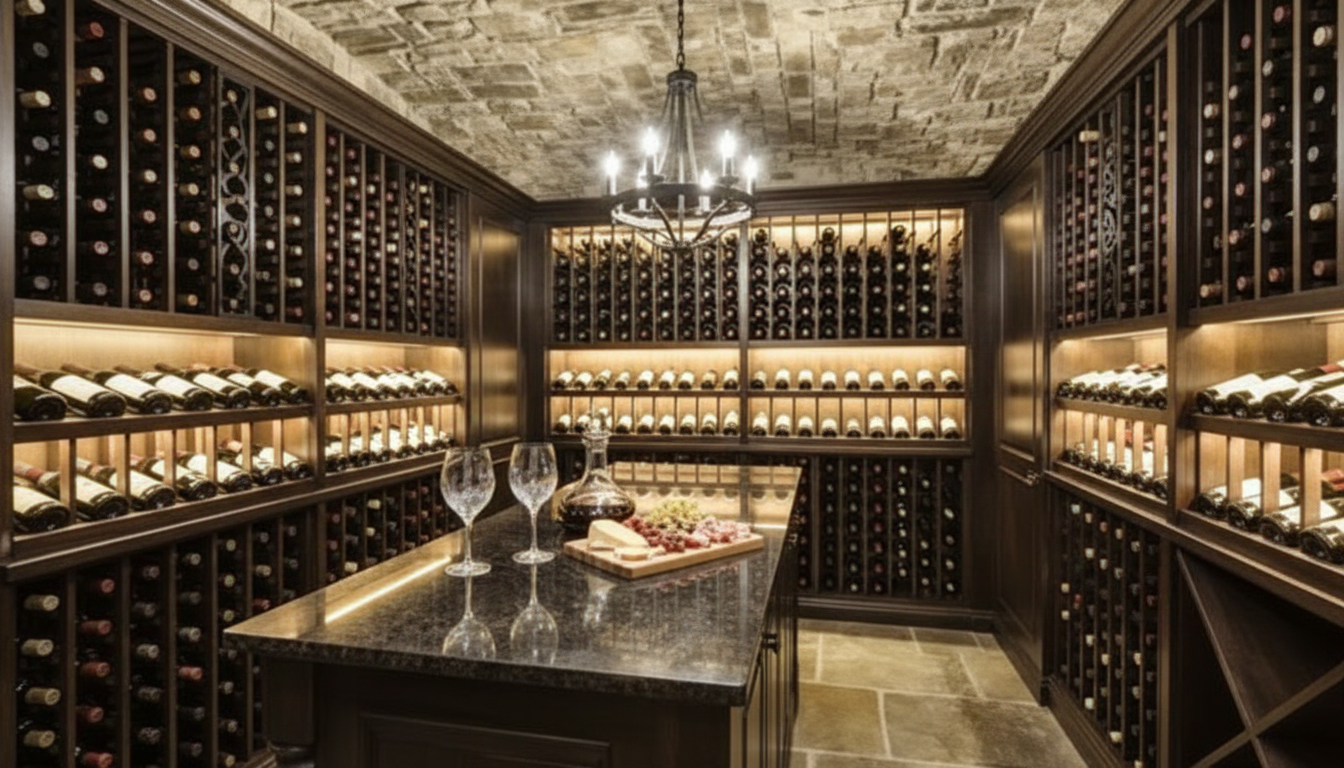
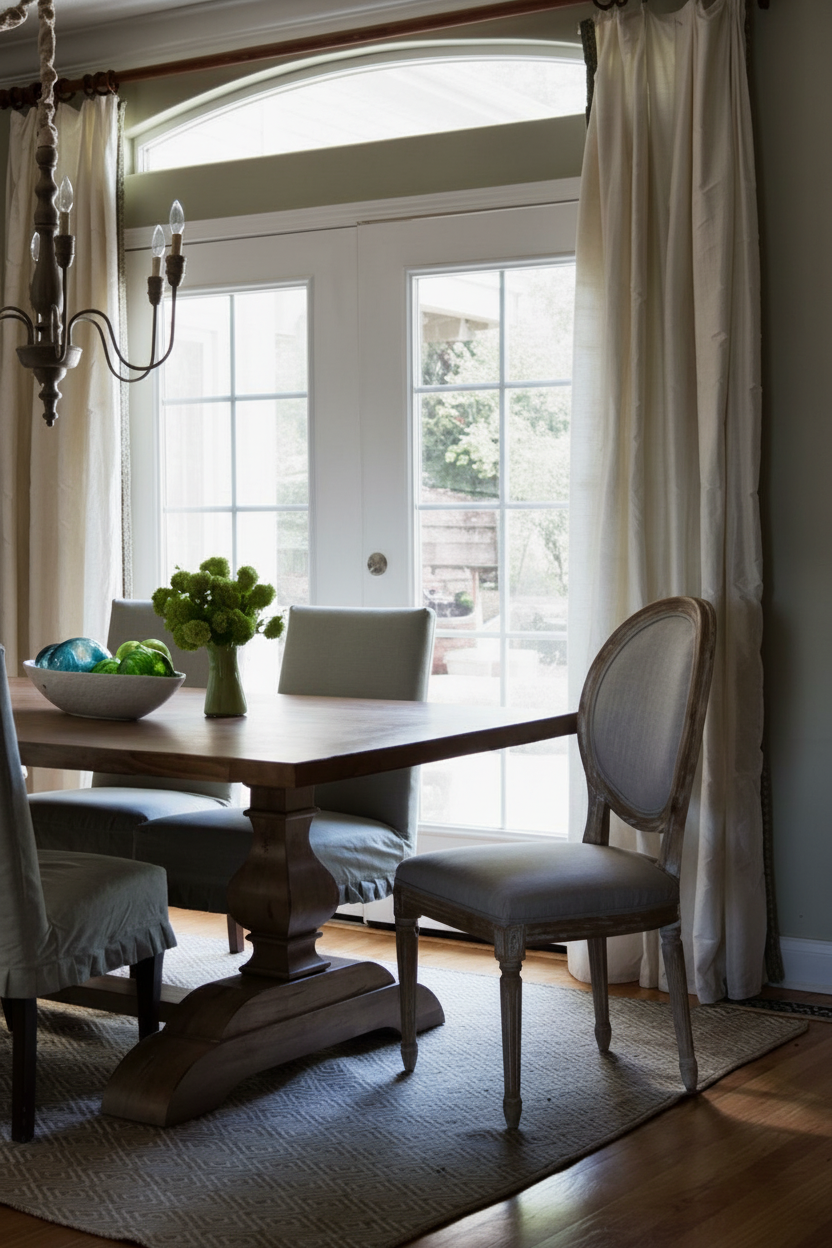
Photo Enhancement AI can be used with photographs of a wide range of interior spaces, including living rooms, bedrooms, dining rooms, kitchens, bathrooms, offices, and other residential or commercial areas. The model is designed to improve the quality of existing property photographs without changing the underlying room layout or contents.
📸 Common Enhancement Areas
The system focuses on correcting common issues found in real estate photography, including exposure, window highlights, colour balance, and overall image appearance.
| Issue | Enhancement Applied |
|---|---|
| Dark Interiors | Brightens underexposed areas while preserving details |
| Blown-Out Windows | Balances overly bright window areas |
| Colour Casts | Corrects unwanted colour shifts and improves neutrality |
| Uneven Exposure | Creates a more balanced overall exposure |
| Interior Details | Improves visibility of room features and furnishings |
| Overall Appearance | Produces a cleaner, polished, listing-ready photograph |
🪄 Use Cases
Photo Enhancement AI can be used across various professional real estate and property marketing workflows. Real estate agents can enhance listing photographs before publishing them on property platforms. Photographers can improve challenging interior captures affected by difficult lighting conditions. Property managers can maintain a more consistent visual quality across property listings. Real estate marketing teams can prepare polished images for brochures, websites, social media, and other promotional materials. Homeowners can also improve existing property photographs when preparing a home for sale or rental.
⚙️ Example Workflow
The process begins by uploading an existing interior property photograph. The AI analyzes the image and identifies common photography issues such as dark areas, excessive window brightness, and unwanted colour casts. It then applies appropriate enhancements while preserving the original room structure, furniture, composition, and architectural details. The resulting image is presented as a cleaner, more balanced, and listing-ready version of the original photograph.
📸 Output
The final output is an enhanced version of the original property photograph with improved exposure, balanced highlights, corrected colour casts, and greater visibility of interior details. The room’s original composition, furniture, and architectural elements are preserved, producing a natural-looking photograph suitable for property listings, presentations, and marketing materials.
Before:
After: