Readme
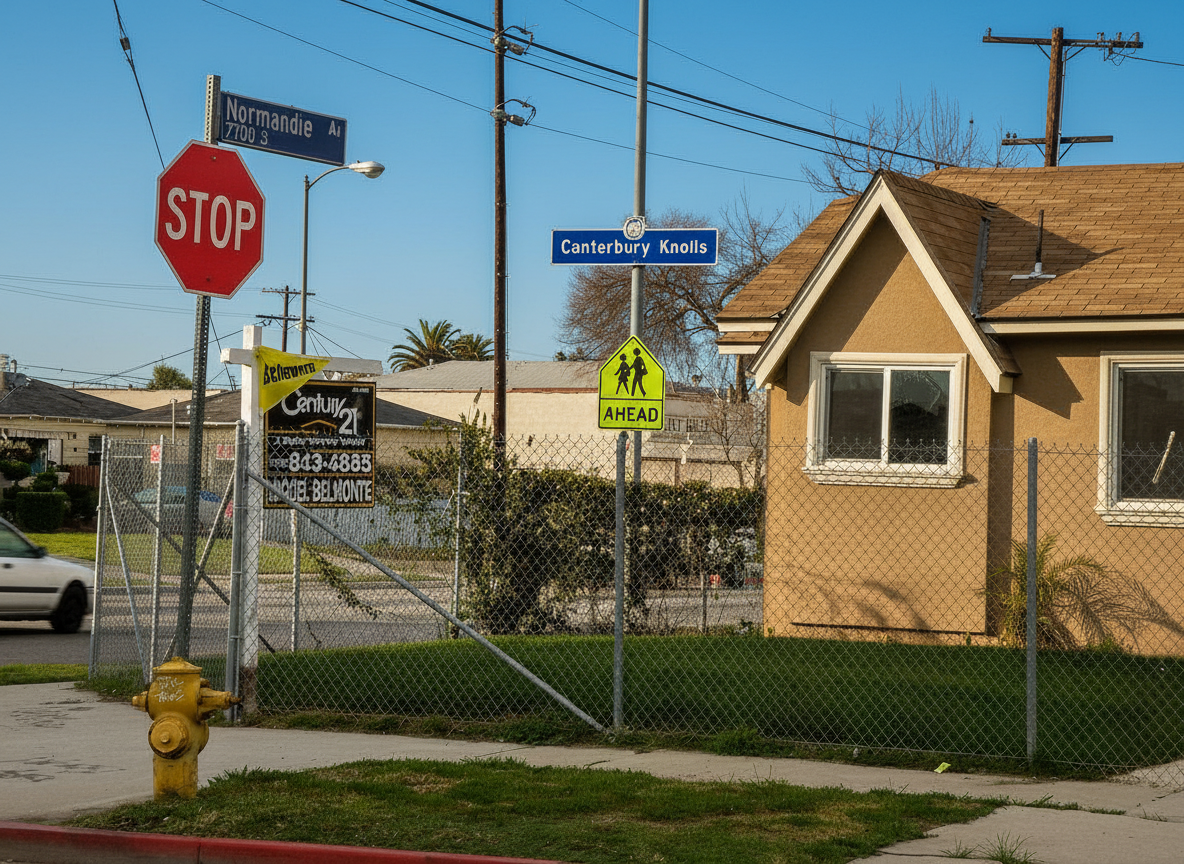
Sky Replacement AI turns a flat, grey exterior photograph into one taken on a better day. You upload an exterior image, choose the sky you want, and the model replaces it — and then relights the entire scene to match. That second half is what separates this from pasting a sky behind a house: a new sky above a scene still lit by the old one is recognisable as a fake at a glance. The model adjusts the ambient colour temperature of every surface, the direction, length, softness and colour of every shadow, the brightness of the roof slopes and elevations turned towards the light, and the highlights on glass, paintwork, metal, water and wet ground, so the whole photograph is lit by the sky that is now in it.
Reflections are updated too — in windows and glazing, conservatories and glass doors, swimming pools, ponds and standing water, and polished vehicle paintwork. A window still reflecting the old sky gives the edit away as surely as the shadows do.
PropLabs is a company by AxcelerateAI. This is our base sky replacement model — it works on houses, apartment blocks, gardens and street views with no setup. For advanced and enterprise use cases we fine-tune these models on your own property data, which gives noticeably higher fidelity and results tailored to your inventory and house style. If that would be useful, get in touch at shehryar@axcelerate.ai.
Output is watermarked by default and free to try — you pay only Replicate for the generation, on your own API token. To receive images without the watermark, supply a token in the optional watermark_remove_token field. Tokens are sold as a 1000-image pack for USD 100; contact shehryar@axcelerate.ai to buy one.
🎨 Key Features
The scene is relit rather than merely recoloured, so shadows fall in the direction the new sky implies and surfaces facing the light brighten accordingly. The skyline is cut precisely: every roofline, chimney, aerial, satellite dish, gutter, railing, cable, lamp post and overhanging branch keeps its exact silhouette, including fine detail and the gaps between leaves and twigs, with no thickening, simplification or halo, and no sky bleeding over an edge. The horizon line stays where it is. The property itself is untouched — its shape, materials, brick, render, roof tiles, windows, doors and paintwork, along with the driveway, paving, fencing, walls, planting, trees and vehicles, all remain exactly as they are and exactly where they are. The camera does not move, so before and after align.
☁️ Available Skies
| Sky | Result |
|---|---|
| Clear Blue | A deep blue cloudless sky on a bright, clear day, with strong, crisp sunlight and well-defined shadows |
| Blue with Soft Clouds (default) | Blue sky with soft, natural white cumulus — the pleasant, unremarkable weather that flatters a property — with bright but gently diffused light |
| Golden Hour | A warm late-afternoon sky before sunset, gold near the horizon to deeper blue above, with low directional sunlight and long shadows |
| Dramatic | Substantial, well-defined cloud with strong contrast and breaks of sunlight — impressive, but still a believable sky rather than a storm |
| Bright Overcast | An even, luminous sky of pale grey and white, giving soft, shadowless, neutral light |
| Twilight | A dusk sky after sunset, deep blue overhead grading to orange and pink at the horizon, with low, cool, soft ambient light |
Blue with Soft Clouds is the safest default for a listing. Golden Hour and Twilight make the strongest marketing images but change the apparent time of day, so they are best reserved for a hero shot rather than a full gallery.
⚡ Quality & Resolution
quality chooses between Standard, which is faster and cheaper and suits most photographs, and Pro, which produces higher fidelity and finer detail but takes noticeably longer and costs more on your Replicate account. resolution applies to Pro only and accepts 1K, 2K or 4K, with Auto using 2K; Standard always renders at the source image’s own scale.
🪄 Use Cases
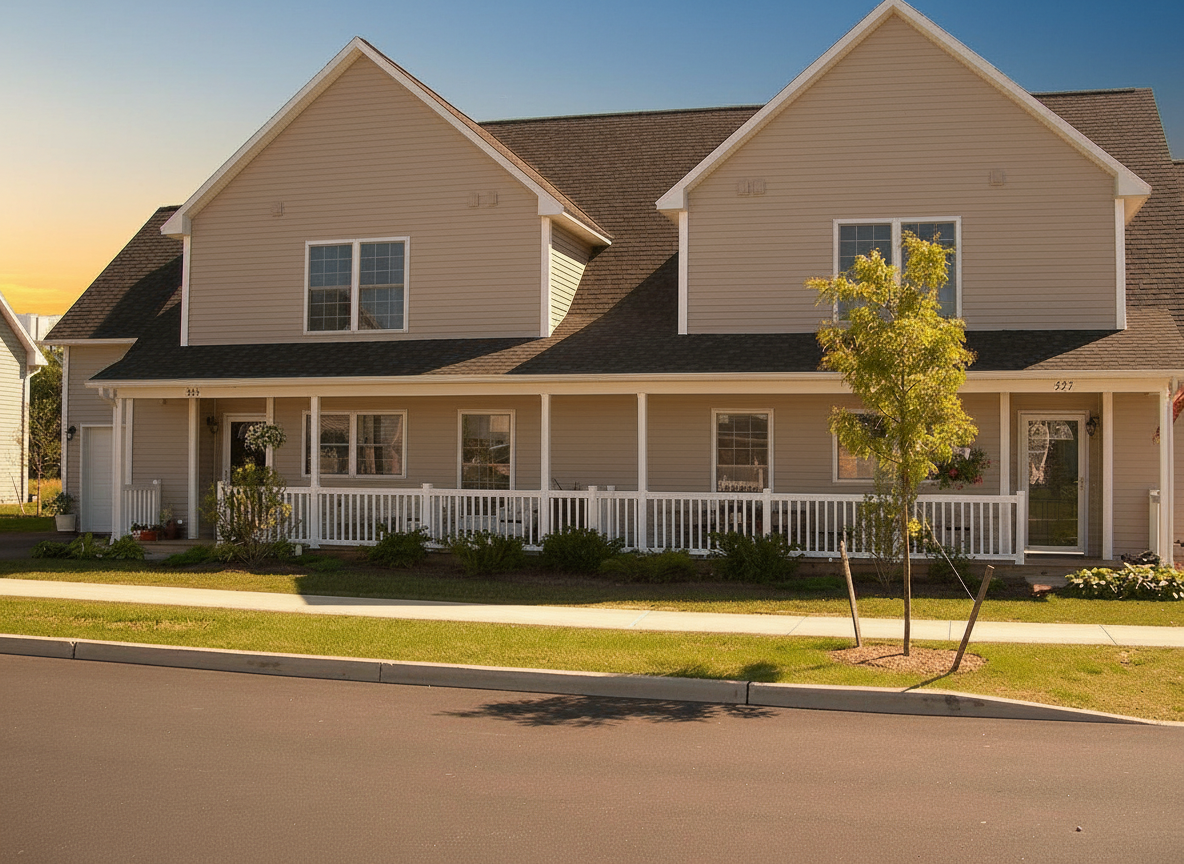
Estate agents rescue exterior photographs shot on an overcast day without returning to the property, which in much of the year is the difference between listing this week and next. Photographers deliver a consistent look across a portfolio shot over several visits in different weather. Developers produce hero images for brochures and hoardings. Holiday-let and short-stay hosts make a garden, terrace or pool read as somewhere worth booking, and architects present completed buildings in the light that suits the elevation.
⚙️ Example Workflow
Upload the exterior photograph, pick a sky, and run. For a brochure cover set quality to Pro and choose a resolution. Running the same photograph across two or three skies is a quick way to see which flatters a particular elevation, since a north-facing front often reads better under Bright Overcast than under hard sun.
📸 Output
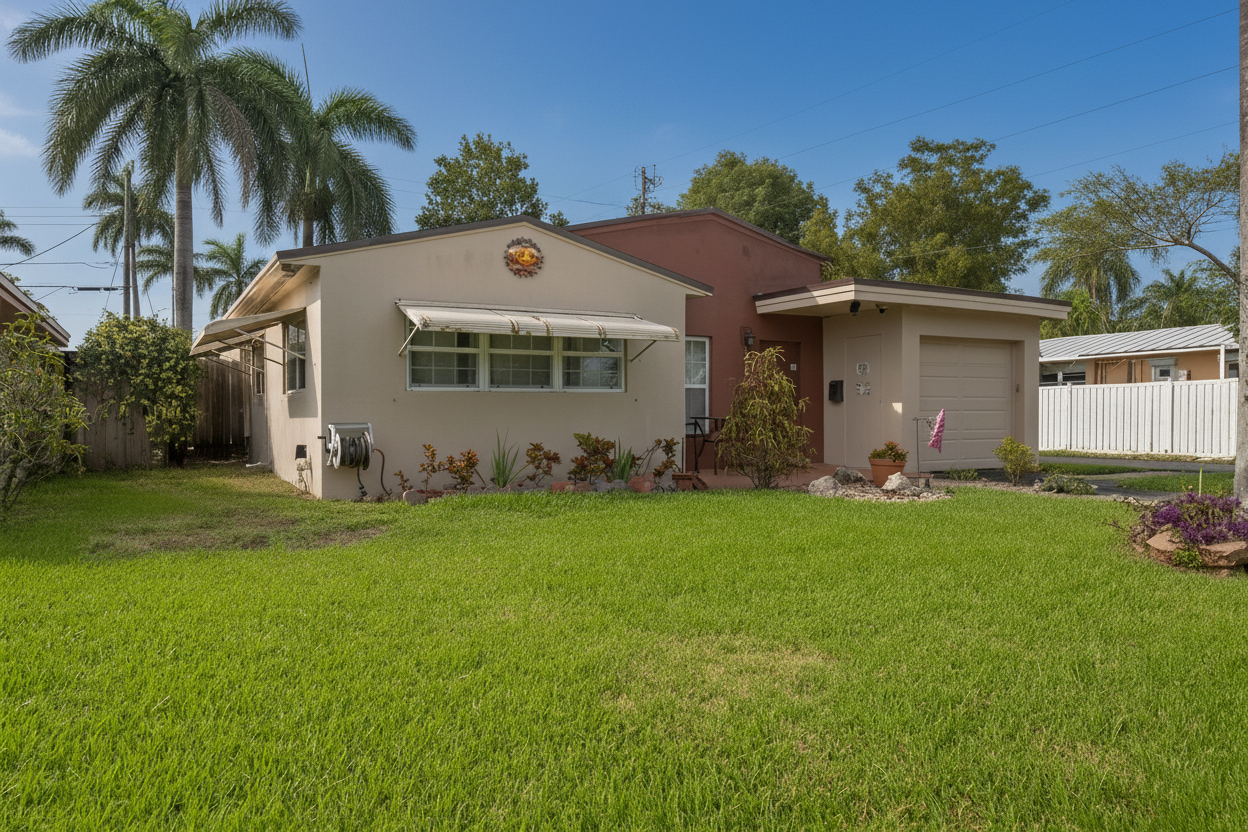
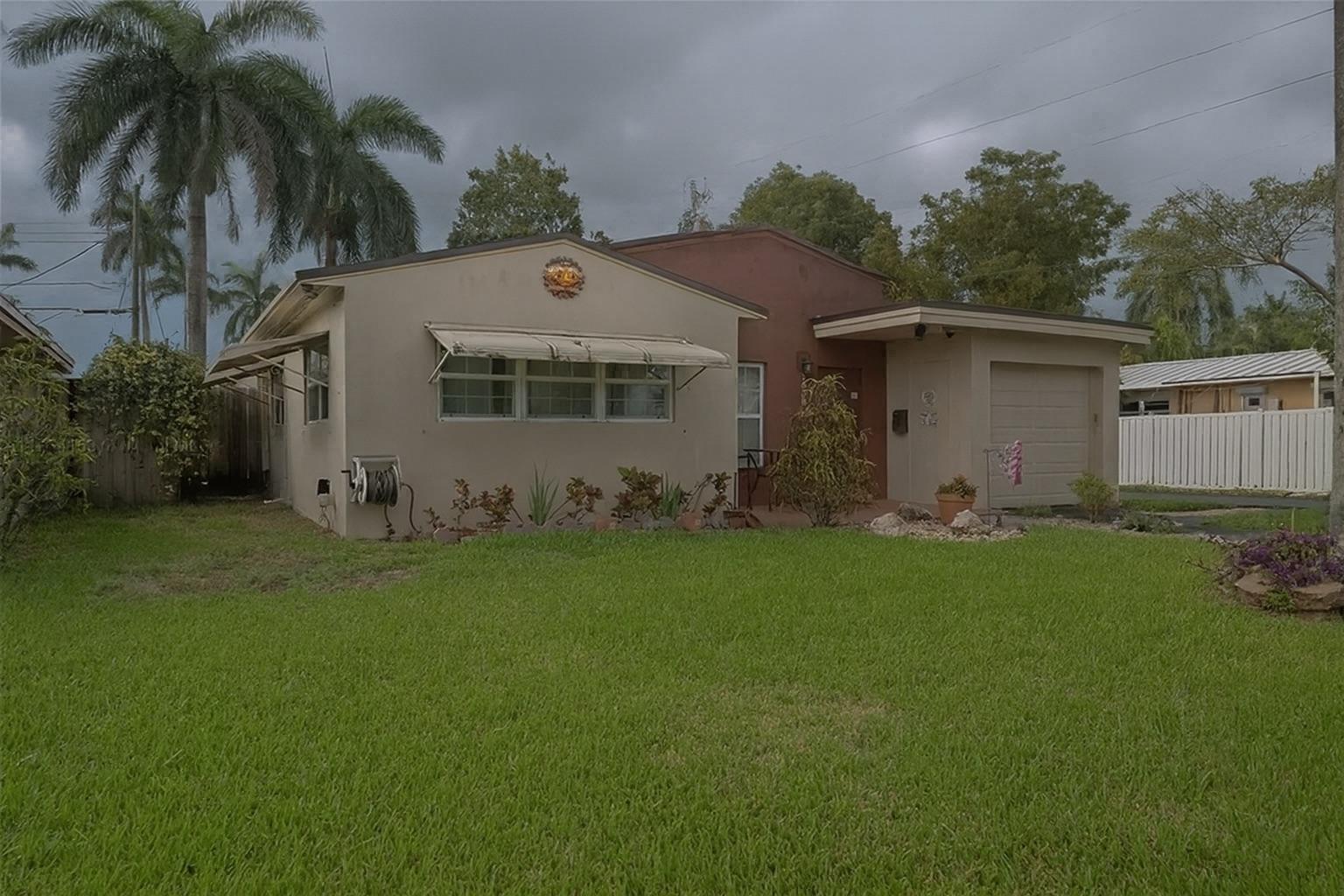
The output is a photorealistic image at the same viewpoint, framing and aspect as the original, with the new sky in place and the scene lit consistently beneath it. Building materials, landscaping and every object in the scene are unchanged in shape and position; only the sky and the light falling on the scene differ.
Before:
After: