
Readme
p-image-try-on
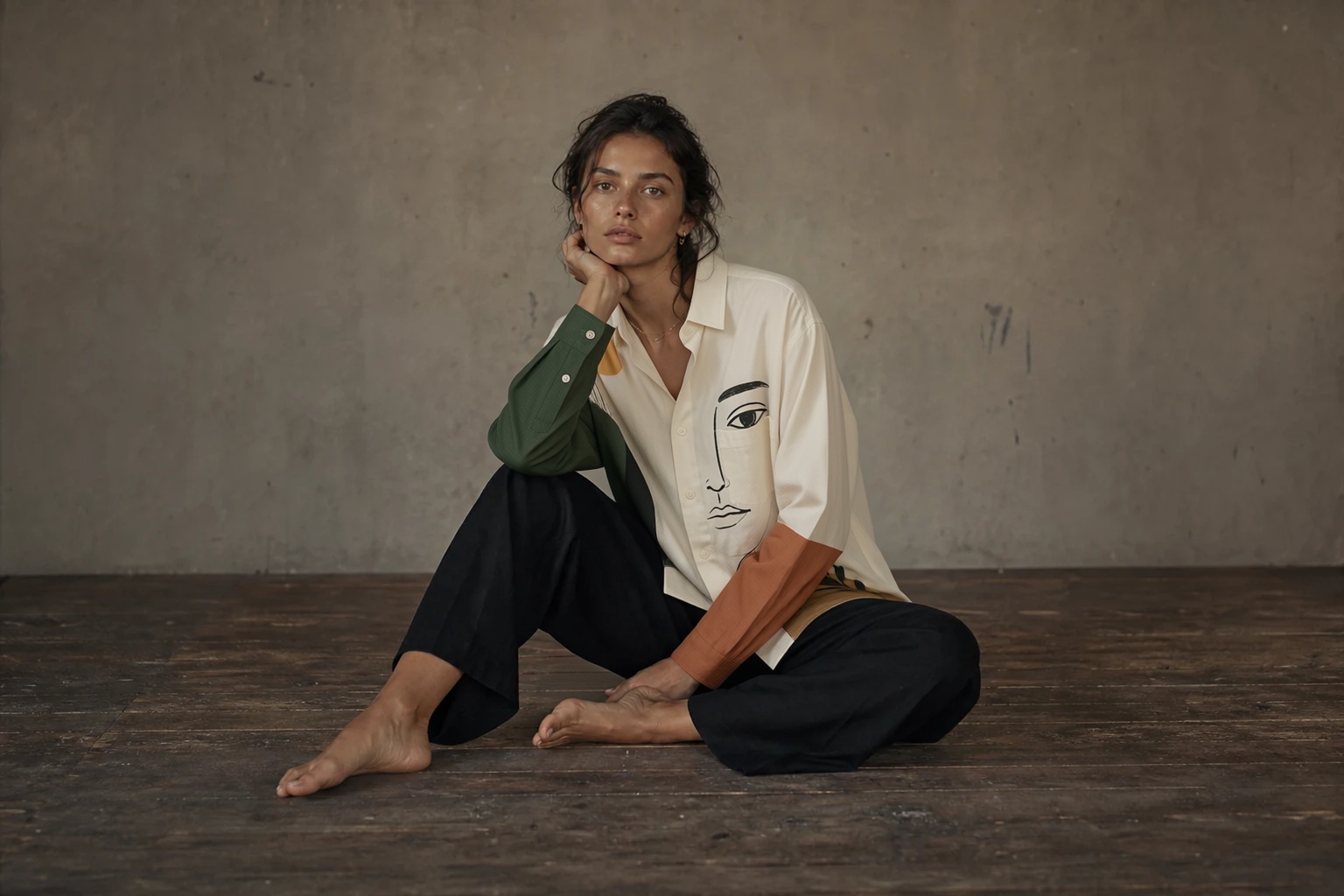
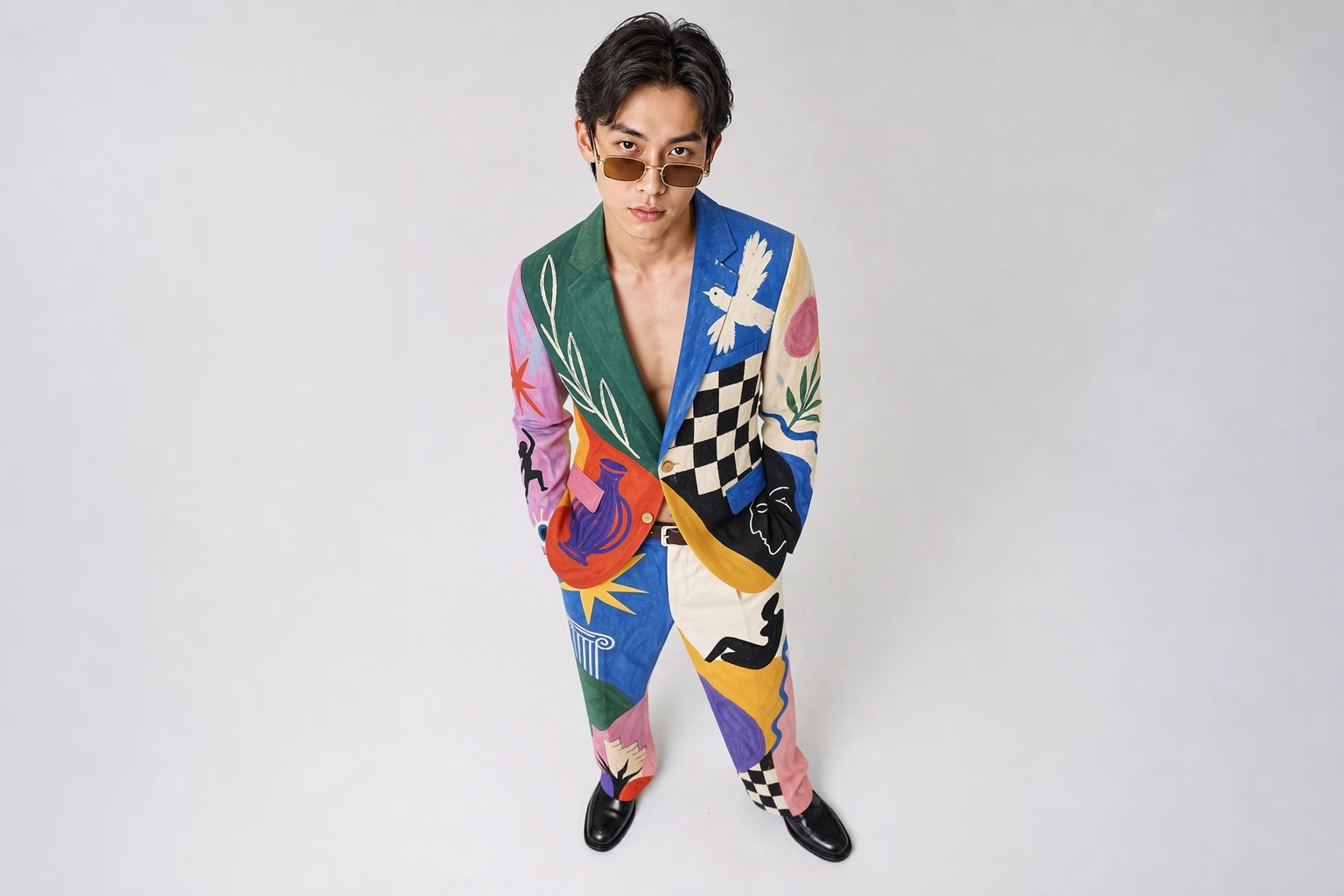
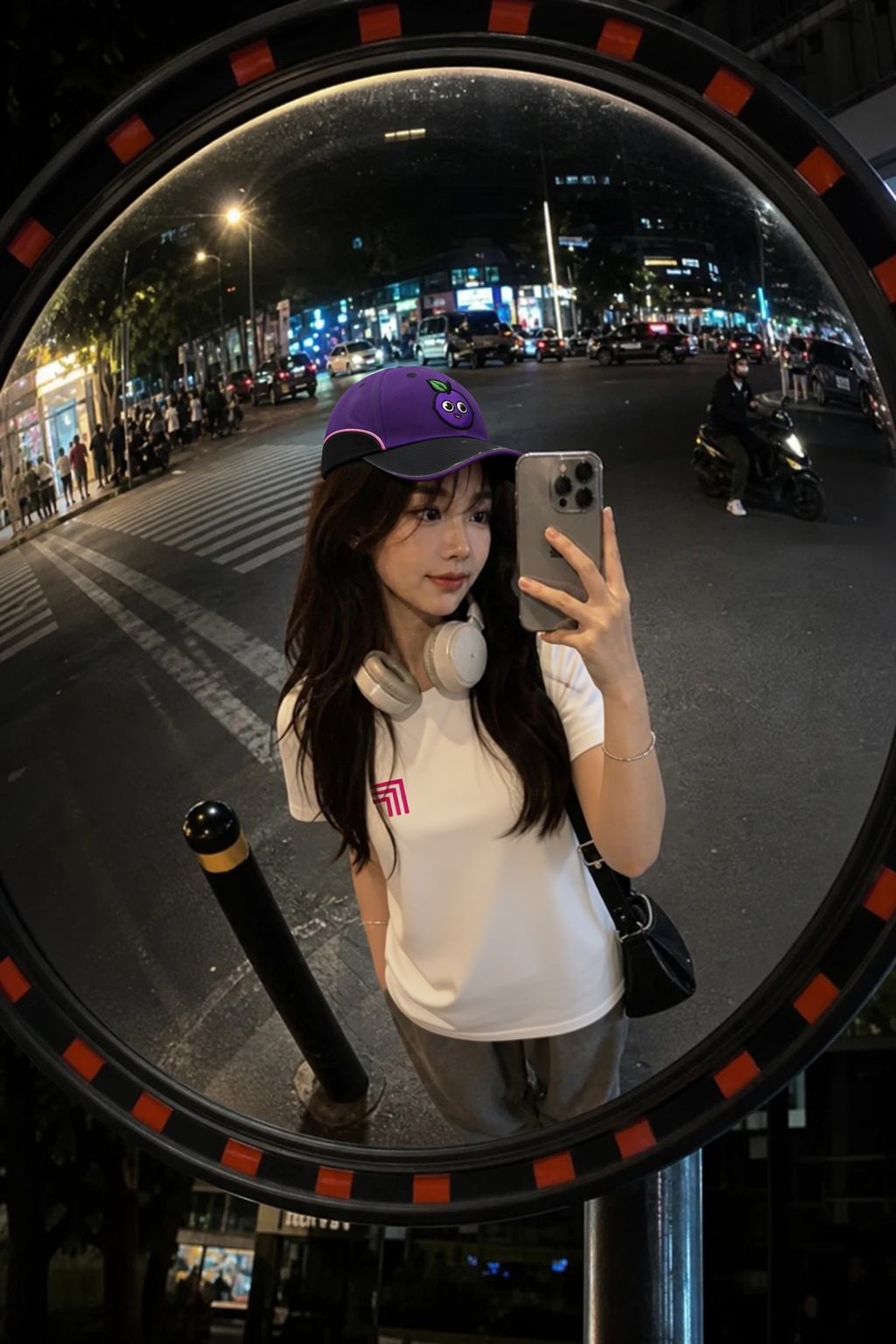
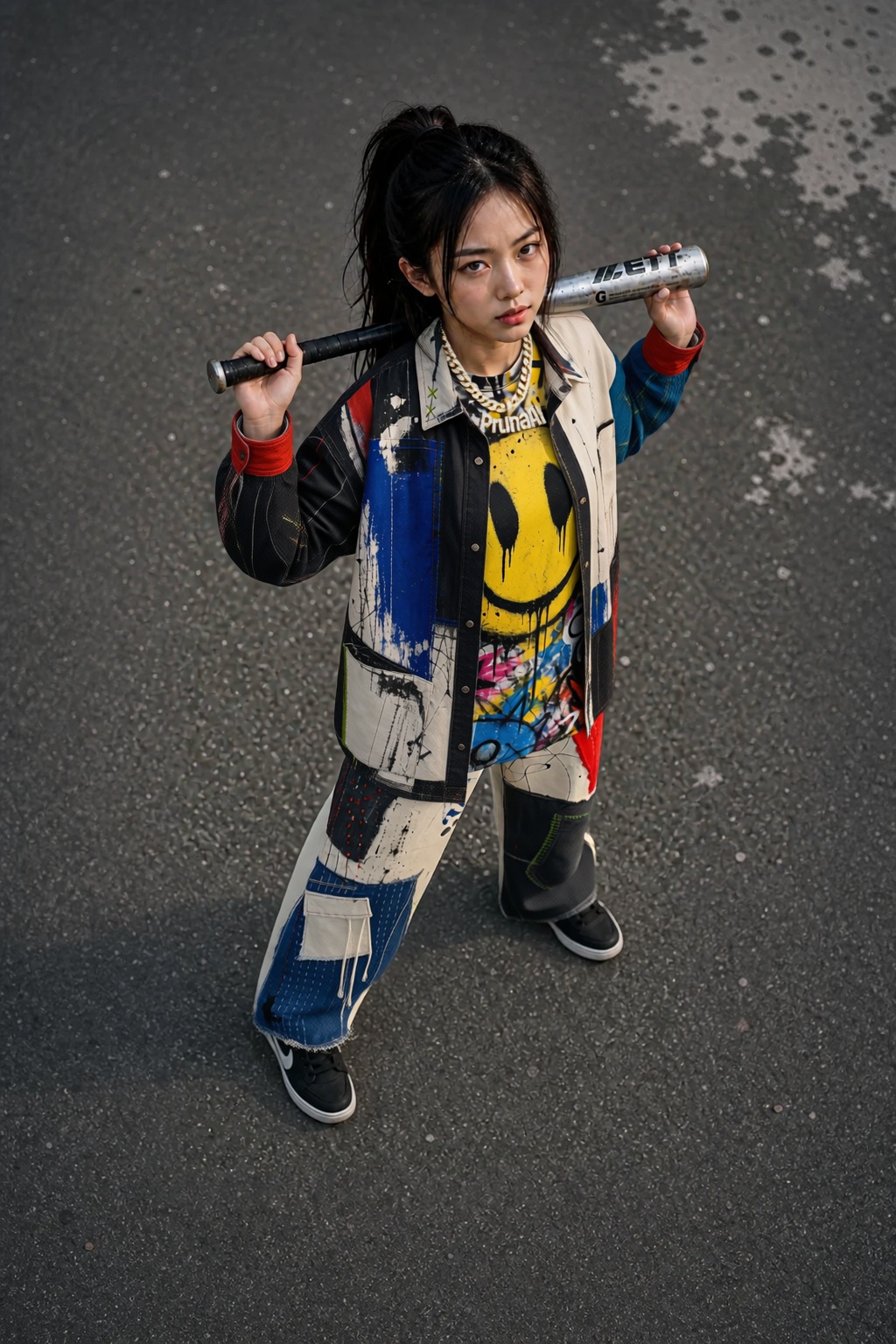
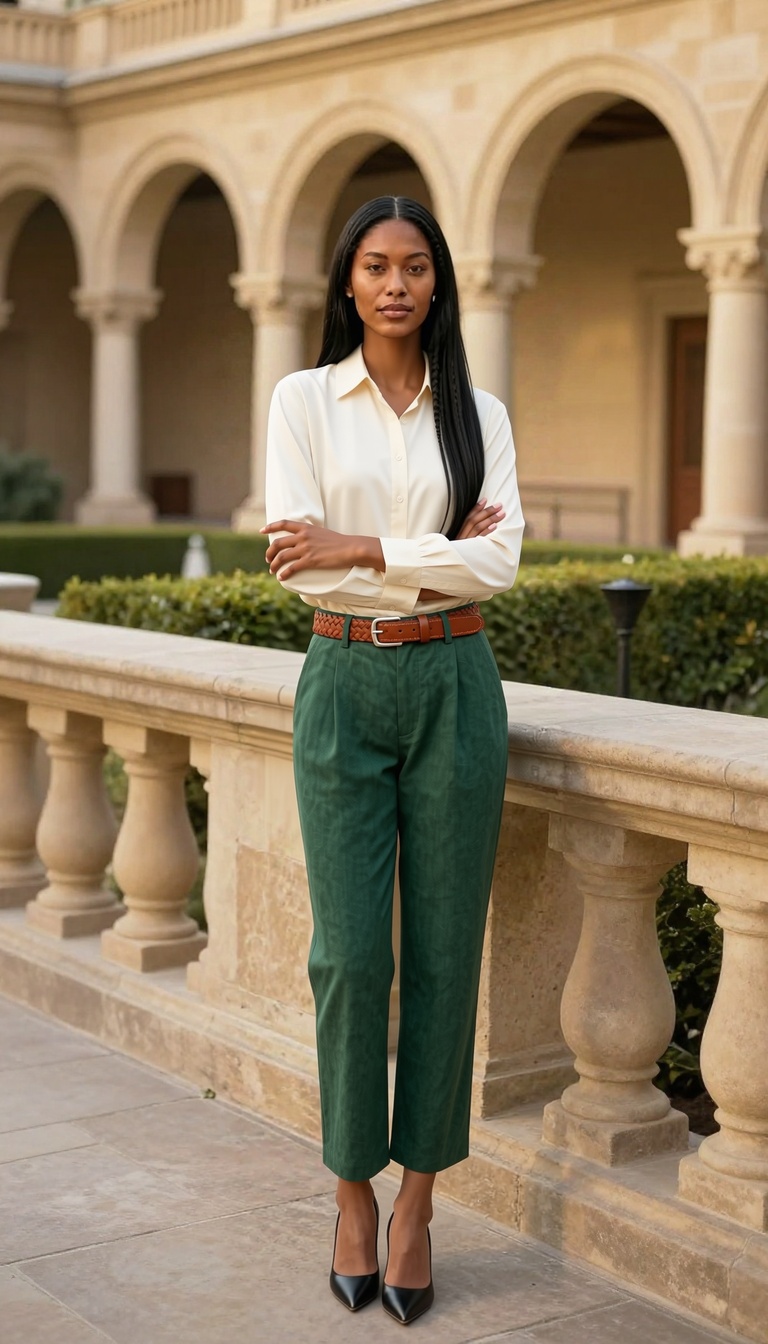
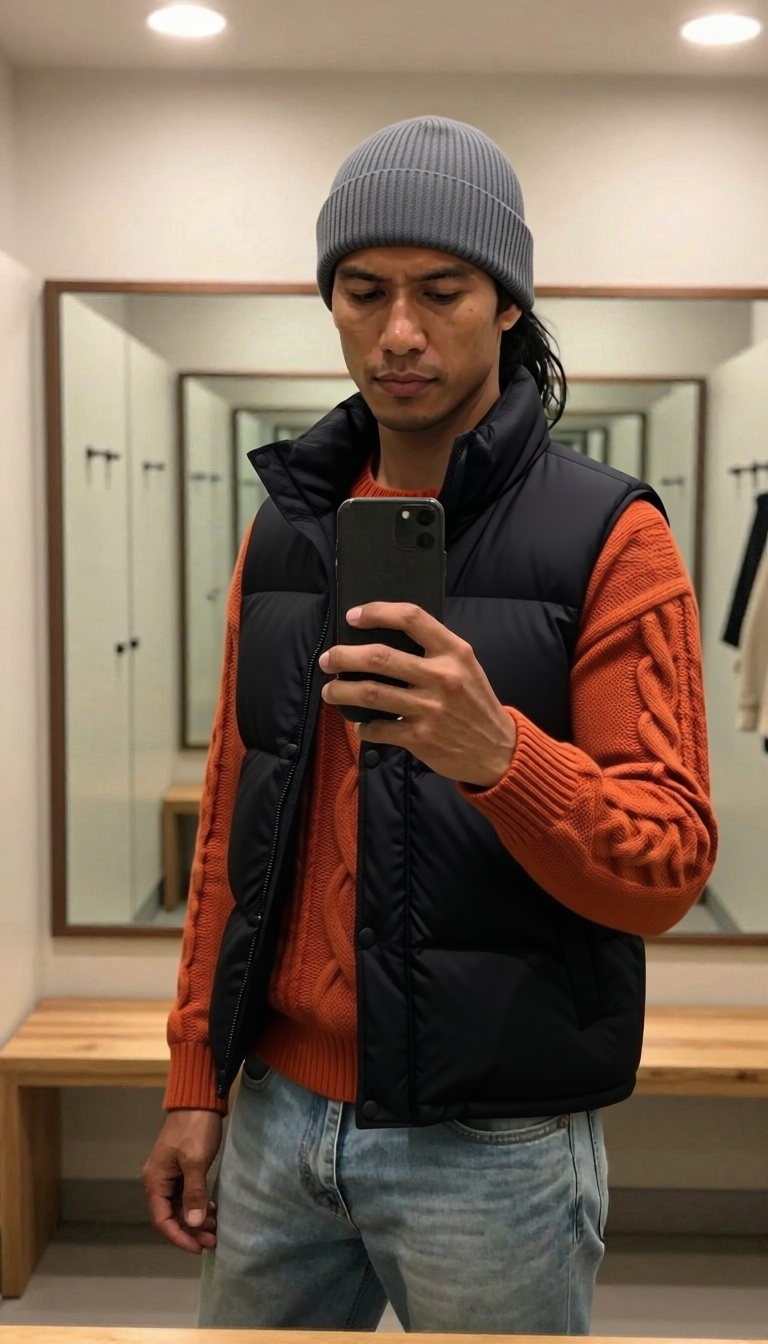
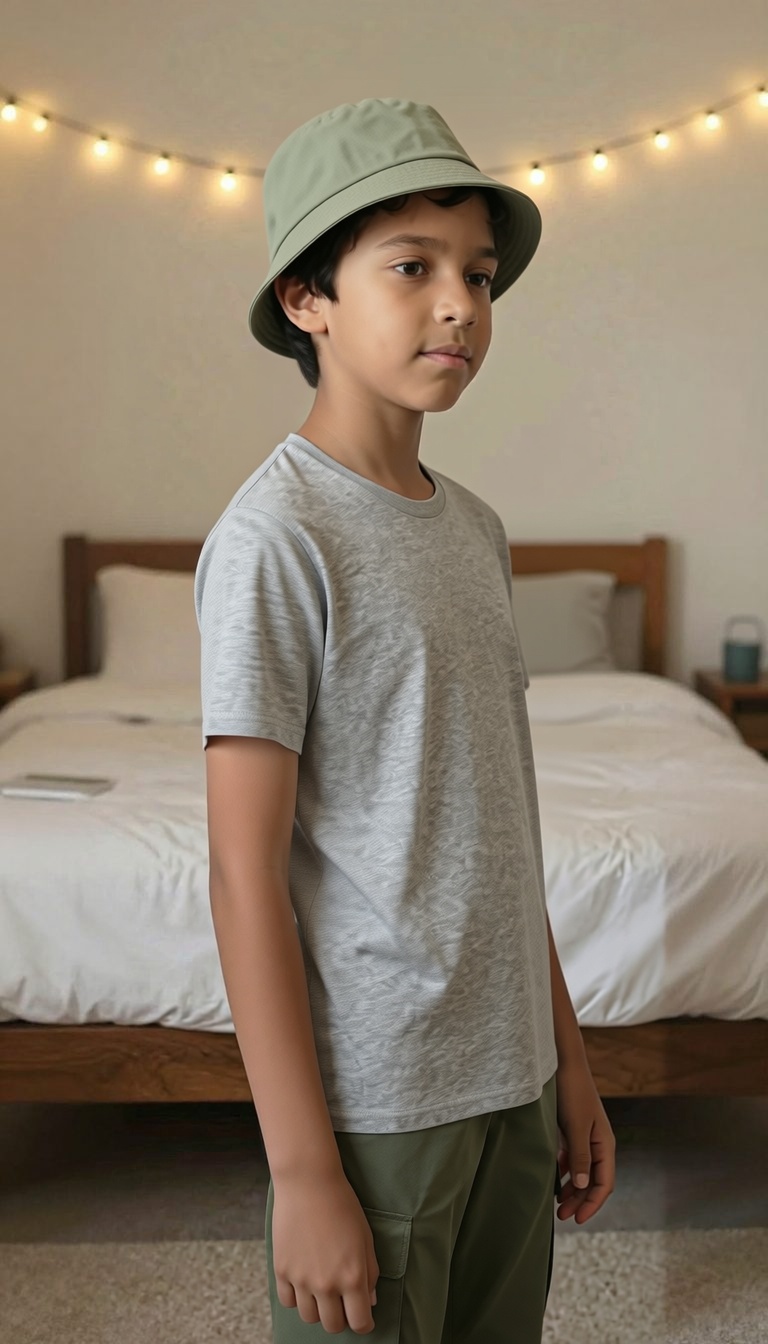
Virtual try-on. Give it a photo of a person and one or more garment images, and it dresses the person in those clothes while keeping their face, pose, and body intact.
This is an optimized version of a virtual try-on model from Pruna.
How it works
The model takes:
- A person image: the photo you want to dress.
- One or more garment images: reference photos of the clothes. Flatlay product shots work well. Up to 6 garments are recommended, and up to 11 are supported.
It returns the person wearing the garments.
Tips
- For flatlay garment images you usually don’t need a prompt. For busier reference photos with more than one item, use the
promptinput to say which garment to use, for examplethe green t-shirt from image 1 and the trousers from image 2. - Turn on
turbofor faster runs. It’s not recommended for more than 4 garments. preserve_input_sizereturns the result at the original input resolution.reference_poseis experimental. When you pass a pose image, the person is reposed to match it before the try-on. It can fail for some seeds, so try a different seed if the result looks off.
Example
import replicate

output = replicate.run(
    "prunaai/p-image-try-on",
    input={
        "person_image": "https://example.com/person.jpg",
        "garment_images": ["https://example.com/jacket.jpg"],
    },
)
print(output)


Pricing
You pay $0.015 for the first garment image and $0.008 for each additional one. For example, four garments cost $0.015 + 3 x $0.008 = $0.039.
Model created
Model updated