
Readme
topogoogles5
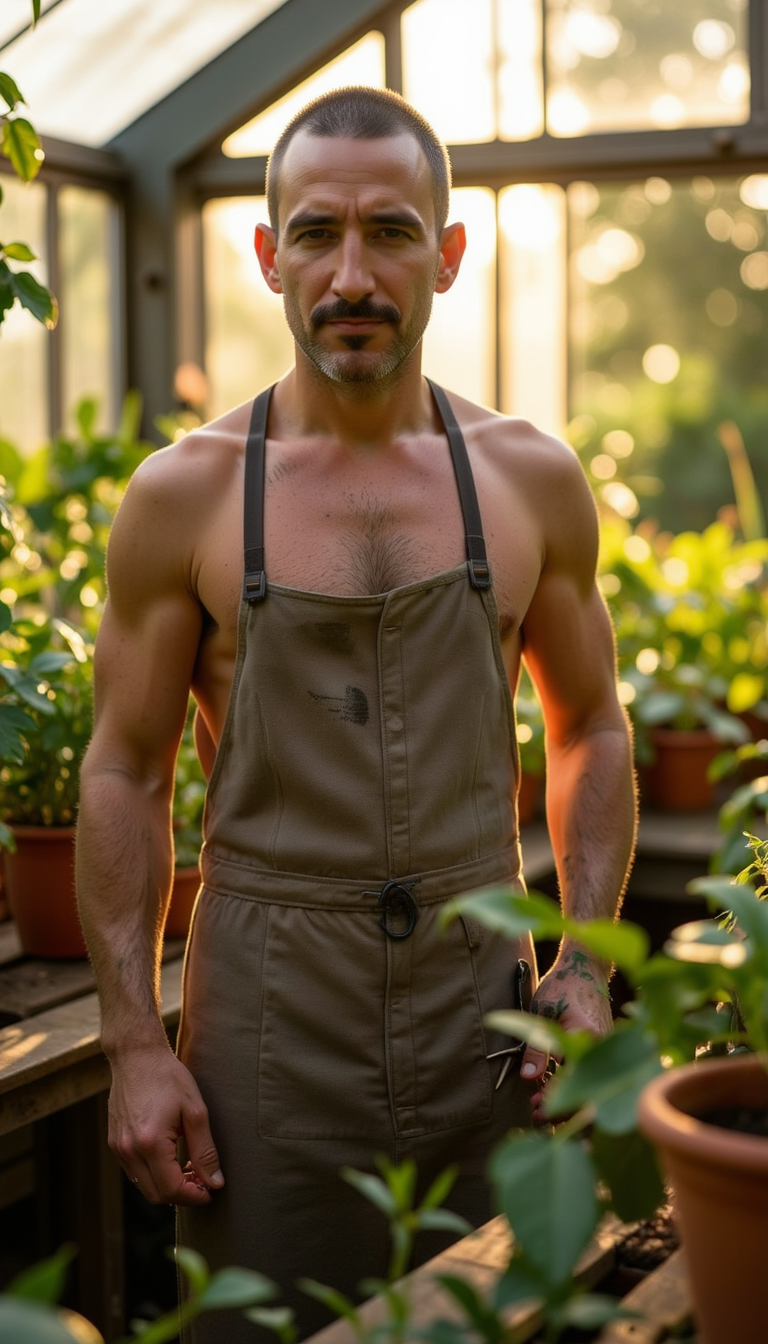
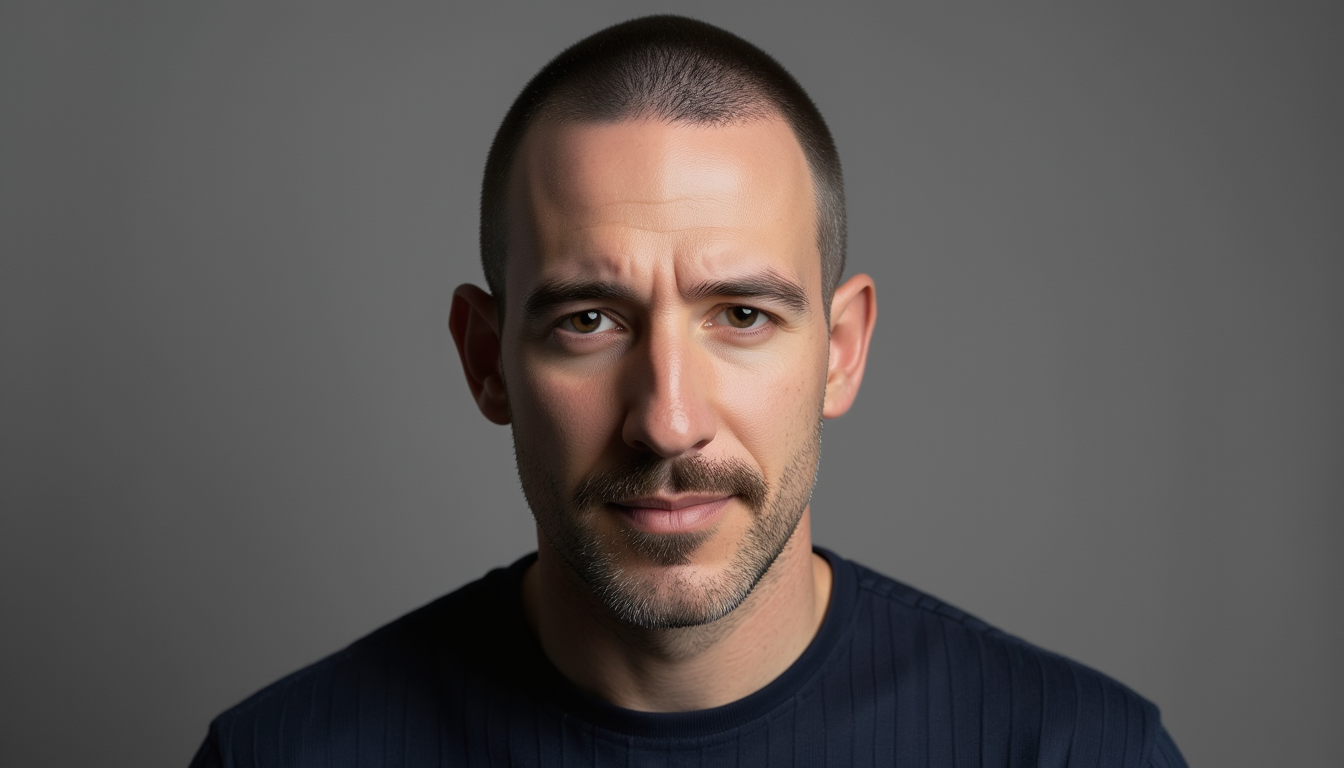
A fine-tuned FLUX image-generation model for creating photorealistic, cinematic images featuring the trained topogoogles5 subject.
Trigger word
Include topogoogles5 in every prompt to activate the trained subject.
Getting started
Describe the subject first, then add clothing, pose, location, lighting, camera style, and mood.
Example prompt
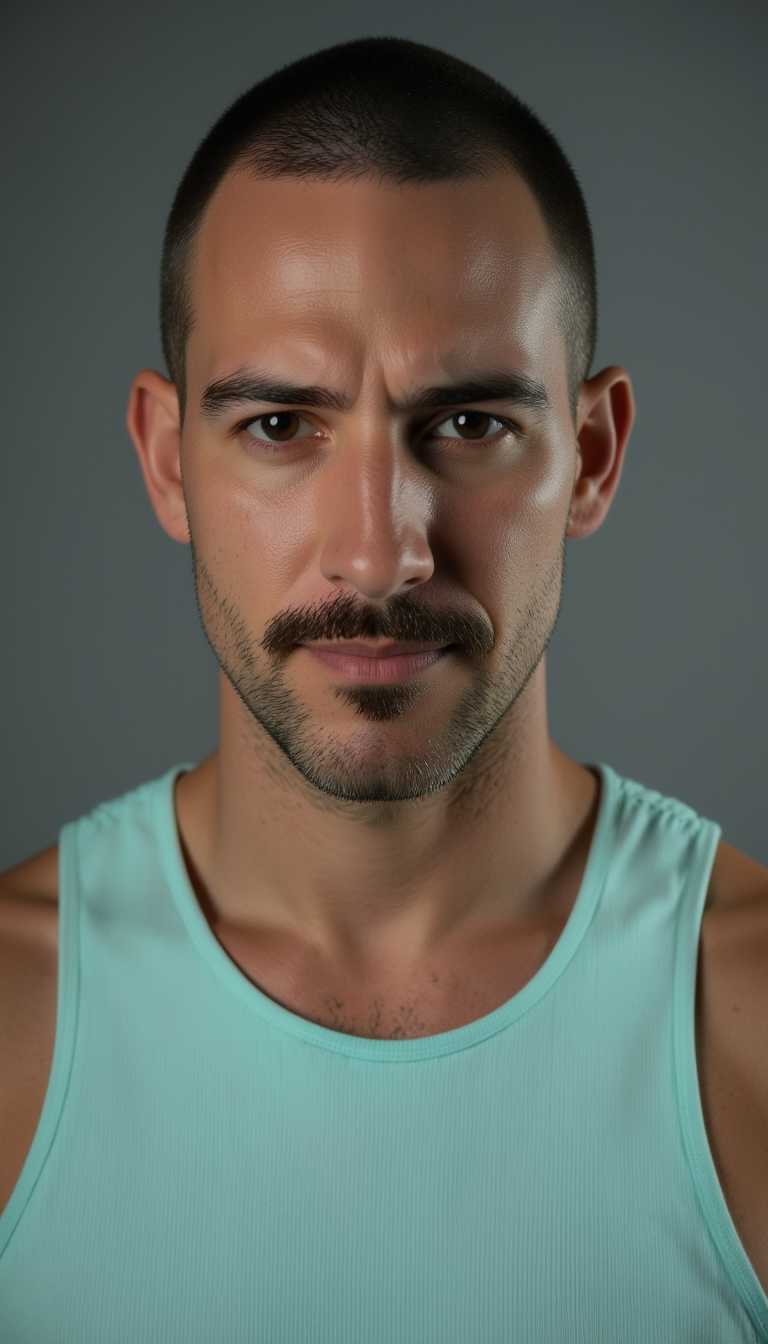
topogoogles5, cinematic editorial portrait, wearing a light turquoise tank top, neutral gray studio backdrop, soft rim lighting, sharp focus on the eyes, natural skin texture, shot on Hasselblad X2D 100C with an 85mm f/1.4 lens, shallow depth of field, photorealistic
Prompt ideas
Studio portrait
topogoogles5, high-end fashion studio portrait, black tailored blazer, softbox lighting, dark charcoal backdrop, confident expression, medium-format photography, detailed skin texture, editorial photography
Cinematic scene
topogoogles5 walking through a neon-lit city street after rain, night scene, wet pavement reflections, atmospheric fog, cinematic color grading, 35mm film look, dramatic side lighting
Lifestyle image
topogoogles5 relaxing in a modern Barcelona apartment, warm morning window light, casual linen shirt, candid lifestyle photography, natural colors, shallow depth of field
Recommended settings
- Model:
devfor best quality;schnellfor rapid iterations - Inference steps: around 28 with
dev - Guidance scale: try 2 to 3.5 for natural-looking images
- LoRA scale: start at 1.0; lower it for a subtler identity effect
- Aspect ratio: choose based on composition, such as
1:1for portraits,4:5for social posts, or16:9for cinematic scenes - Seed: reuse a seed when you want reproducible results
Image-to-image and inpainting
You can upload an input image for image-to-image generation. Adjust prompt_strength to control how much the result departs from the source image:
- 0.2–0.5: Preserve more of the original composition and structure
- 0.6–0.8: Balanced transformation
- 0.9–1.0: Stronger prompt-driven transformation
Upload a mask as well to use inpainting for targeted edits.
Responsible use
Use this model only for lawful, respectful, and consensual creative work. Do not generate deceptive content, impersonate people without consent, or create harmful, exploitative, or privacy-violating imagery.