
Qwen Image 2 Pro is the high-end variant of Alibaba’s unified image generation and editing model. It shares the same architecture as Qwen Image 2 — a 7 billion parameter model combining an 8B Qwen3-VL encoder with a 7B diffusion decoder — but is tuned for stronger realism, more accurate text rendering, and better adherence to complex prompts.
If you’re making marketing assets, product visuals, or anything where text needs to be spelled correctly and layouts need to hold up, the Pro version is the one to reach for.
What it’s good at
Text rendering and layout. The Pro model is particularly strong at rendering readable, correctly spelled text in images. Movie posters, infographics, slide decks, signs, labels — it handles complex layouts with multiple text blocks, columns, and visual hierarchy. Prompts can be up to 1,000 tokens long, so you can describe detailed layouts.

Photorealism. Fine detail in skin, hair, textures, natural materials, and lighting. The model generates at native 2K resolution (up to 2048×2048), so you get sharp output without relying on upscaling.
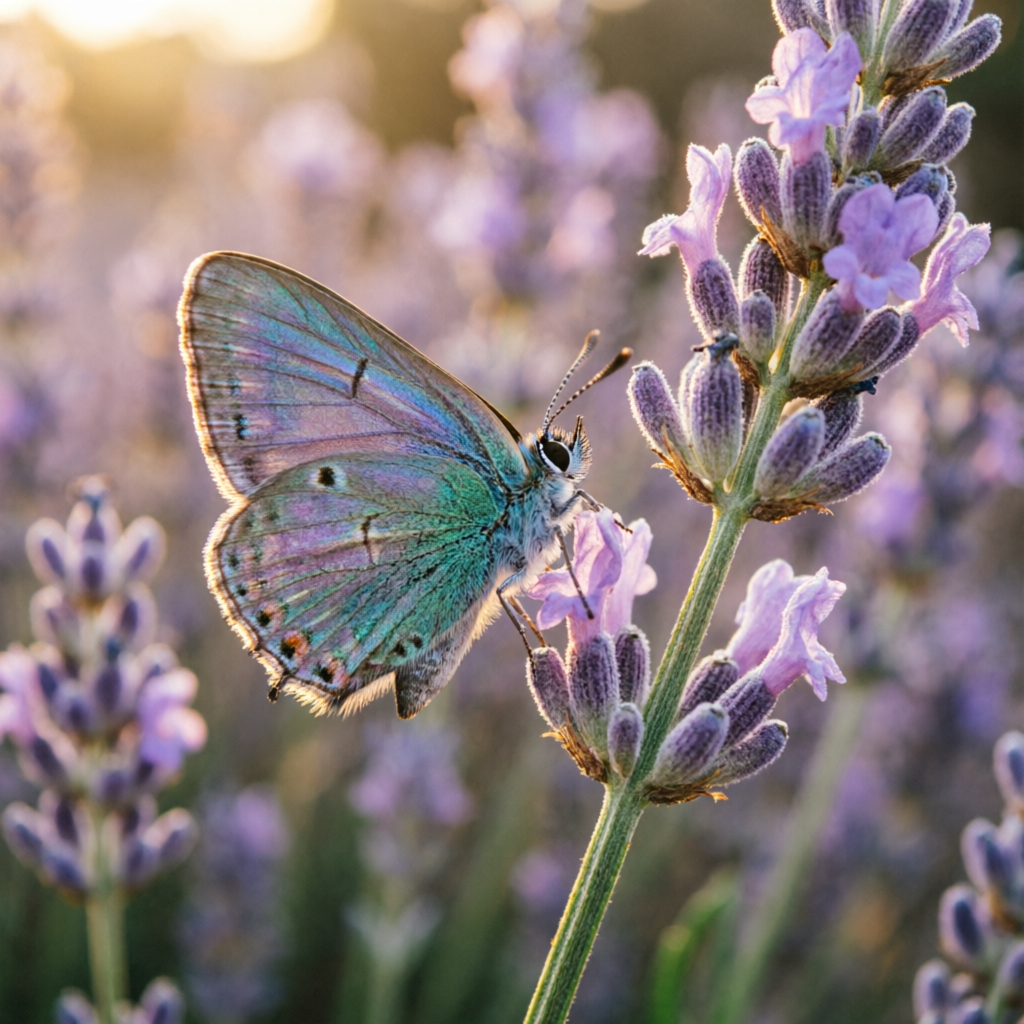
Image editing. Pass a reference image along with a text prompt to edit, restyle, or transform it. Style transfer, object manipulation, lighting changes, cross-domain edits — all in the same model you use for generation. Use match_input_image to keep the output at the same resolution and aspect ratio as your input.
Inputs
- prompt — What you want to generate or how you want to edit the image. For best results, describe structure before style.
- image — An optional reference image for editing or style transfer.
- match_input_image — When true and an image is provided, the output matches the input image’s aspect ratio and resolution instead of using the aspect_ratio parameter.
- aspect_ratio — The shape of the output image. Options:
1:1,16:9,9:16,4:3,3:4,3:2,2:3,2:1,1:2. Default is1:1. - enable_prompt_expansion — Automatically expands and optimizes your prompt. On by default.
- negative_prompt — Describe what you don’t want in the image.
- seed — For reproducible results. Range: 0–2147483647.
Tips
- Write structure before style. Describe the layout first (“big title at top, lone figure center frame, alien landscape below”), then add aesthetic direction (“cinematic lighting, muted color palette”).
- Be specific about text. Include exact strings, casing, font style hints, and positioning. The Pro model is more reliable with text than the standard version, but specificity still helps.
- For photorealism, hint at camera settings. “Medium format”, “85mm portrait lens”, “golden hour” — light technical hints improve realism without over-constraining.
- For editing, state constraints explicitly. “Do not change the background” or “keep the original color palette” — the model follows explicit constraints better than implied ones.
- Use numbered instructions for complex edits. When combining multiple changes, number them. The model handles ordered lists of constraints more reliably.
Standard vs Pro
The Pro version produces higher quality output with better text accuracy, stronger realism, and improved prompt adherence. It takes slightly longer to generate. If you need faster, more affordable generation and don’t need the extra quality, try Qwen Image 2.
Qwen Image 2 Pro is licensed under Apache 2.0. You can read more about the model in the Qwen team’s blog post and the API documentation.
You can try this model on the Replicate Playground.