
Qwen Image 2 is a unified image generation and editing model from Alibaba’s Qwen team. It handles both text-to-image and image editing in a single model, with a focus on two things that matter in real workflows: reliable text rendering and high-fidelity photorealism.
The model uses a 7 billion parameter architecture (8B Qwen3-VL encoder + 7B diffusion decoder) and generates images at native 2K resolution (up to 2048×2048). It currently holds the #1 spot on AI Arena’s blind evaluation leaderboard for both generation and editing.
What it’s good at
Text rendering. Qwen Image 2 can render readable text in images — titles, labels, signs, posters, infographics. It supports prompts up to 1,000 tokens, so you can describe complex layouts with multiple text blocks, columns, and visual hierarchy. It’s especially strong with Chinese text.

Photorealism. The model produces detailed, realistic images across common categories: people (skin, hair, clothing texture), nature (foliage, water, atmosphere), and architecture (materials, geometry, lighting).
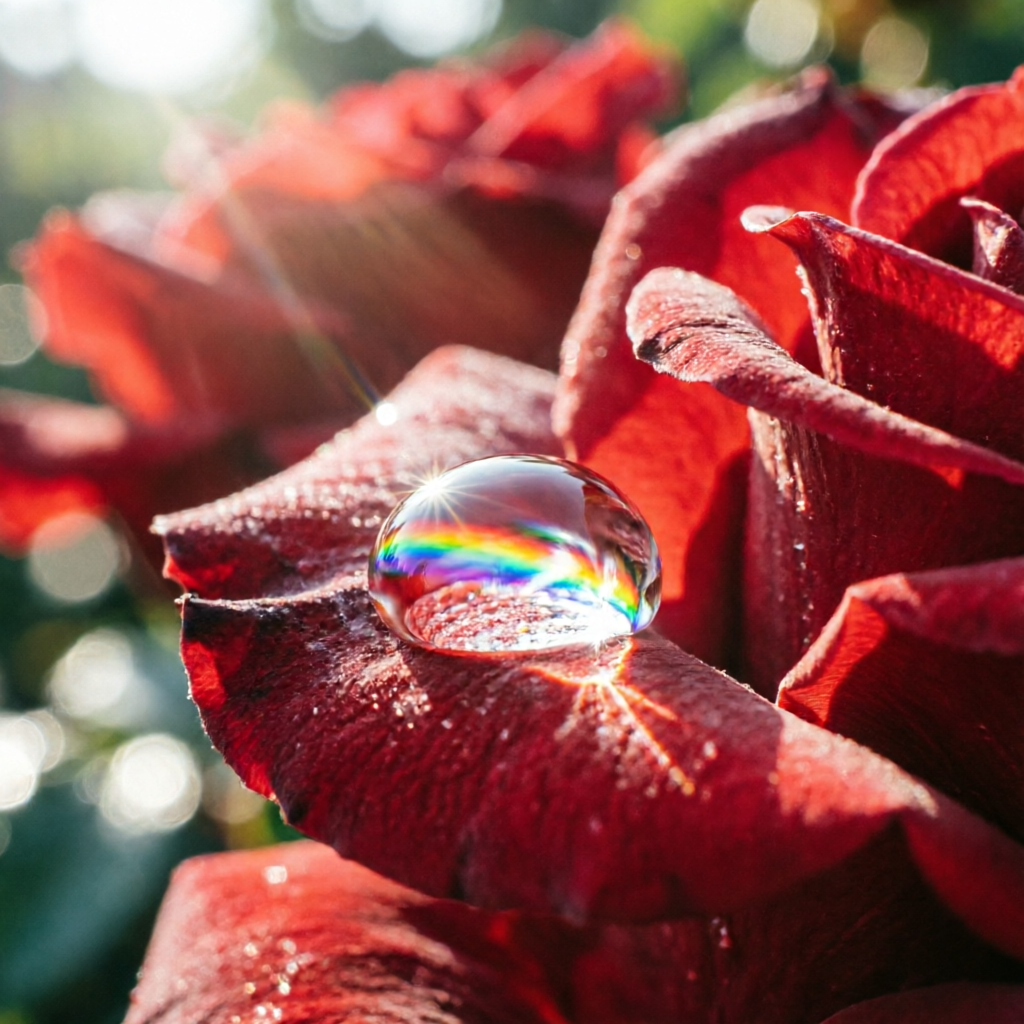
Image editing. Pass a reference image along with a text prompt to edit, restyle, or transform existing images. You can do style transfer, add or remove elements, and change lighting or mood — all without switching to a separate model.
Inputs
- prompt — What you want to generate or how you want to edit the image. For best results, describe structure before style: layout and content first, then aesthetic details.
- image — An optional reference image for editing or style transfer.
- match_input_image — When true and an image is provided, the output matches the input image’s aspect ratio and resolution instead of using the aspect_ratio parameter.
- aspect_ratio — The shape of the output image. Options:
1:1,16:9,9:16,4:3,3:4,3:2,2:3,2:1,1:2. Default is1:1. - enable_prompt_expansion — Automatically expands and optimizes your prompt. On by default.
- negative_prompt — Describe what you don’t want in the image.
- seed — For reproducible results. Range: 0–2147483647.
Tips
- Write structure before style. Describe the layout (“big centered title, two columns below, footer with date”) before the aesthetic (“clean sans-serif, dark blue gradient”).
- Be specific about text. Include the exact strings, language, casing, and alignment. Add “spell exactly” if precision matters.
- For photorealism, hint at camera settings. Light descriptions like “50mm lens”, “soft daylight”, or “shallow depth of field” help without over-constraining.
- For editing, state constraints explicitly. Write “do not change the background” or “keep lighting realistic” — the model follows explicit constraints better than implied ones.
Also available
For higher quality output with enhanced text rendering and realism, try Qwen Image 2 Pro.
Qwen Image 2 is licensed under Apache 2.0. You can read more about the model in the Qwen team’s blog post and the API documentation.
You can try this model on the Replicate Playground.