
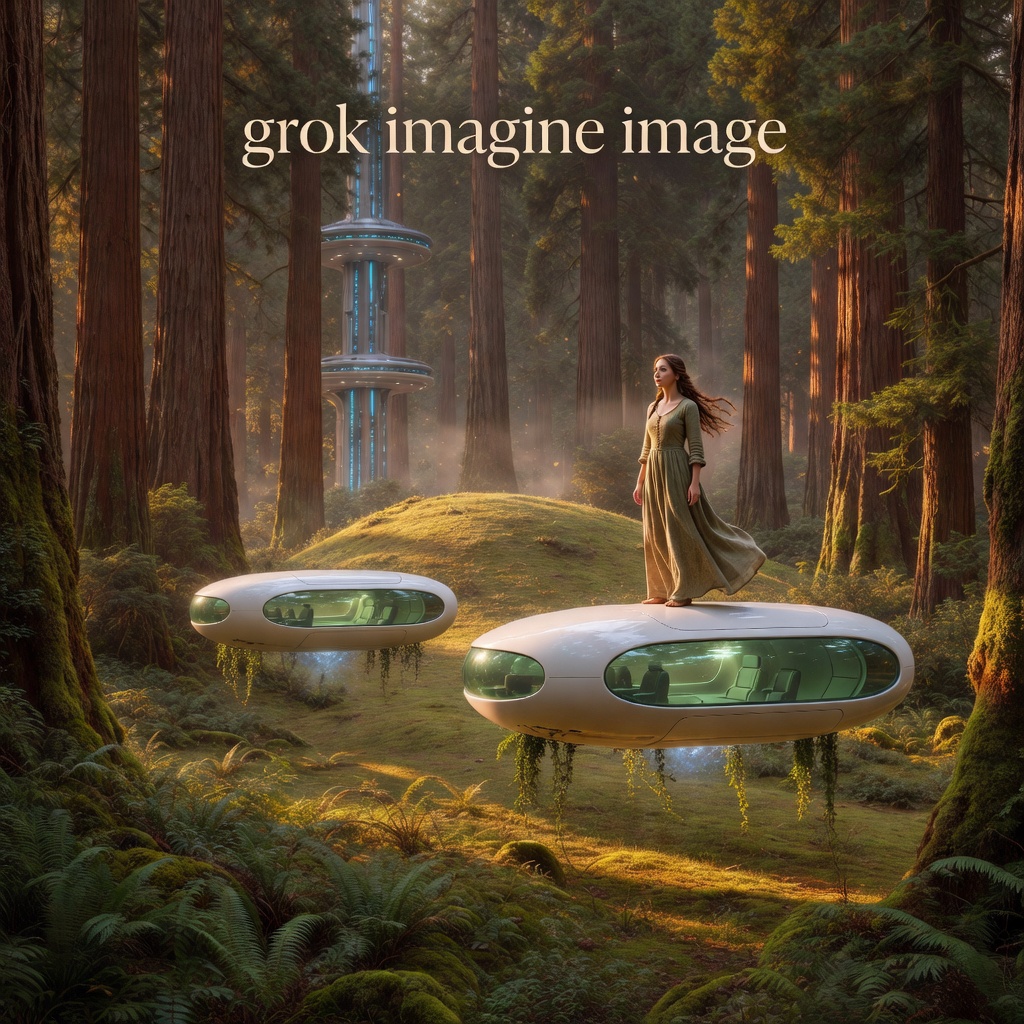
Readme
Grok Imagine Image
Fast image generation from text prompts with strong creative control and precise text rendering.
Overview
Grok Imagine Image is xAI’s text-to-image model. It generates images quickly (around 4 seconds per image) and handles a wide range of visual styles, from photorealistic to anime, oil paintings, and abstract art.
The model is particularly good at rendering readable text within images, making it useful for creating graphics with typography. It also supports image editing by letting you upload a source image and describe the changes you want.
What you can do with it
Generate images from text
Describe what you want to see and the model creates it. The model understands detailed prompts covering style, mood, lighting, composition, and specific objects.
Edit existing images
Upload an image and describe how you want to change it. The model understands the content and applies your edits while preserving the overall structure.
Multiple aspect ratios
Choose from different aspect ratios to match your use case, whether you’re creating social media posts, presentations, or other content.
Style versatility
The model handles many creative directions: photorealistic images, anime, digital painting, fantasy art, pencil sketches, oil paintings, abstract styles, and more.
What it’s good at
Based on testing from the ComfyUI team and other creators, Grok Imagine Image performs well in these areas:
Cinematic character rendering
Strong facial consistency and expressive lighting that works well for portraits and narrative content.
Moody aesthetics
The model naturally creates images with subdued color palettes, dramatic contrast, and emotionally resonant framing. It’s especially strong with retro anime and cyberpunk styles.
Text rendering
Unlike many image models, Grok Imagine Image can generate legible text within images, making it useful for posters, social media graphics, and designs that need clear typography.
Fast iteration
With generation times around 4 seconds per image, you can quickly test different prompts and styles.
How to write prompts
Be specific about what you want
Include details about the subject, style, mood, lighting, and composition. For example: “A serene Japanese garden with cherry blossoms, soft morning light, watercolor painting style, peaceful atmosphere.”
For style transfers
When editing an existing image, describe the artistic style you want: “Render this image as an oil painting in the style of impressionism” or “Transform into a pencil sketch with detailed shading.”
For text in images
If you want readable text in your image, describe where it should appear and what it should say. The model is better at rendering text than most image generators.
Control the aesthetic
The model responds well to style cues. Mention specific visual elements: “dramatic contrast,” “soft edges,” “bold colors,” “moody lighting,” or reference artistic movements and genres.
Technical details
The model runs on Replicate’s infrastructure. For API documentation and pricing details, visit the xAI documentation.
Try it yourself
You can try Grok Imagine Image on the Replicate Playground at replicate.com/playground