
Readme
Grok Imagine Image Quality
Higher-quality image generation from text prompts. Outputs up to 2k resolution with sharper details, more accurate compositions, and stronger text rendering than the standard Grok Imagine Image model.
Overview
Grok Imagine Image Quality is xAI’s higher-fidelity text-to-image model. It trades a bit of speed for noticeably better output: more natural lighting, richer textures, more believable physics, and cleaner integration of real-world subjects. Like the standard Grok Imagine Image, it also supports image editing — upload an image and describe how you want it changed.
If you want the fastest possible generations, use xai/grok-imagine-image. If you want the best output for final visuals — thumbnails, ads, hero images, client work — use this one.
What you can do with it
Generate images from text
Describe what you want to see and the model creates it. It handles detailed prompts covering subject, style, mood, lighting, composition, and specific real-world entities like brands, locations, and named objects.
Edit existing images
Upload an image and describe how you want it changed. The model understands the content and applies your edits while preserving the overall structure.
Output at 1k or 2k
Pick 1k (1024px on the long edge) for a faster, cheaper image, or 2k (2048px on the long edge) when you need a high-resolution deliverable. The default is 2k.
Multiple aspect ratios
Choose from a wide range of aspect ratios — square, landscape, portrait, ultrawide, and vertical — to match the platform you’re targeting.
What it’s good at
Photorealism
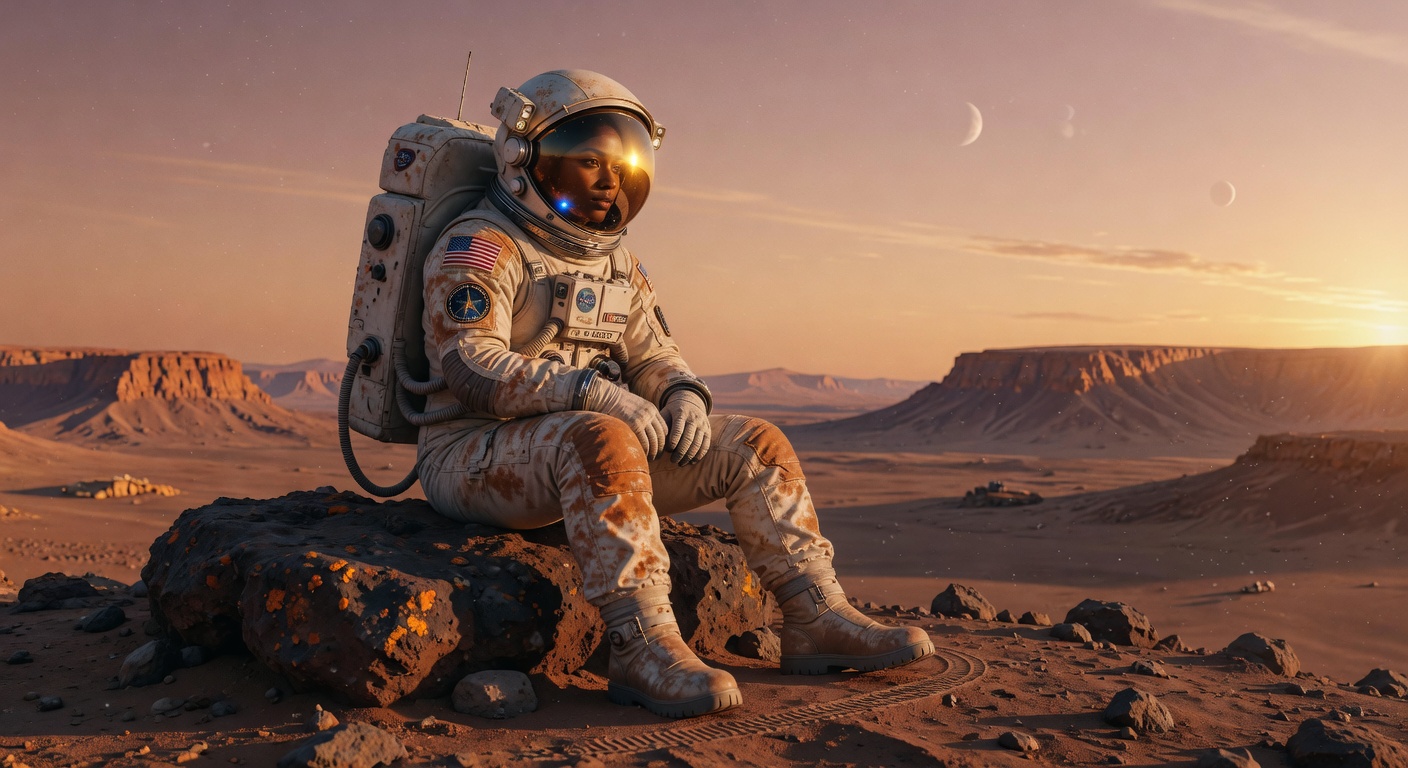
The model leans hard into realistic lighting, textures, and physics. Skin doesn’t look plastic, fabric has texture, shadows have depth, and light falls the way it does in the real world.
World knowledge
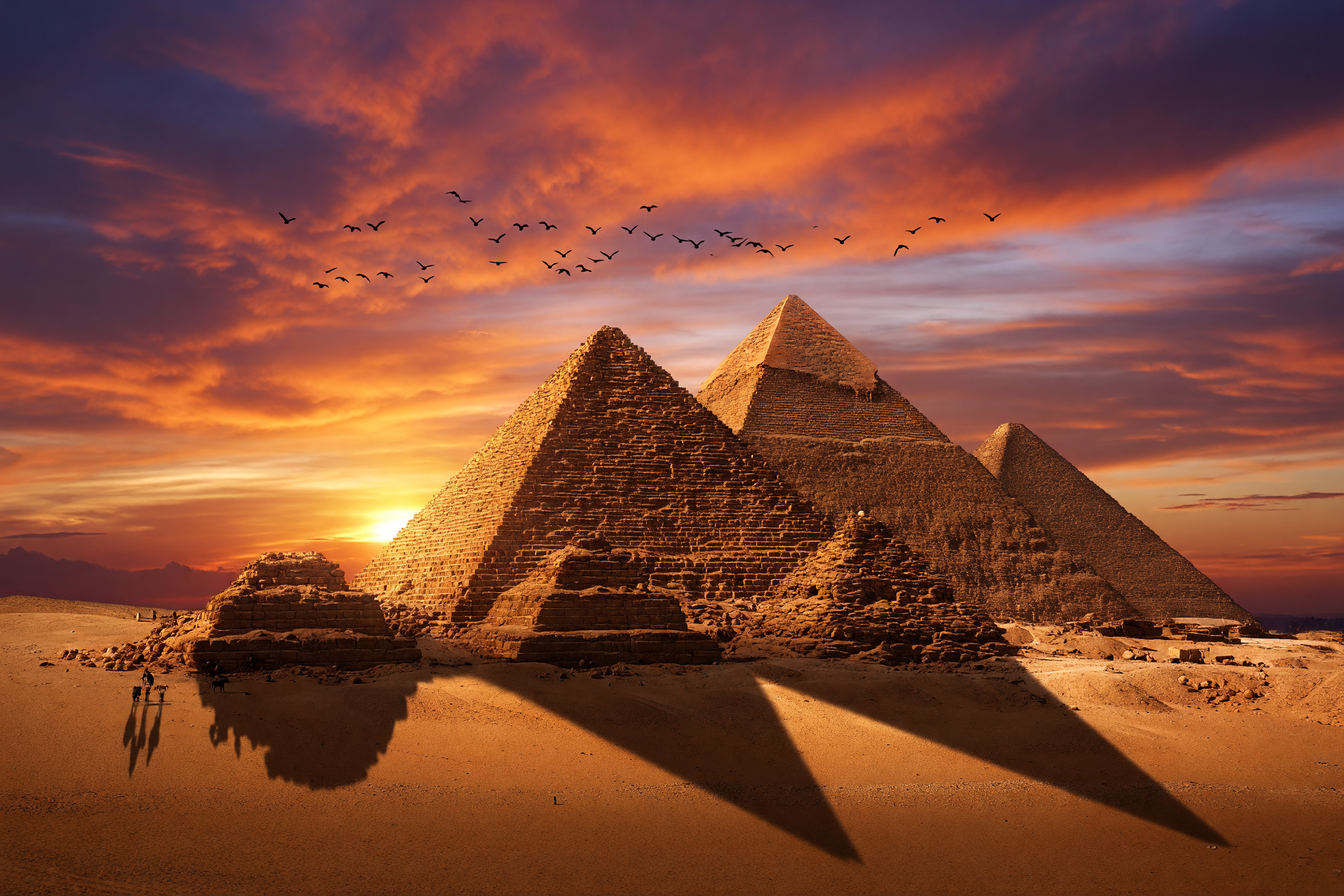
Named entities — brands, public figures, specific locations, fictional worlds — render with more accuracy than typical diffusion-based models. If you want “an Aston Martin DB5 on a wet London street at night,” you can name the car and the city directly.
Text inside images
Text rendering is stronger than the standard Grok Imagine Image, which makes the model useful for posters, social graphics, and designs that need legible typography.
Detailed compositions
Complex multi-element scenes hold together better. Object relationships, occlusion, and scale stay consistent, which is the main reason this model is worth the extra latency over the fast variant.
How to write prompts
Be specific
Detailed prompts beat short ones. Describe the subject, the setting, the lighting, the mood, and the style. For example: “A vintage travel poster for Kyoto, Mount Fuji in the background, cherry blossom trees in the foreground, art deco typography, rich color blocks.”
Name real things directly
If you want a specific brand, location, or recognizable subject, name it. The model handles real-world knowledge well, so you don’t have to describe what’s already widely known.
Add style at the end
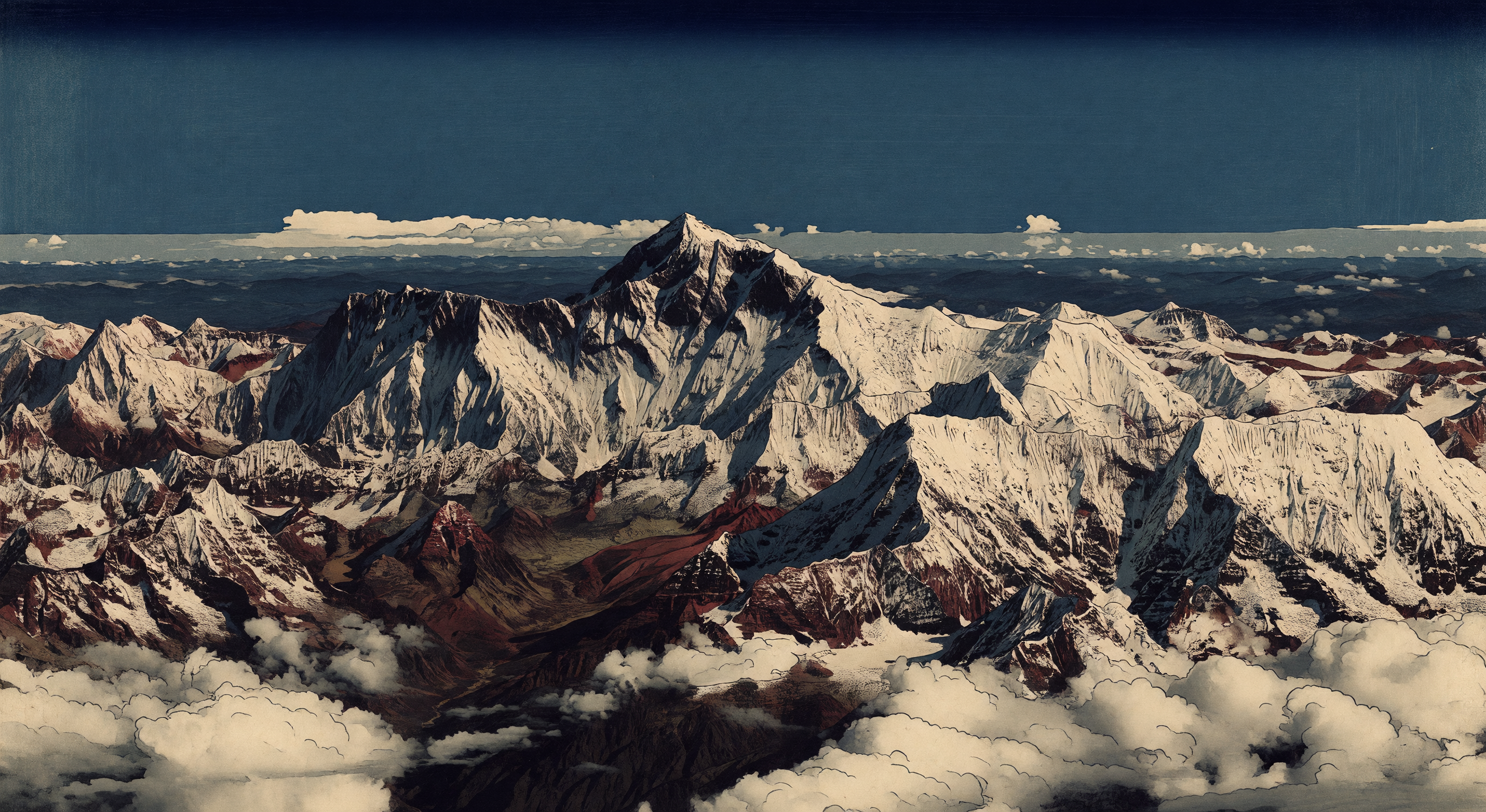
Append style directives to steer the aesthetic: “oil painting style,” “anime illustration,” “cinematic 35mm film photography,” “pencil sketch on cream paper.”
For editing
Describe the change you want, not the whole image. “Make the sky a dramatic sunset” works better than re-describing every element.
Inputs
- prompt — text description of the image you want, or instructions for how to edit the input image
- image (optional) — input image for editing mode. When provided, the model edits this image based on the prompt instead of generating from scratch. Supports jpg, jpeg, png, webp.
- aspect_ratio — output aspect ratio (default
1:1). Ignored when editing an image. - resolution —
1kor2k(default2k)
Pricing
| 1k output | 2k output | |
|---|---|---|
| Per image | $0.05 | $0.07 |
| Plus per input image (when editing) | $0.01 | $0.01 |
A text-to-image generation at 1k costs $0.05. An edit at 2k (one input image, one output image) costs $0.07 + $0.01 = $0.08.
Try it yourself
Run Grok Imagine Image Quality from the Playground at replicate.com/playground, or call it from your code with the Replicate API.