Krea 2 is your model for aesthetics
Krea 2
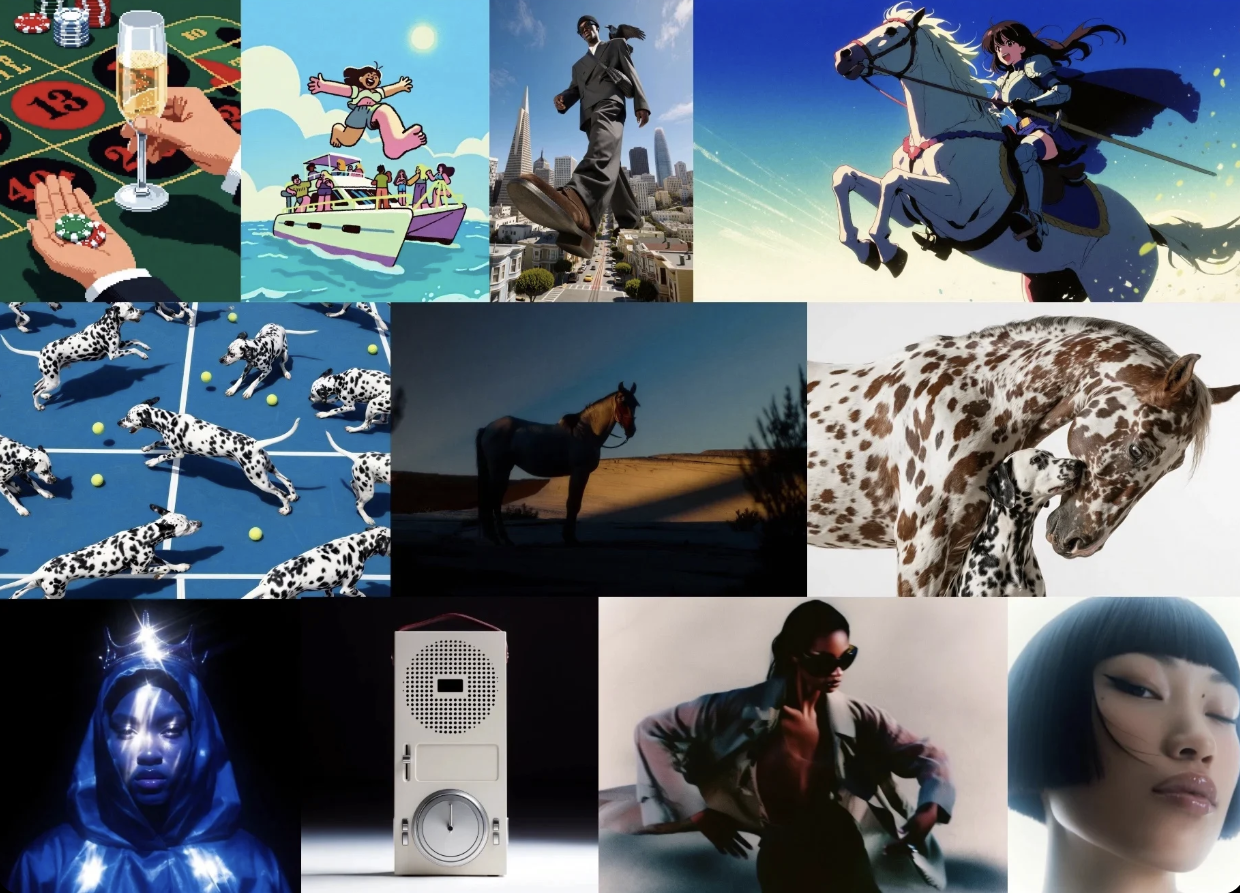
The Krea team has recognized that image models have converged to a narrow set of aesthetics, mostly optimized for benchmarks. For creatives, brand artists, and designers, leading image models are sometimes not enough to create things that can break through the noise or really capture their personal taste. With that, they have come out with Krea 2.
The thing that sets Krea 2 apart is how little prompting it takes to get good results. The models already have a strong built-in aesthetic. You don’t need to specify things like “cinematic lighting” or “Kodak portra 400 film quality” to get tasteful outputs since the model can just make those calls. That generally means short, direct prompts can work really well.
Portraits and photorealism
Krea 2’s base model gives portraits a film-photography look. That makes it useful for photography and early ideas for ad creatives.
Even a short prompt can set the mood as well as the subject. These two images keep that muted feeling that is characteristic of compelling film photography.
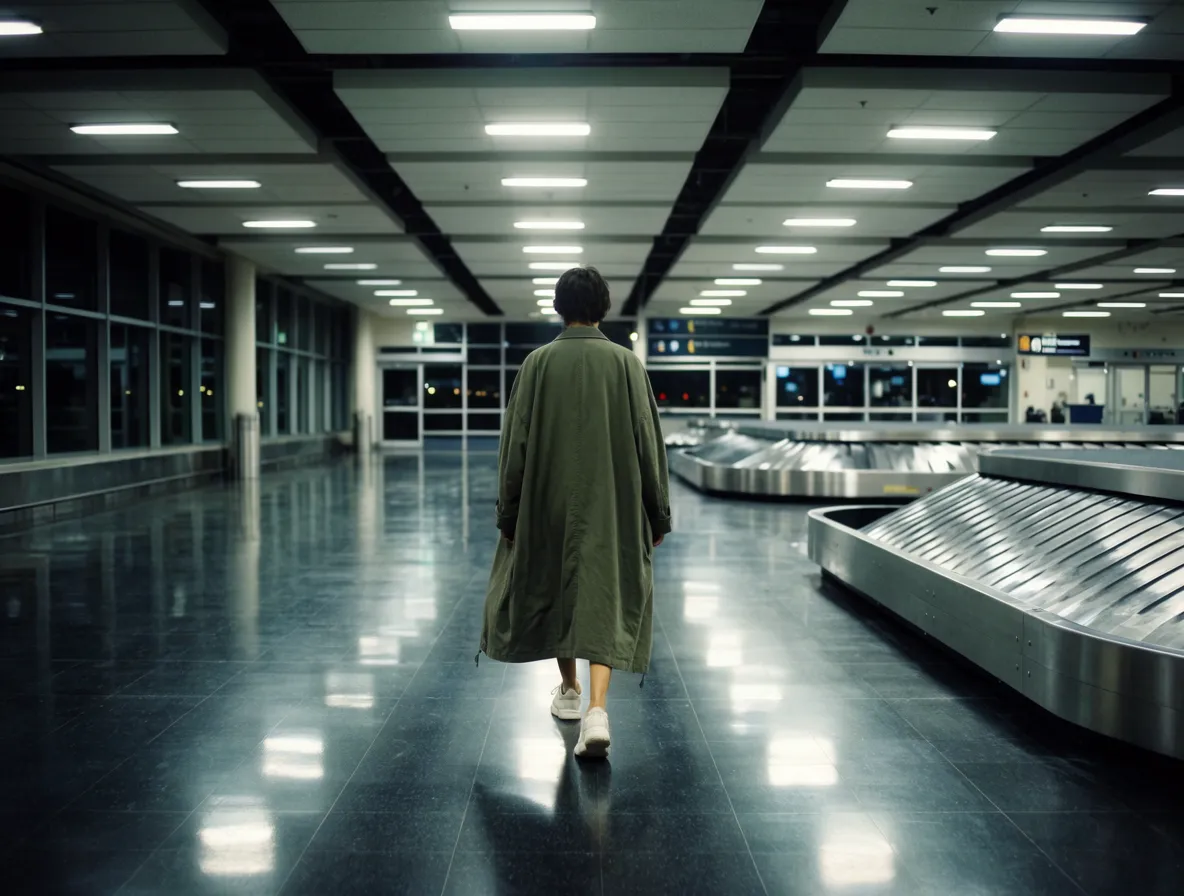
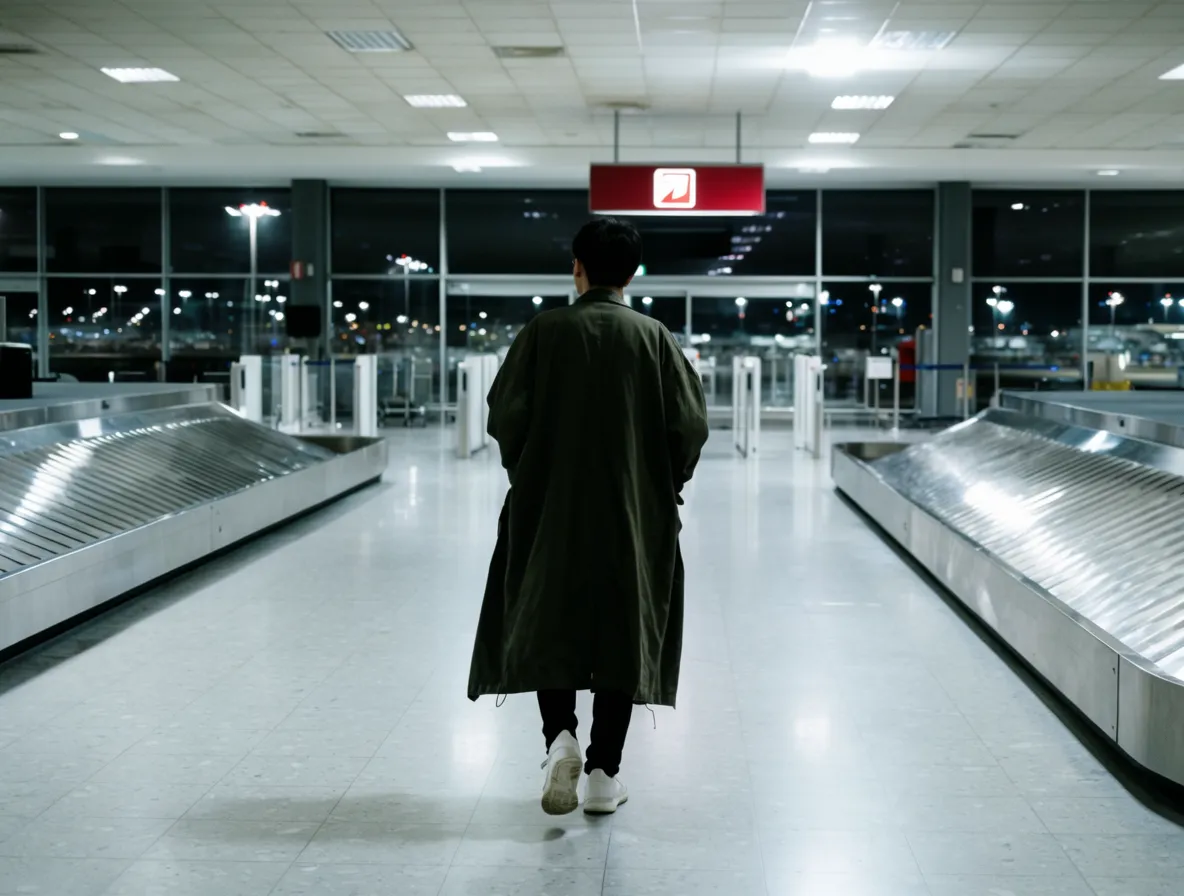
“Lone traveler walking through an empty airport at night, overhead fluorescent lights, muted green coat, reflective floor, quiet cinematic film still”
The model also follows a specific fashion direction without a long list of instructions. Changing the lens tint shifts the portraits from soft editorial to more severe and futuristic.
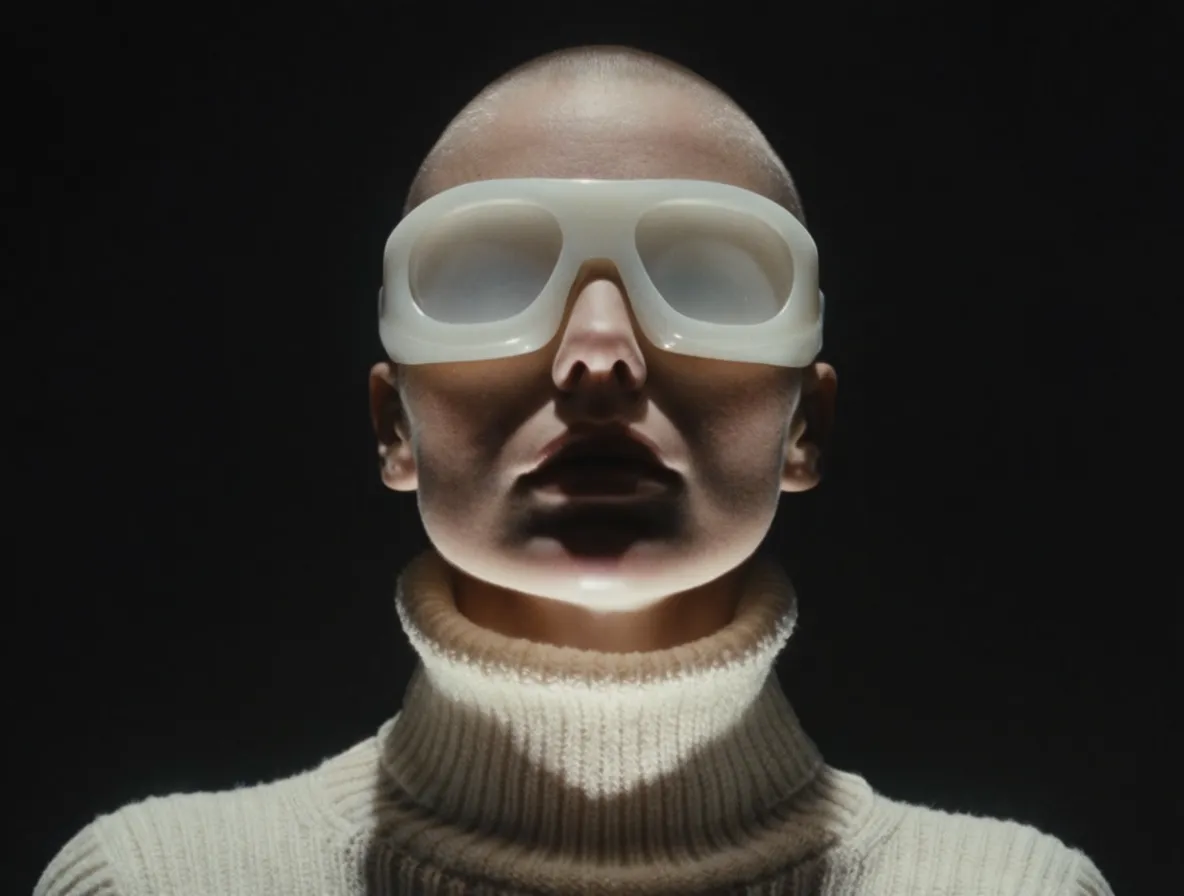
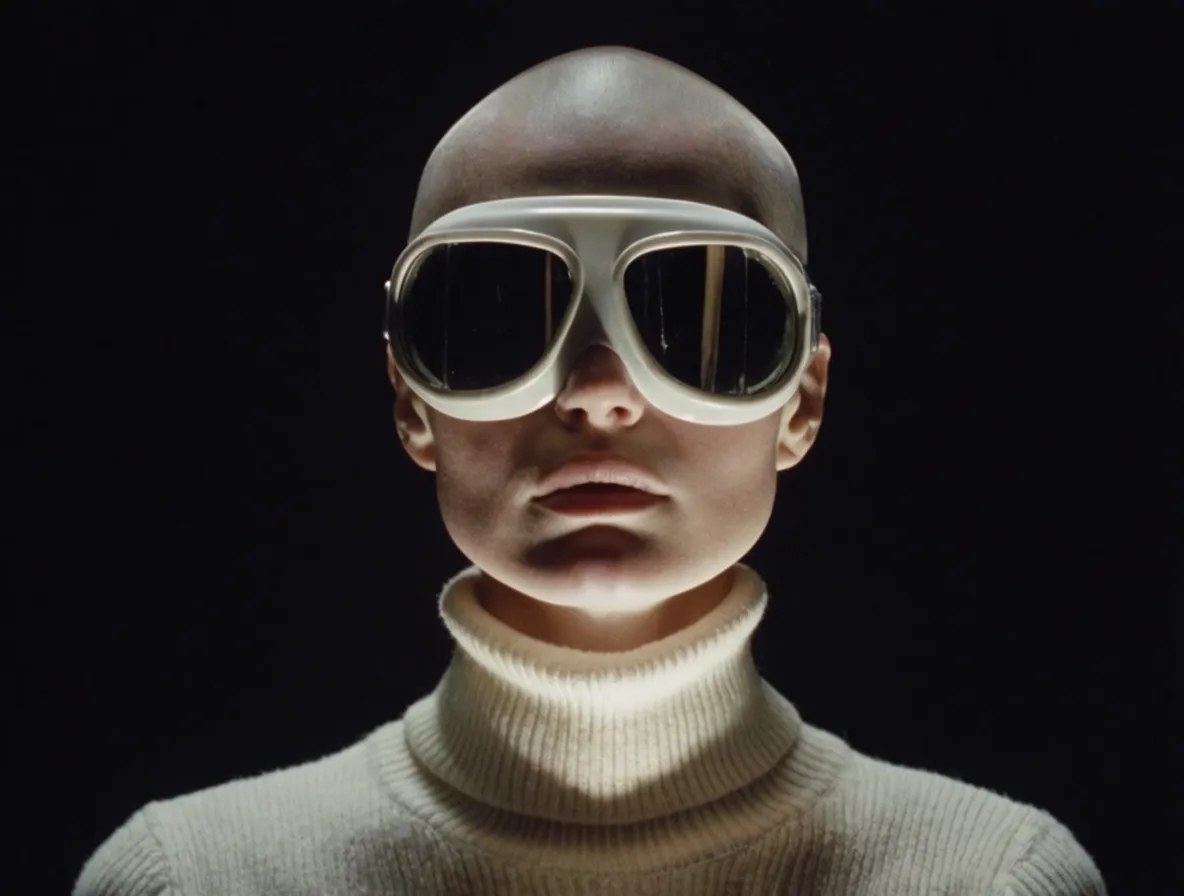
“Close-up editorial portrait, person wearing oversized white goggles and a cream turtleneck, hard studio light, black background, fashion photography”
Cinematic frames
Krea 2 favors widescreen compositions. It works well for location photography, atmospheric landscapes, and scenes that feel pulled from a film. The lighting and color grading give the images a sense of depth at larger sizes.
The physics, reflections, proportionality, and everything else that makes the image look realistic and accurate is always there. But, the model will always add that aesthetic sheen just to amp up the ante of your images.
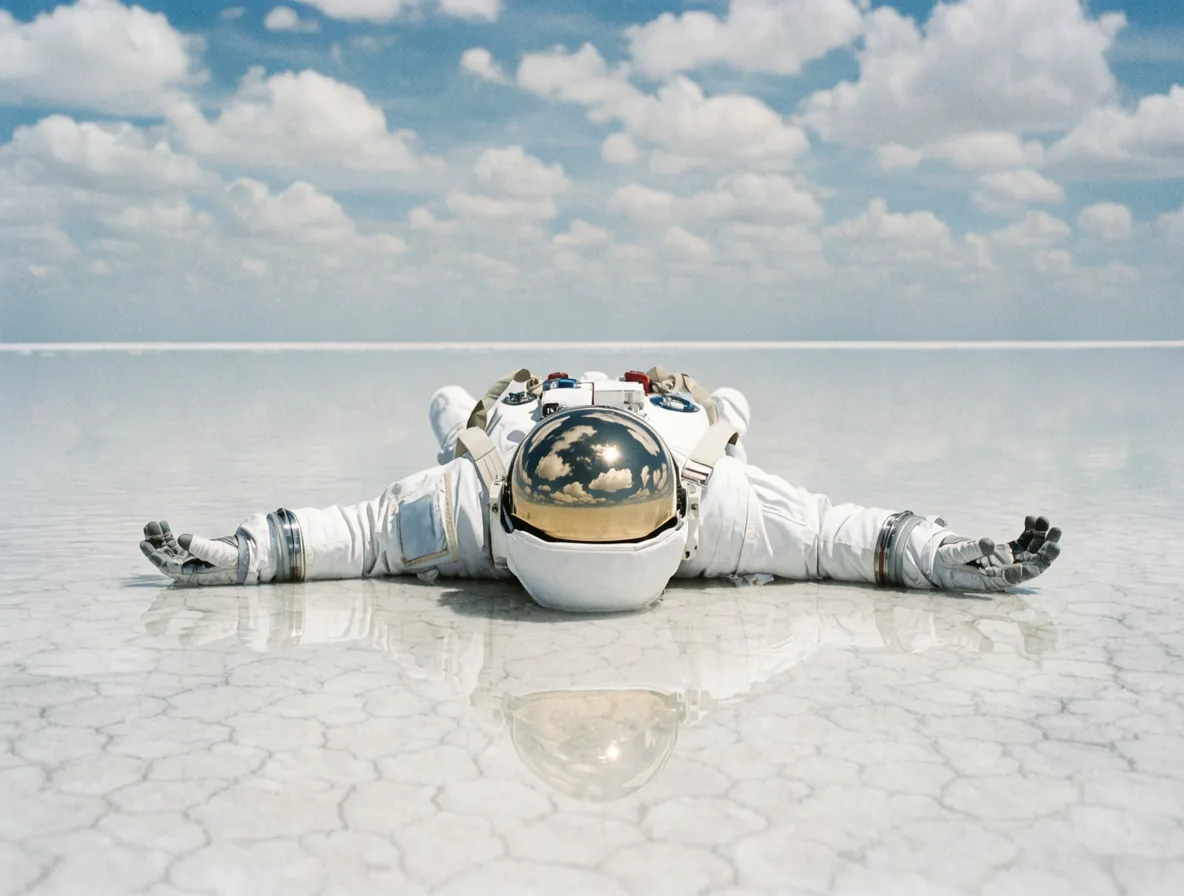
“Astronaut lying face down on a vast reflective salt flat, cloudy sky, soft daylight, wide cinematic composition, subtle film grain”
It’s quite fun to see what filmic qualities will get added to your images without specific direction. You’ll always get something tasteful, but maybe in ways you wouldn’t expect.
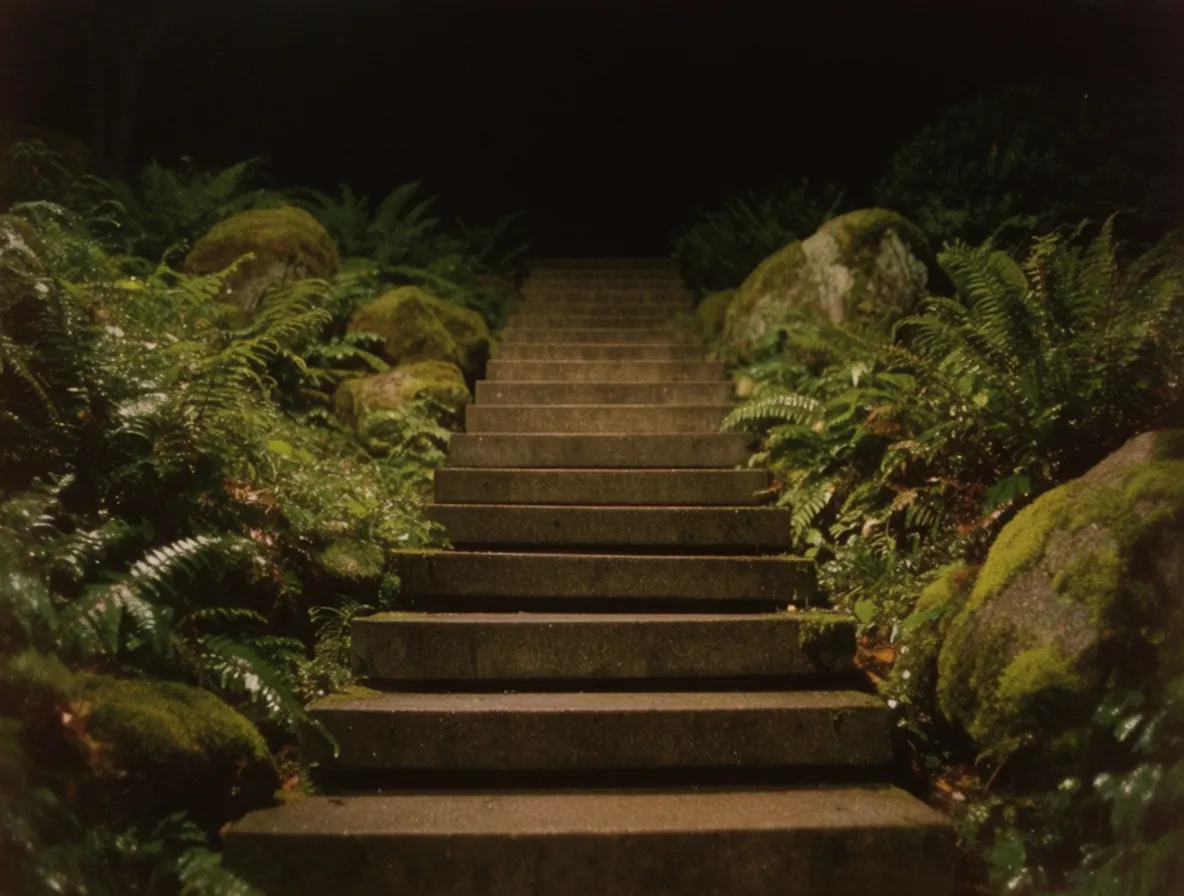
“Stone steps rising through a dark moss garden, ferns and rocks on either side, warm low light, atmospheric cinematic still”
Krea 2 does a great job at putting familiar objects in an unexpected setting. (This is a great way to make attention-grabbing assets.) A vending machine in a rice field is strange enough on its own. Changing the time of day gives the two images very different kinds of tension.
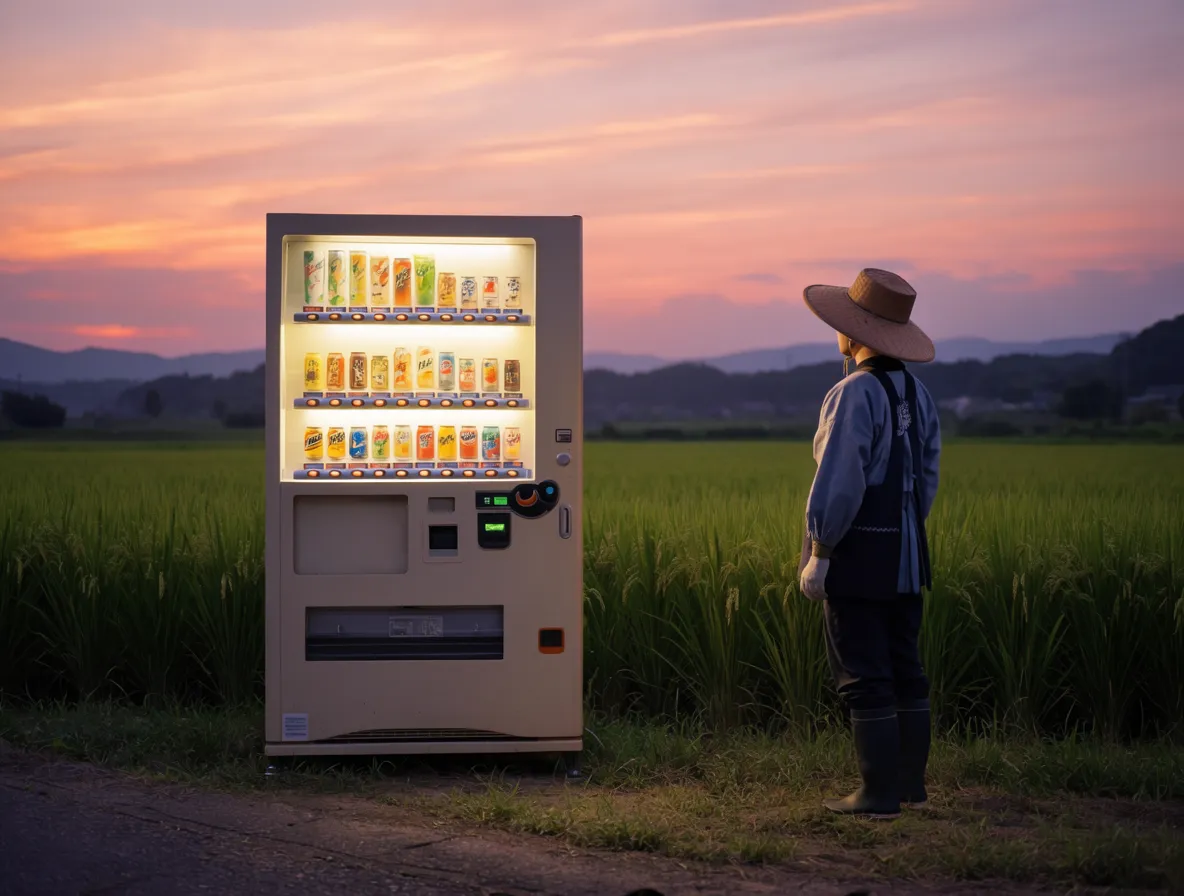
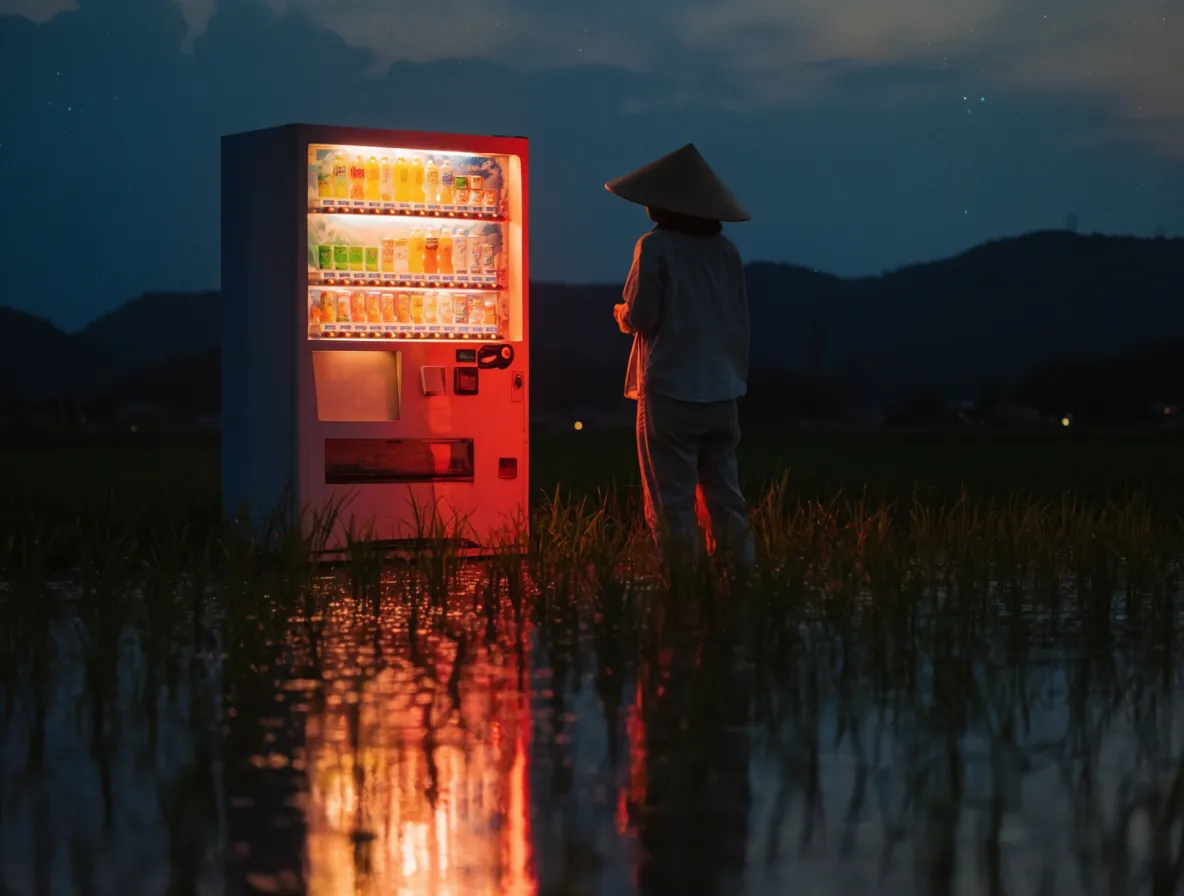
“Japanese vending machine in a rural rice field, lone person standing nearby, reflective water, atmospheric dusk, cinematic photography”
The model can do the same with a product-like scene. In this image, a convenience store seems to have drifted into a lake beneath Mount Fuji. The fishing boat gives the scene a sense of scale.
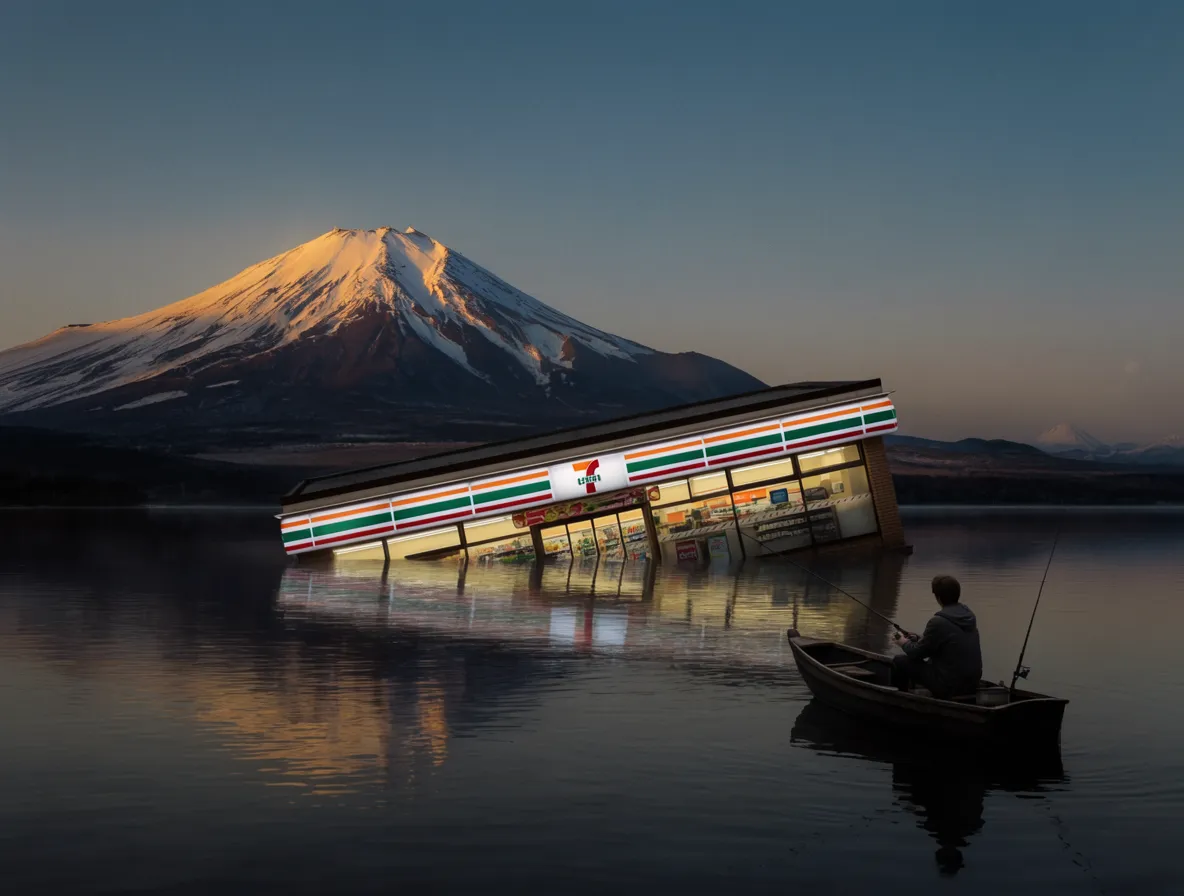
“Japanese convenience store half-submerged in a mountain lake, fisherman in a small boat, Mount Fuji in the background, blue hour, cinematic surrealism”
Illustration
The illustration model covers several drawn styles, from painterly oil to clean editorial graphics. It fits work such as editorial pieces and book covers, especially when you want the result to feel made rather than photographed.
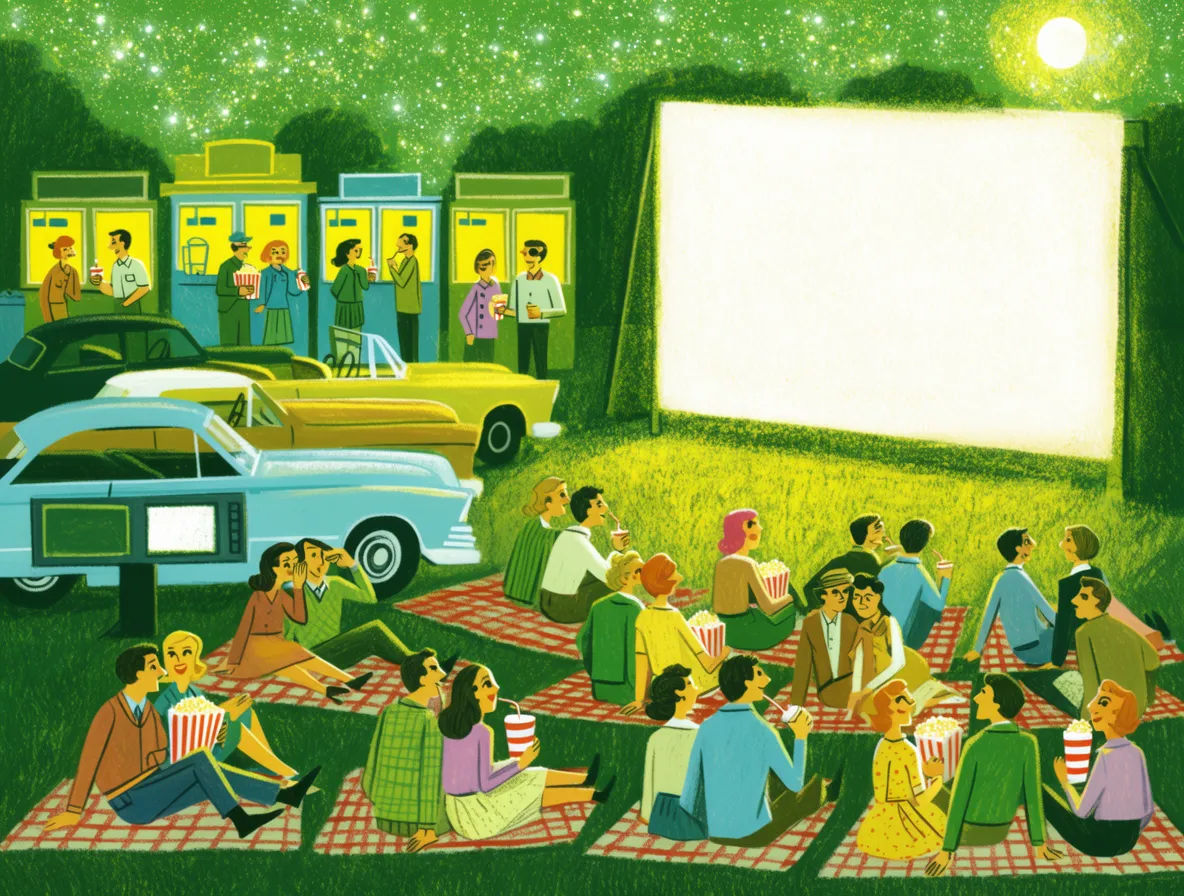
“1950s outdoor cinema at night, vintage cars, people sitting on picnic blankets, green and yellow color palette, illustrated film still”
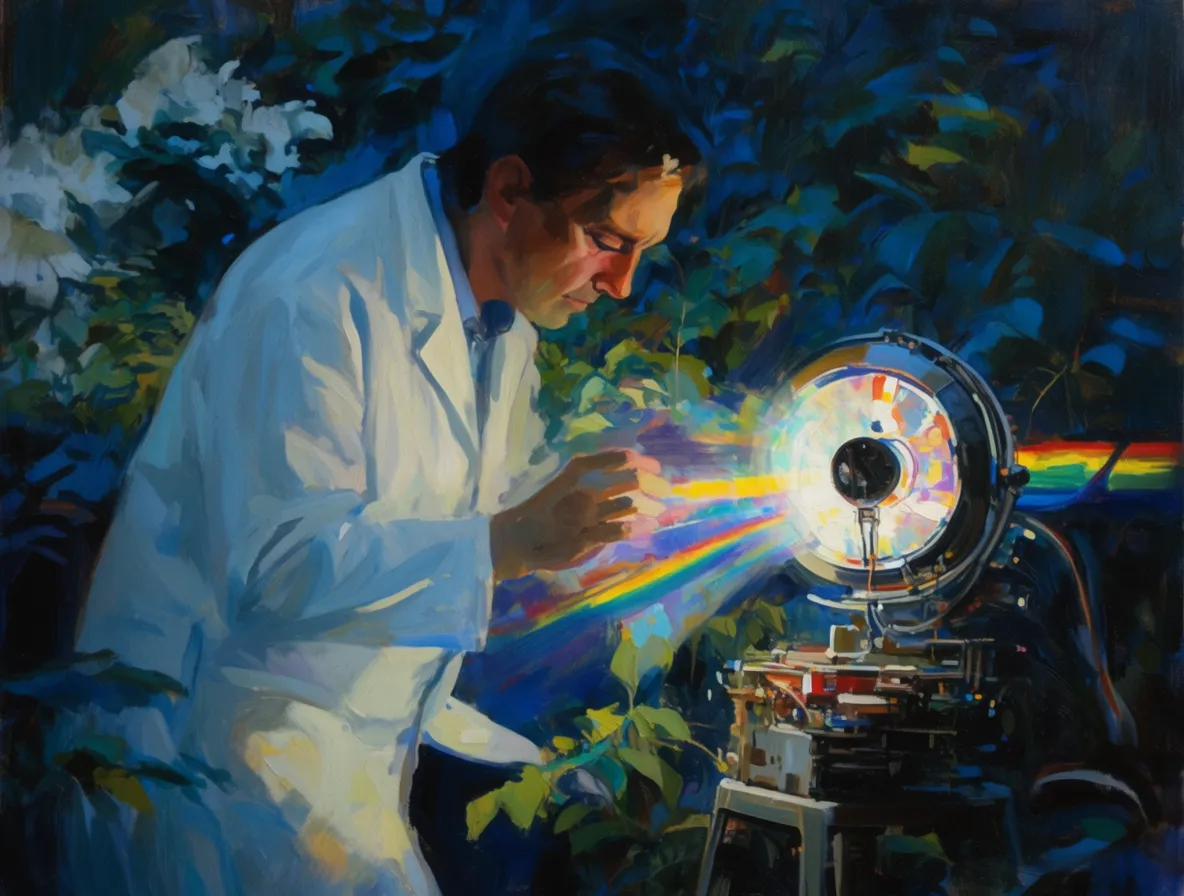
Oil paint shows how the model can keep the character of a medium while changing the subject. In the first image, broad brushwork and a rainy palette make a server rack feel almost alive.
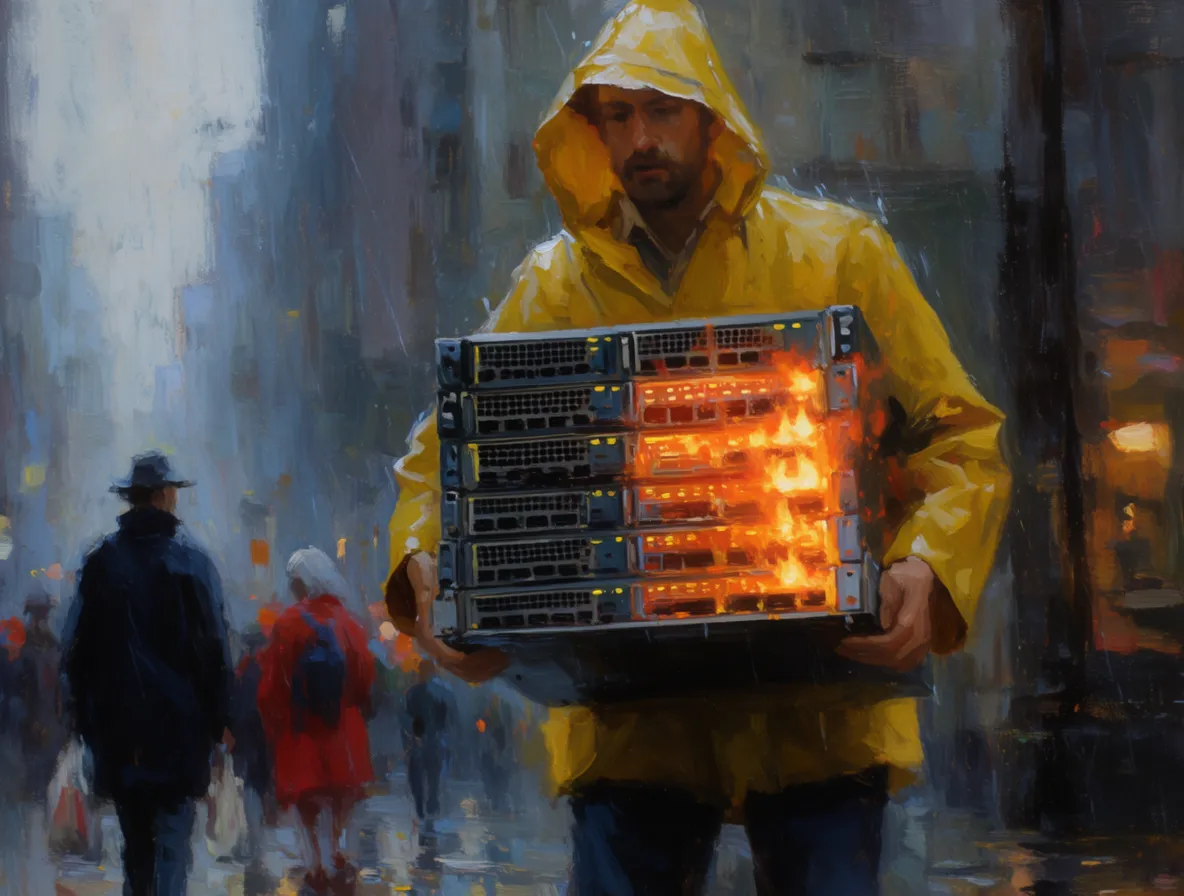
“Expressive oil painting of a person in a yellow raincoat carrying a glowing server rack through a rainy city, deep blue shadows, wet brushwork”
“Expressive oil painting of a scientist in a white coat working with a machine that projects a rainbow, dense blue-green foliage, luminous brushwork”
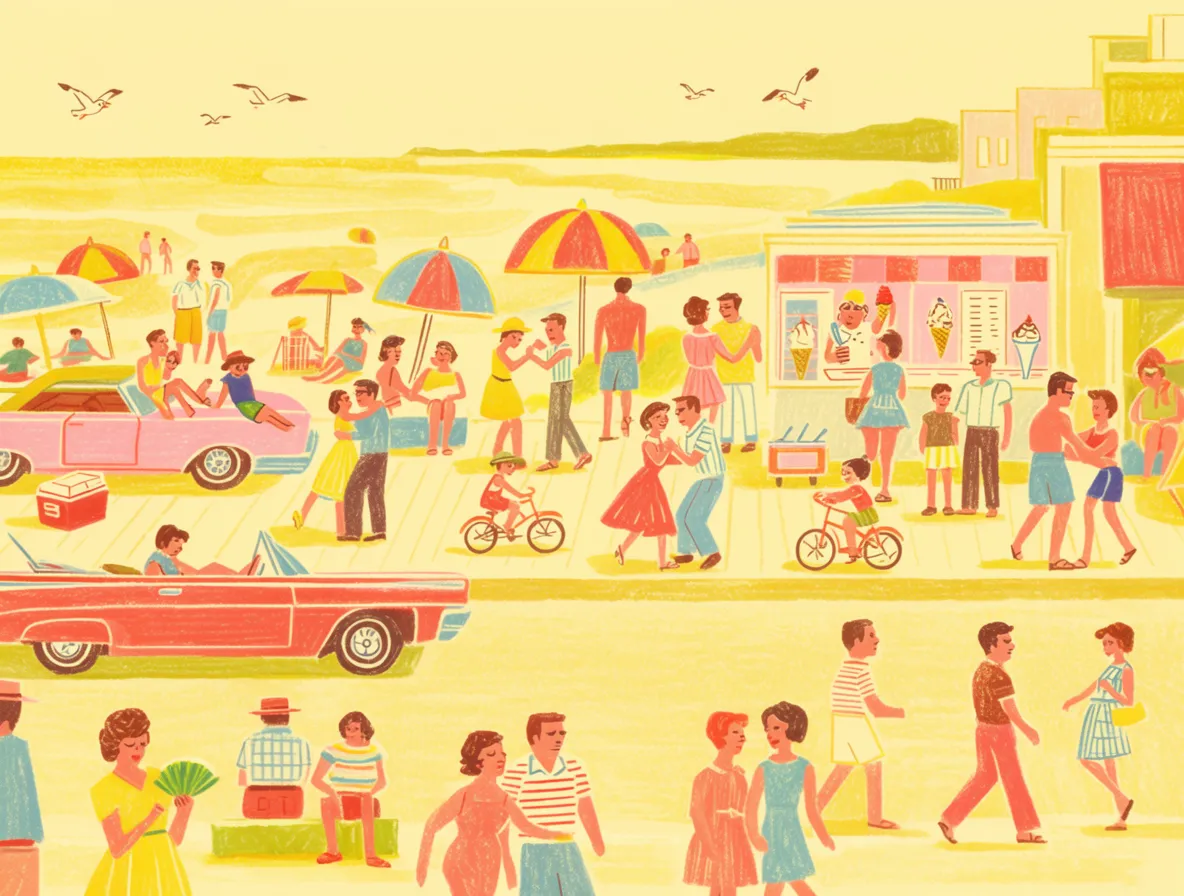
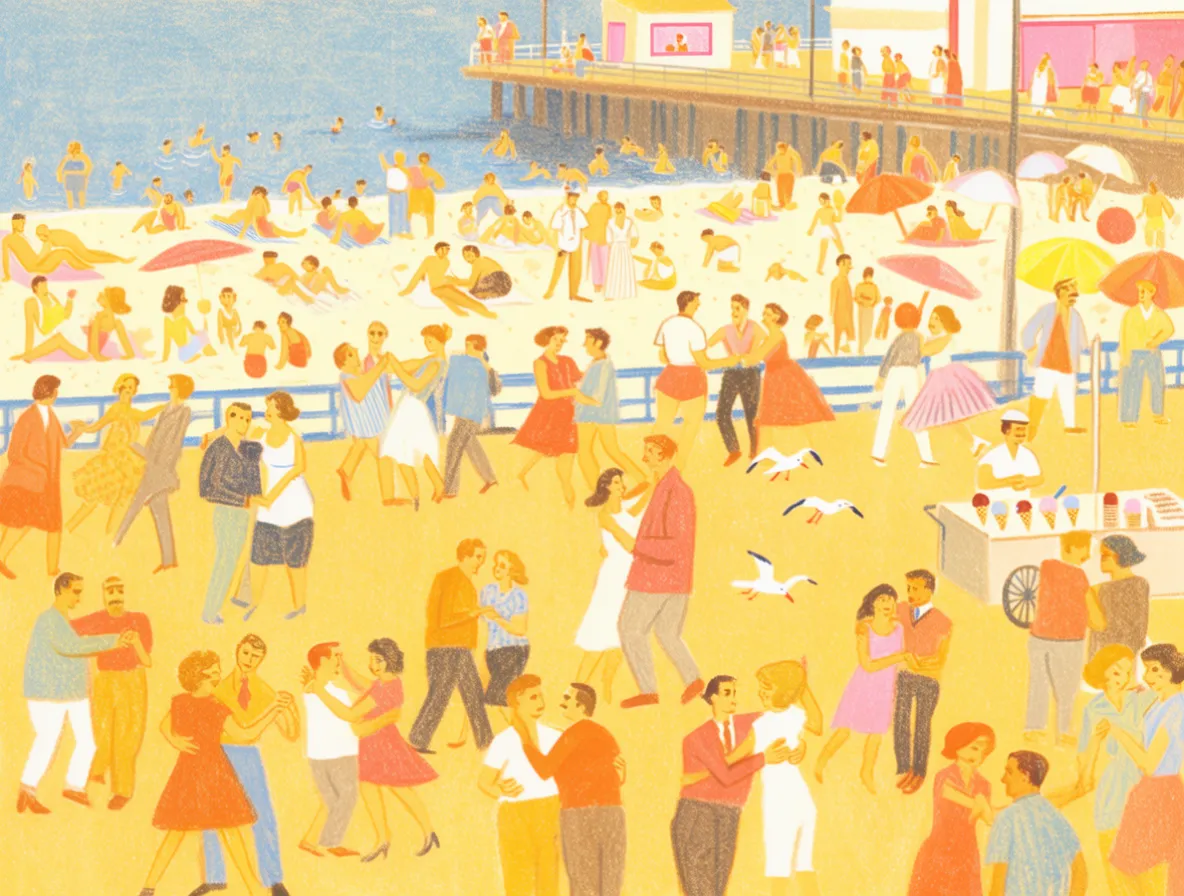
“Mid-century illustrated beach boardwalk, pastel colors, vintage cars, umbrellas, people dancing and eating ice cream, screen-print texture”
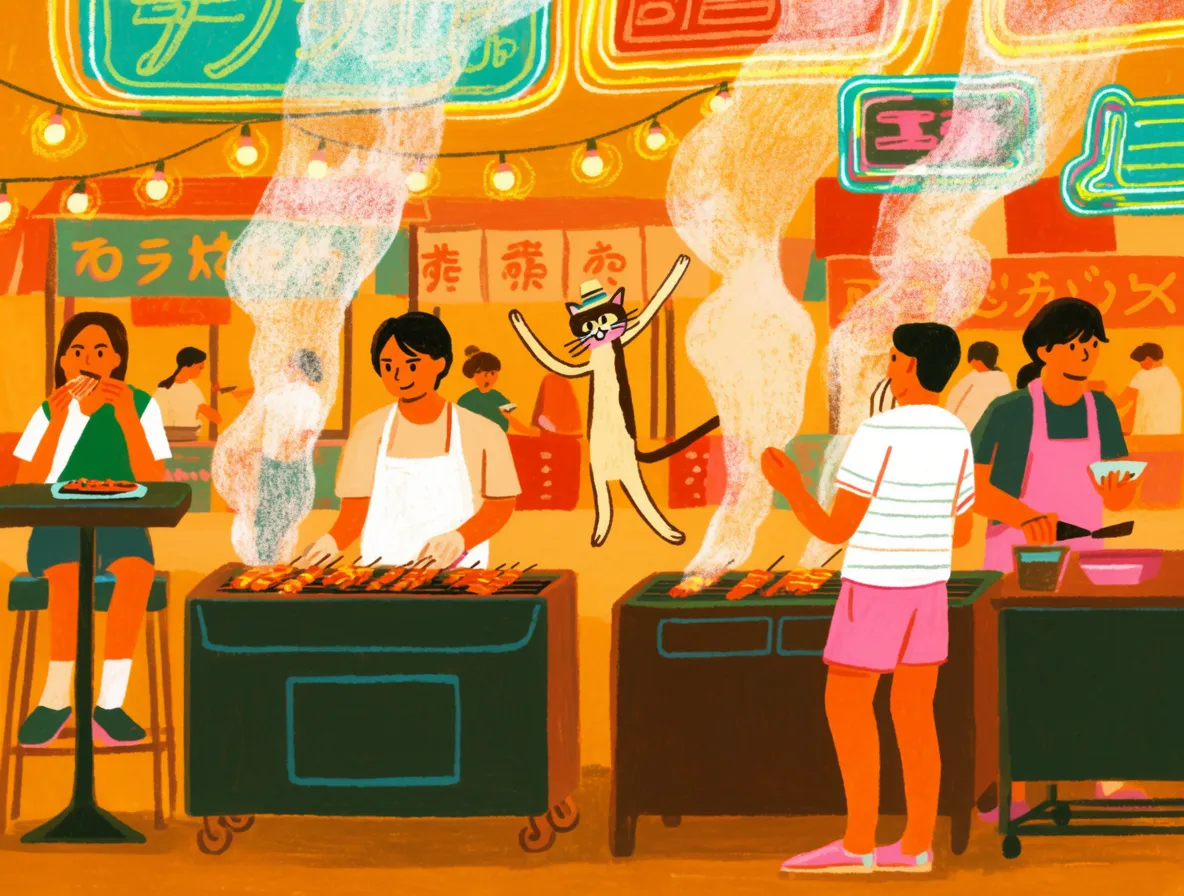
“Colorful illustrated Japanese street-food market, steaming grills, people eating, playful cat in a paper hat, bold flat shapes, warm orange light”
Illustration is useful when the output needs to work as a layout, not only as an image. These running figures leave room for type, so they feel closer to a magazine spread or poster than a conventional scene.
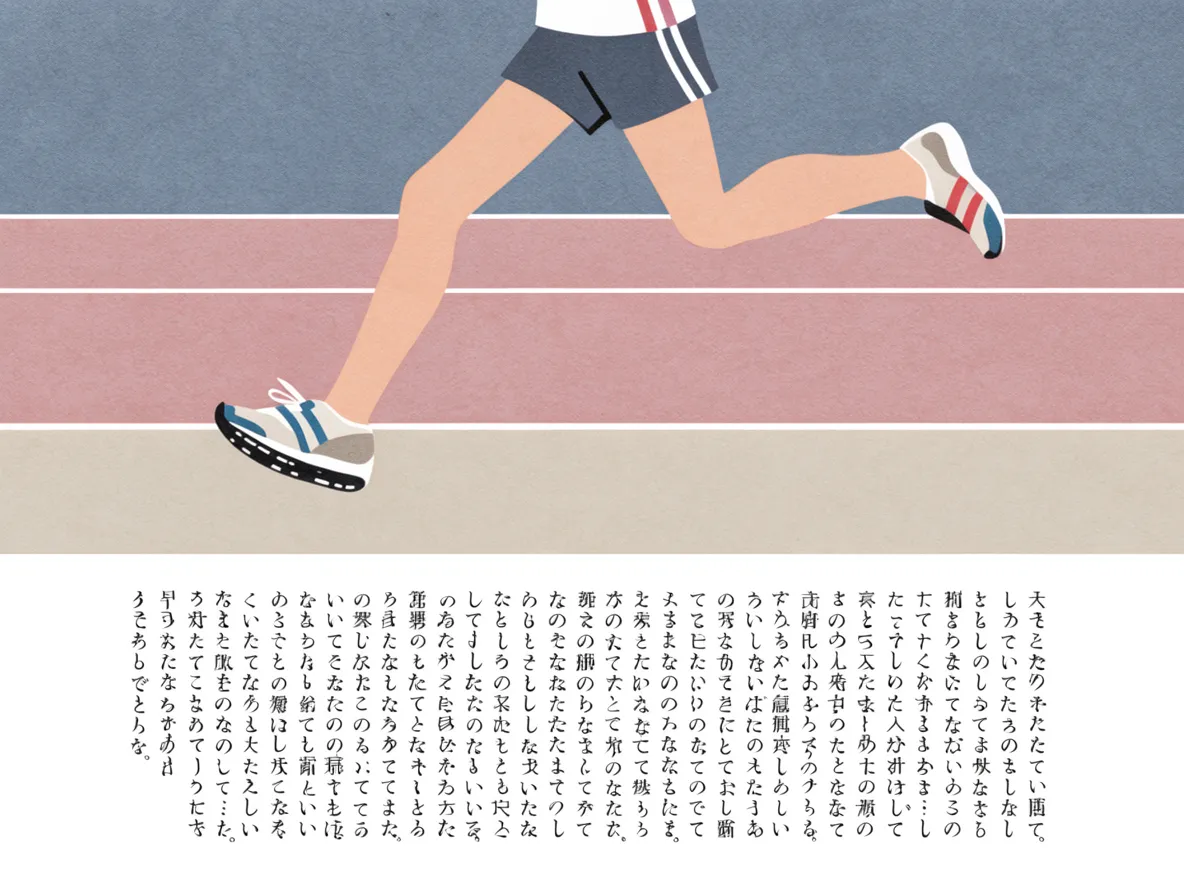
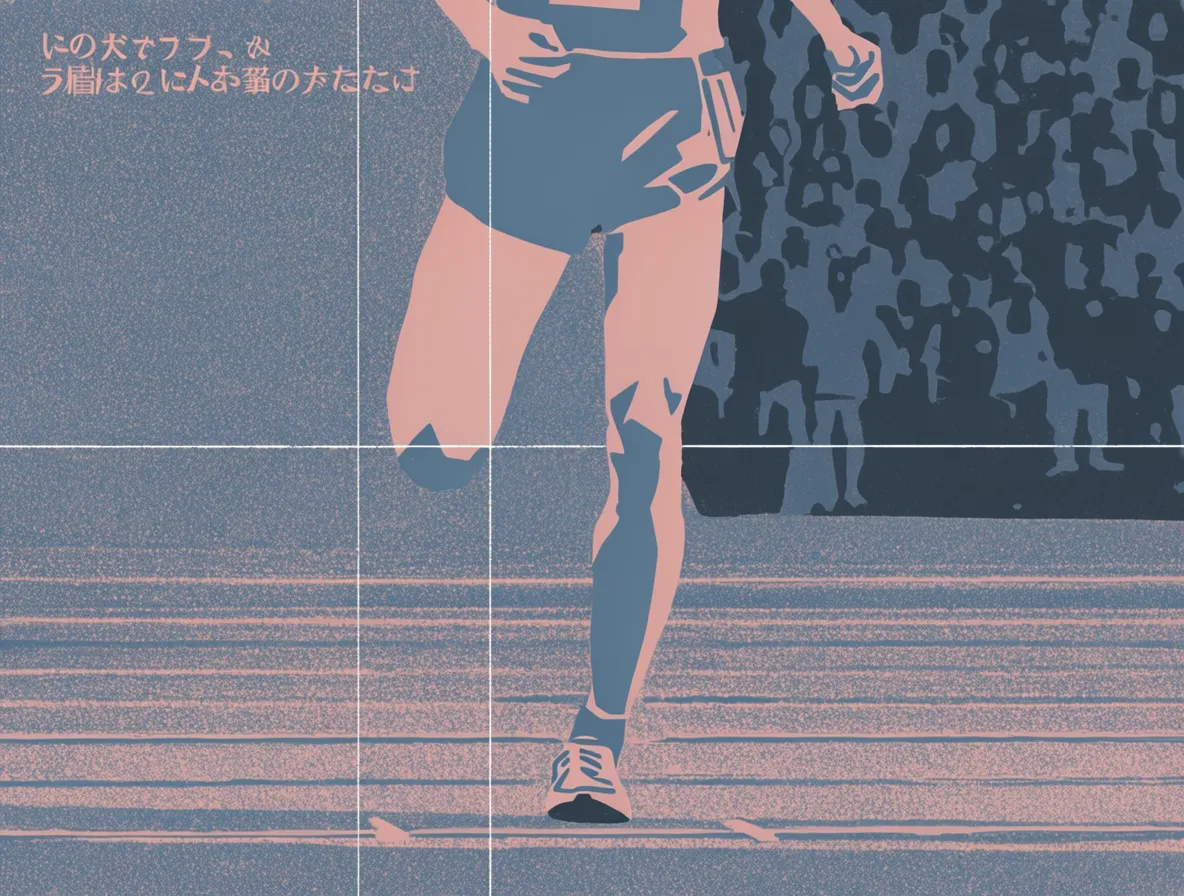
“Editorial illustration of a runner crossing a track, muted blue and pink palette, Japanese typography, textured paper, modern magazine design”
Product and ad creatives
The product model handles lighting setups, reflective surfaces, and clean backgrounds without a detailed brief. That makes it useful when you need to move from an idea for a product shot to a usable image quickly.
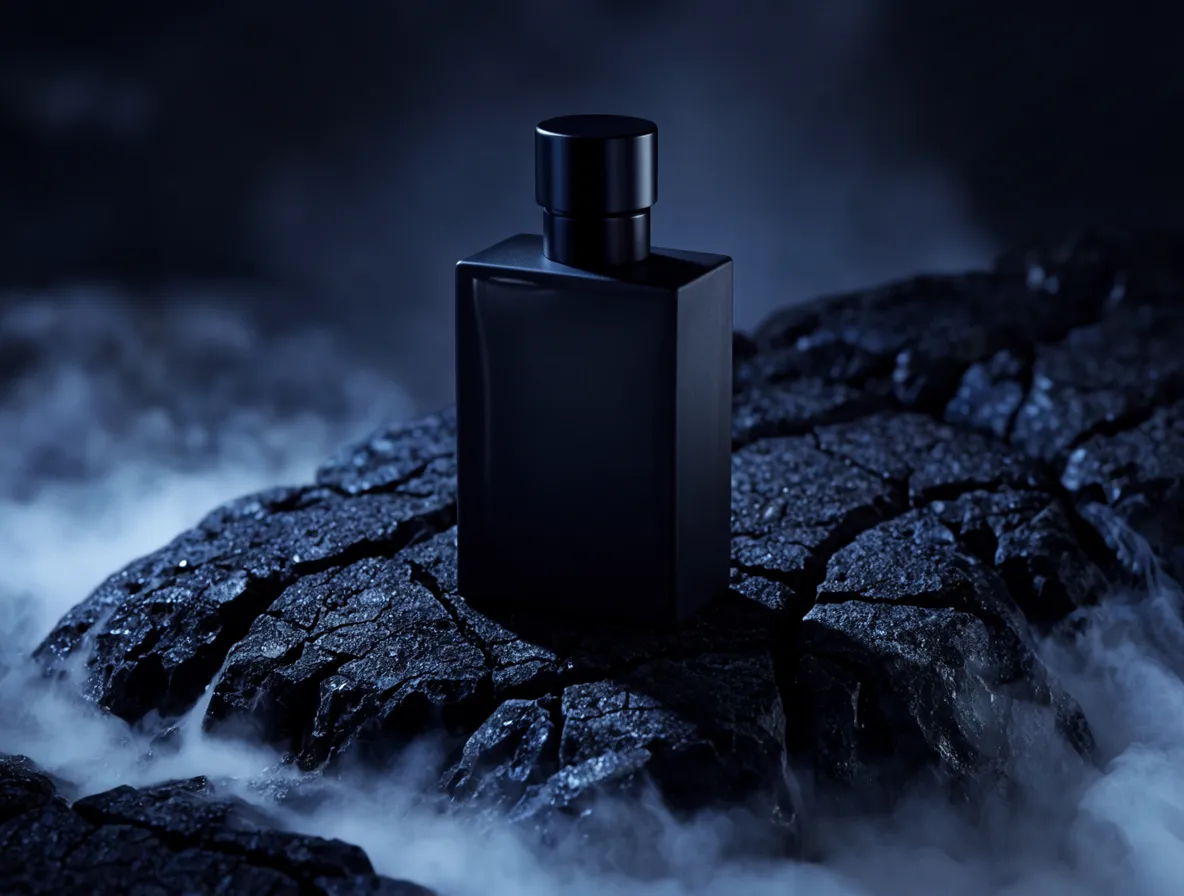
“Minimal luxury perfume product shot, matte black bottle on dark volcanic rocks, blue mist, dramatic studio lighting, high-end fragrance campaign”
It also works with a simple hero image. A freestanding door in a field of ferns gives an architectural idea some mystery. The closer variation shifts attention to the handle and the texture of the grass.
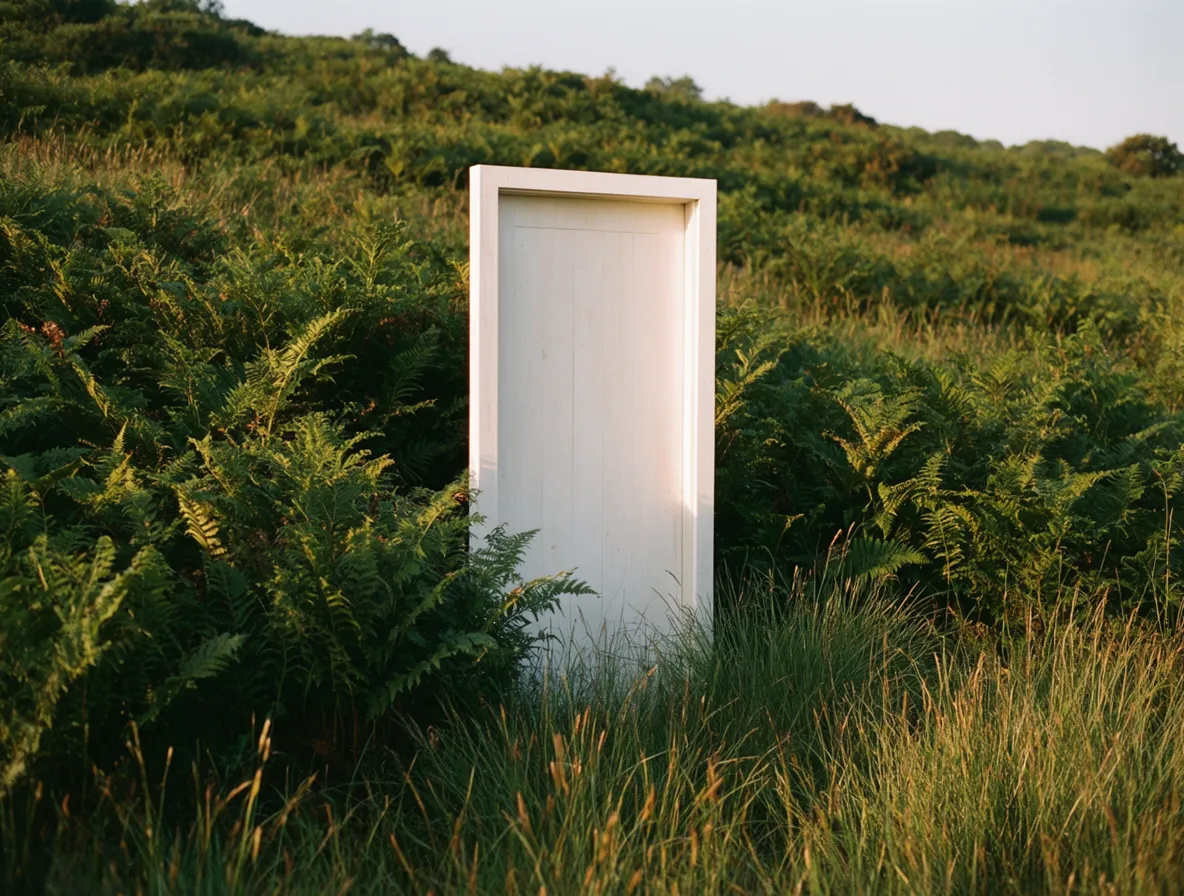
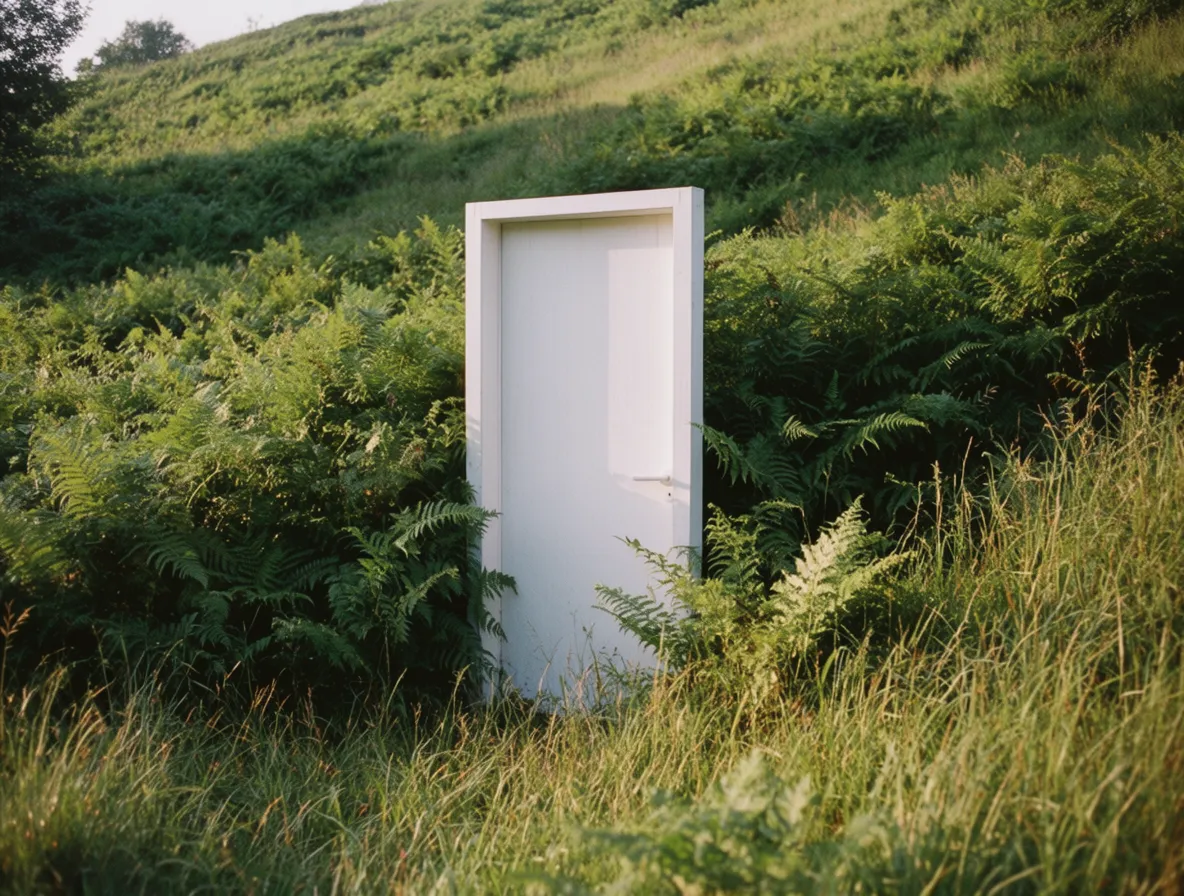
“Freestanding white door in a field of lush ferns, soft late-afternoon light, photorealistic architectural editorial, quiet surrealism”
Taken together, these examples show the range Krea 2 can cover. The prompts stay short, but the outputs can move from quiet photography to surreal scenes, illustrations, and product images. That makes the model a useful place to start when you have an idea but do not yet know exactly what it should look like.
Running Krea 2 on Replicate
Choosing between the Krea 2 models
Krea 2 Large
Large is more than twice the size of Medium and has softer post-training. Its outputs are rawer, more textured, and more flexible. Choose it when you care most about photorealism, grain, motion blur, low dynamic range, or expressive artistic styles.
Krea 2 Medium
Medium is smaller, faster, and more cost-efficient. Extensive post-training makes it stable and consistent across generations. It is a good choice for illustration, anime, painting, and other expressive styles where you want dependable results.
Krea 2 Medium Turbo
Medium Turbo is the fastest Krea 2 model. Its distilled sampling schedule makes it useful for low-cost iteration, expressive illustration, graphic styles, typography experiments, and quick campaign or concept directions.
All three models are available on Replicate. Here’s a JavaScript example:
import Replicate from "replicate";
const replicate = new Replicate();

const output = await replicate.run("krea-ai/krea-2-medium", {
  input: {
    prompt: "Close-up portrait, soft amber rim light, shallow depth of field, film grain",
    aspect_ratio: "4:5",
  },
});
console.log(output);
// => "https://replicate.delivery/..."
Running Krea 2 on Cloudflare AI Gateway
If you want to run Krea 2 on the fastest AI gateway, use this call:
const response = await env.AI.run(
  'krea/krea-2-medium-turbo',
  {
    prompt: 'Ice citadel, frost mages and snow beasts, in a cool, fantasy anime style.',
    aspect_ratio: '1:1',
    resolution: '1K',
  },
)
console.log(response)
Use default to let Cloudflare create a gateway on the first authenticated request, or replace it with the name of an existing gateway. Requests through the gateway can use logging, caching, rate limiting, and other gateway features. Krea is a third-party model, so Cloudflare handles the provider credentials and bills usage through Unified Billing. You do not need to add a Krea API key.
You can also call the same models through the Cloudflare REST API:
curl -X POST "https://api.cloudflare.com/client/v4/accounts/$CLOUDFLARE_ACCOUNT_ID/ai/run" \
  --header "Authorization: Bearer $CLOUDFLARE_API_TOKEN" \
  --header "Content-Type: application/json" \
  --data '{
    "model": "krea/krea-2-large",
    "input": {
      "prompt": "A quiet airport terminal at night, cinematic photography",
      "aspect_ratio": "16:9",
      "resolution": "1K"
    }
}'Krea 2