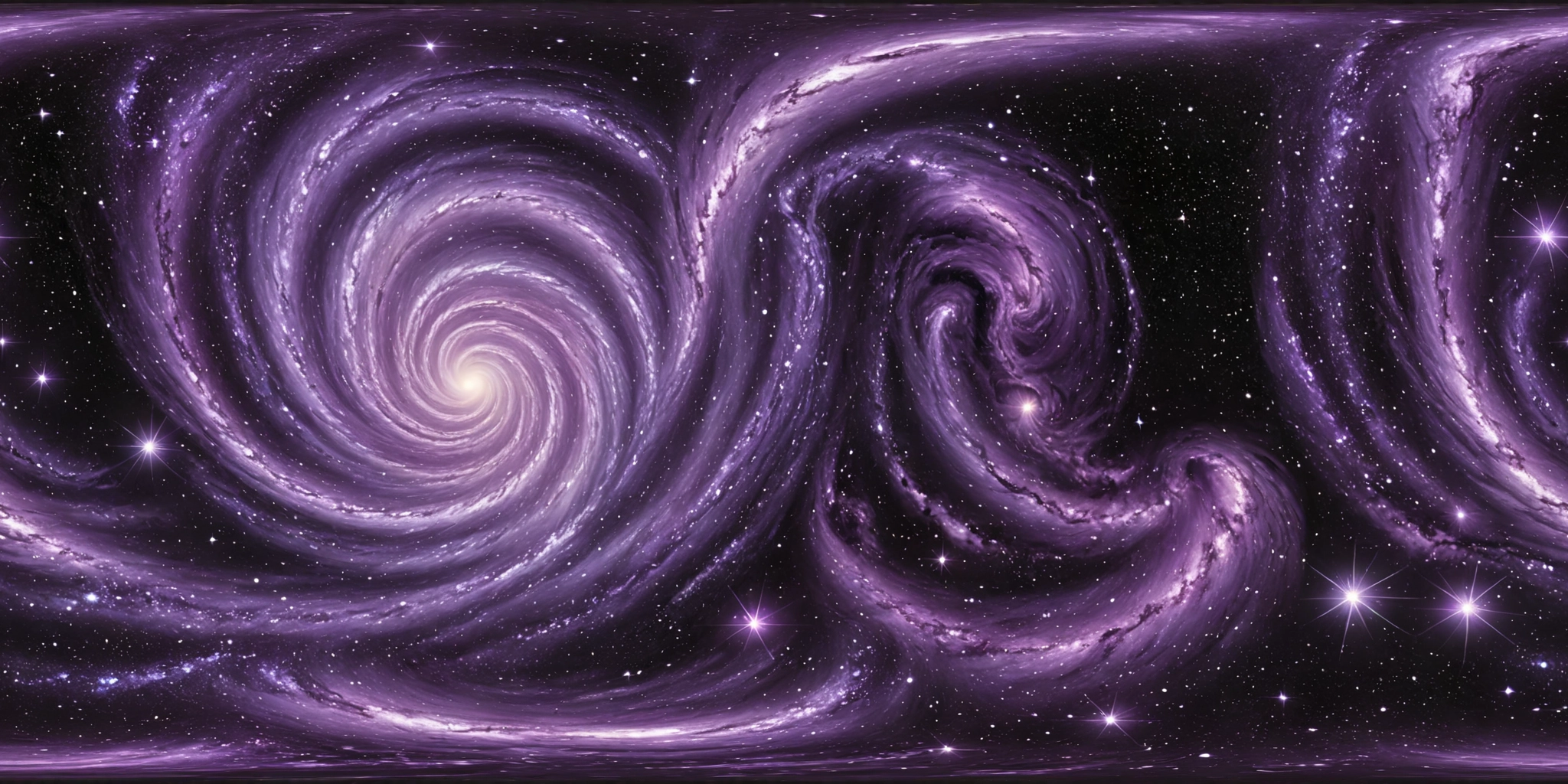
defaultCosmic-themed digital painting with a swirling galaxy backdrop in purple, black, and white hues, featuring sparkling stars and glowing accents for depth and motion
typetext
{
  "output_format": "webp",
  "prompt": "Cosmic-themed digital painting with a swirling galaxy backdrop in purple, black, and white hues, featuring sparkling stars and glowing accents for depth and motion"
}npm install replicate
REPLICATE_API_TOKEN environment variable:export REPLICATE_API_TOKEN=r8_Qtj**********************************
This is your API token. Keep it to yourself.
import Replicate from "replicate";
import fs from "node:fs";

const replicate = new Replicate({
  auth: process.env.REPLICATE_API_TOKEN,
});
Run qr2ai/360 using Replicate’s API. Check out the model's schema for an overview of inputs and outputs.
const output = await replicate.run(
  "qr2ai/360:b91bedc2d614127b658c7fb2e9276749827cdaf4f94f77ef51635ac60cbedfb9",
  {
    input: {
      output_format: "webp",
      prompt: "Cosmic-themed digital painting with a swirling galaxy backdrop in purple, black, and white hues, featuring sparkling stars and glowing accents for depth and motion"
    }
  }
);

// To access the file URL:
console.log(output[0].url()); //=> "http://example.com"

// To write the file to disk:
fs.writeFile("my-image.png", output[0]);
To learn more, take a look at the guide on getting started with Node.js.
pip install replicate
REPLICATE_API_TOKEN environment variable:export REPLICATE_API_TOKEN=r8_Qtj**********************************
This is your API token. Keep it to yourself.
import replicate
Run qr2ai/360 using Replicate’s API. Check out the model's schema for an overview of inputs and outputs.
output = replicate.run(
    "qr2ai/360:b91bedc2d614127b658c7fb2e9276749827cdaf4f94f77ef51635ac60cbedfb9",
    input={
        "output_format": "webp",
        "prompt": "Cosmic-themed digital painting with a swirling galaxy backdrop in purple, black, and white hues, featuring sparkling stars and glowing accents for depth and motion"
    }
)

# To access the file URL:
print(output[0].url())
#=> "http://example.com"

# To write the file to disk:
with open("my-image.png", "wb") as file:
    file.write(output[0].read())
To learn more, take a look at the guide on getting started with Python.
REPLICATE_API_TOKEN environment variable:export REPLICATE_API_TOKEN=r8_Qtj**********************************
This is your API token. Keep it to yourself.
Run qr2ai/360 using Replicate’s API. Check out the model's schema for an overview of inputs and outputs.
curl -s -X POST \
  -H "Authorization: Bearer $REPLICATE_API_TOKEN" \
  -H "Content-Type: application/json" \
  -H "Prefer: wait" \
  -d $'{
    "version": "qr2ai/360:b91bedc2d614127b658c7fb2e9276749827cdaf4f94f77ef51635ac60cbedfb9",
    "input": {
      "output_format": "webp",
      "prompt": "Cosmic-themed digital painting with a swirling galaxy backdrop in purple, black, and white hues, featuring sparkling stars and glowing accents for depth and motion"
    }
  }' \
  https://api.replicate.com/v1/predictions
To learn more, take a look at Replicate’s HTTP API reference docs.
{
  "id": "fxj2bddfpxrge0cgw64ts9qscw",
  "model": "qr2ai/360",
  "version": "b91bedc2d614127b658c7fb2e9276749827cdaf4f94f77ef51635ac60cbedfb9",
  "input": {
    "output_format": "webp",
    "prompt": "Cosmic-themed digital painting with a swirling galaxy backdrop in purple, black, and white hues, featuring sparkling stars and glowing accents for depth and motion"
  },
  "logs": "Checking inputs\n====================================\nChecking weights\n✅ 360RedmondResized.safetensors exists in ComfyUI/models/loras\n✅ sdxl_vae.safetensors exists in ComfyUI/models/vae\n✅ dreamshaperXL_v21TurboDPMSDE.safetensors exists in ComfyUI/models/checkpoints\n====================================\nRandomising seed to 589244072\nRunning workflow\ngot prompt\nExecuting node 4, title: Load Checkpoint, class type: CheckpointLoaderSimple\nmodel_type EPS\nUsing pytorch attention in VAE\nUsing pytorch attention in VAE\nloaded straight to GPU\nRequested to load SDXL\nLoading 1 new model\nExecuting node 10, title: Load LoRA, class type: LoraLoader\nExecuting node 6, title: CLIP Text Encode (Prompt), class type: CLIPTextEncode\nRequested to load SDXLClipModel\nLoading 1 new model\nExecuting node 7, title: CLIP Text Encode (Prompt), class type: CLIPTextEncode\nExecuting node 5, title: Empty Latent Image, class type: EmptyLatentImage\nExecuting node 11, title: Jags-XY_tile sampler, class type: xy_Tiling_KSampler\nRequested to load SDXL\nLoading 1 new model\n  0%|          | 0/9 [00:00<?, ?it/s]\n 11%|█         | 1/9 [00:04<00:32,  4.06s/it]\n 22%|██▏       | 2/9 [00:07<00:25,  3.68s/it]\n 33%|███▎      | 3/9 [00:10<00:21,  3.56s/it]\n 44%|████▍     | 4/9 [00:14<00:17,  3.51s/it]\n 56%|█████▌    | 5/9 [00:17<00:13,  3.49s/it]\n 67%|██████▋   | 6/9 [00:21<00:10,  3.48s/it]\n 78%|███████▊  | 7/9 [00:24<00:06,  3.49s/it]\n 89%|████████▉ | 8/9 [00:28<00:03,  3.49s/it]\n100%|██████████| 9/9 [00:29<00:00,  2.95s/it]\n100%|██████████| 9/9 [00:29<00:00,  3.33s/it]\nExecuting node 22, title: Load VAE, class type: VAELoader\nUsing pytorch attention in VAE\nUsing pytorch attention in VAE\nRequested to load AutoencoderKL\nLoading 1 new model\nExecuting node 15, title: Jags-CircularVAEDecode, class type: CircularVAEDecode\nExecuting node 9, title: Save Image, class type: SaveImage\nPrompt executed in 46.64 seconds\noutputs:  {'9': {'images': [{'filename': 'Image_00001_.png', 'subfolder': '', 'type': 'output'}]}}\n====================================\nImage_00001_.png",
  "output": [
    "https://replicate.delivery/czjl/Nb1Nm5gfXlSHIKoQb2zEKeflfPeCLSGimkumNcGTLBHKXrbZC/Image_00001_.webp"
  ],
  "data_removed": false,
  "error": null,
  "source": "web",
  "status": "succeeded",
  "created_at": "2024-07-23T21:40:15.415Z",
  "started_at": "2024-07-23T21:45:45.563101Z",
  "completed_at": "2024-07-23T21:46:33.725525Z",
  "urls": {
    "cancel": "https://api.replicate.com/v1/predictions/fxj2bddfpxrge0cgw64ts9qscw/cancel",
    "get": "https://api.replicate.com/v1/predictions/fxj2bddfpxrge0cgw64ts9qscw",
    "web": "https://replicate.com/p/fxj2bddfpxrge0cgw64ts9qscw"
  },
  "metrics": {
    "predict_time": 48.162423512,
    "total_time": 378.310525
  }
}