typetext
ID
mdczs4gwm1rm20chfv28q19q0m
Status
Succeeded
Source
Web
Hardware
H100
Total duration
Created
Webhook
–
Input
- prompt
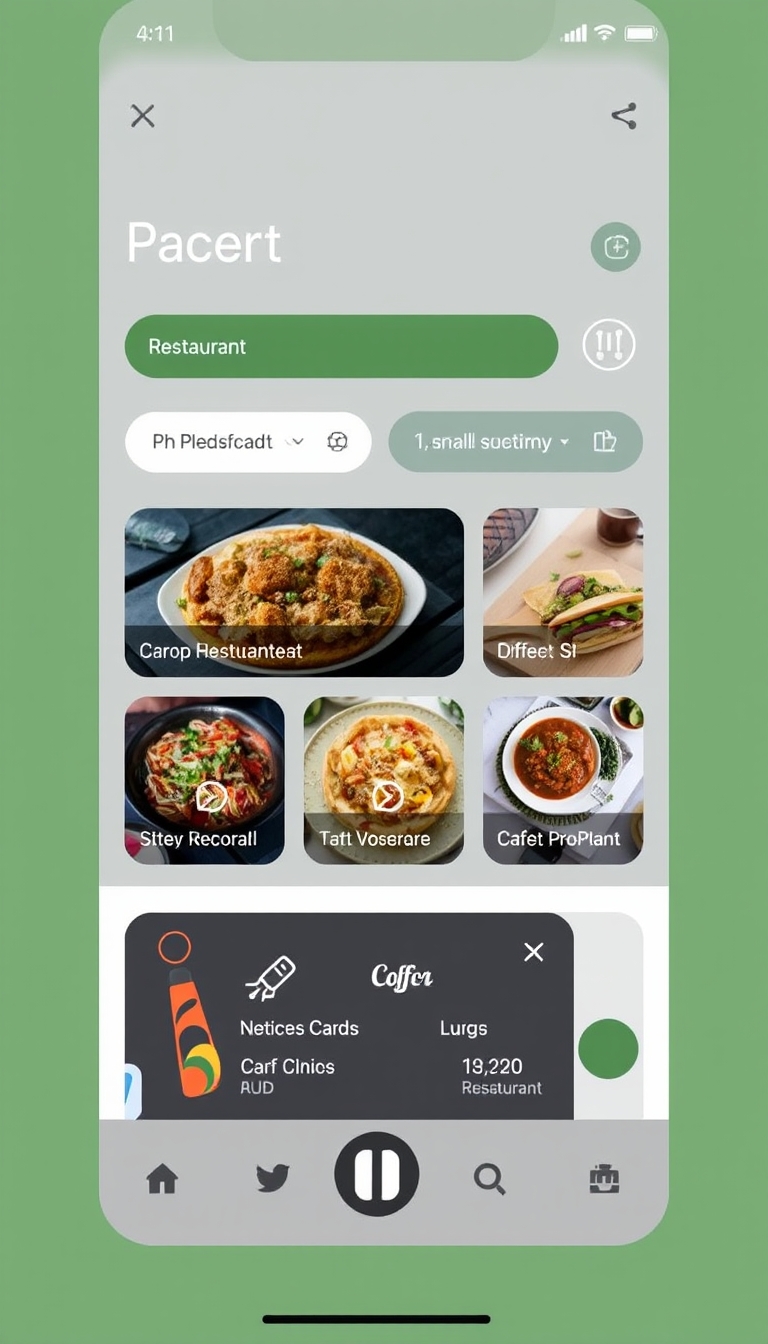
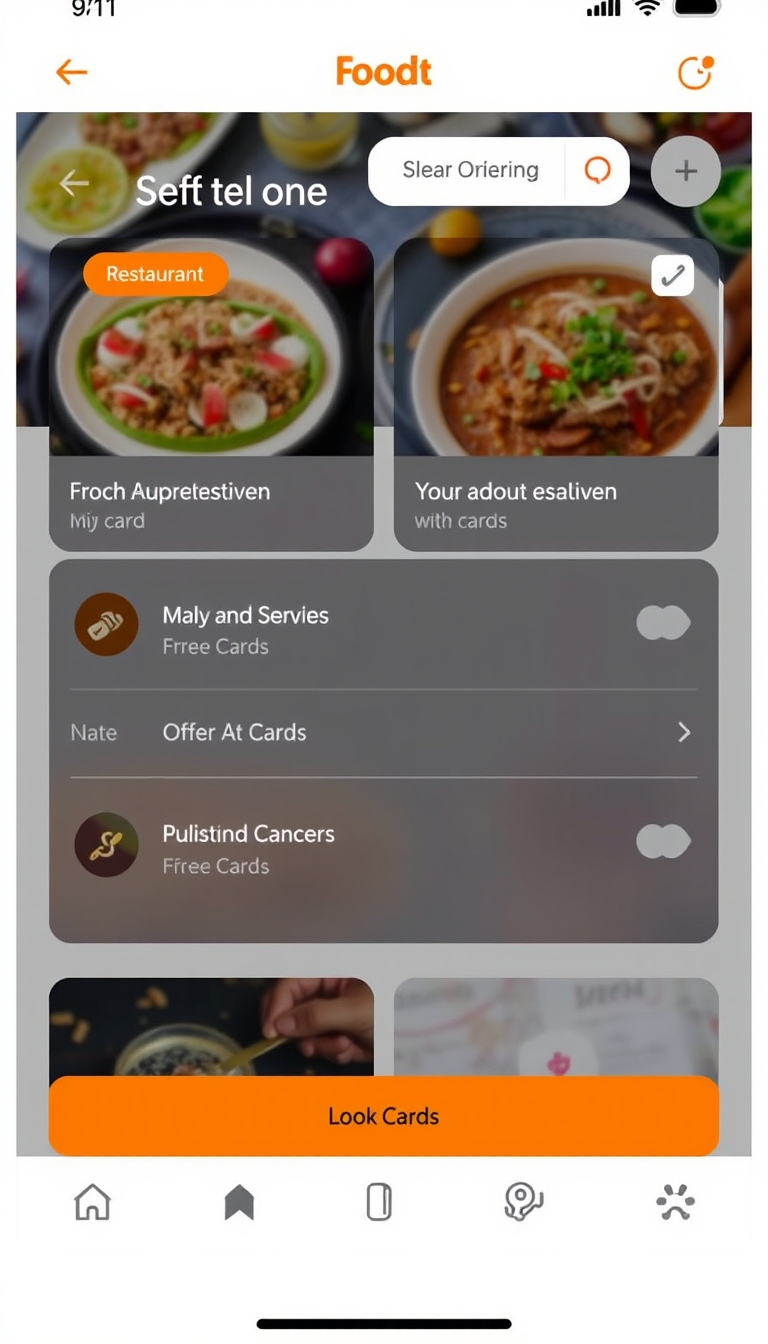
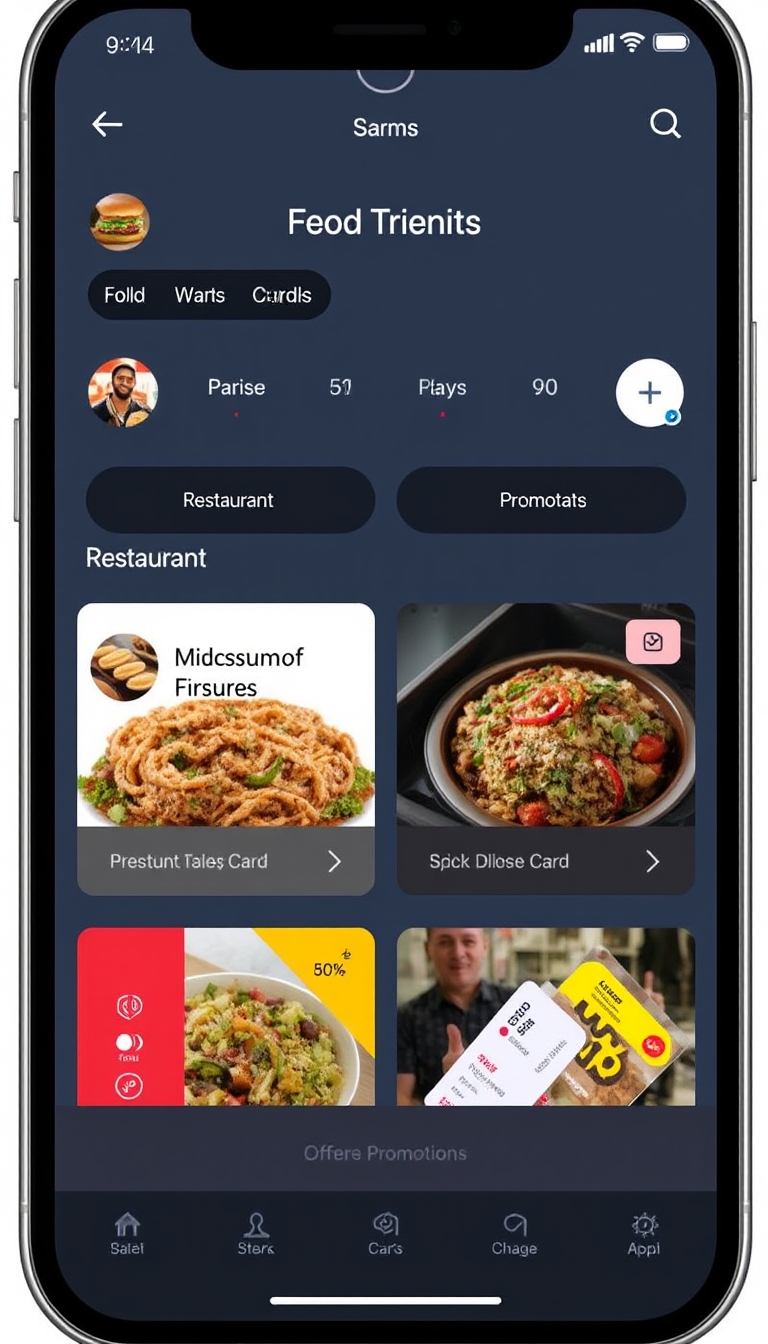
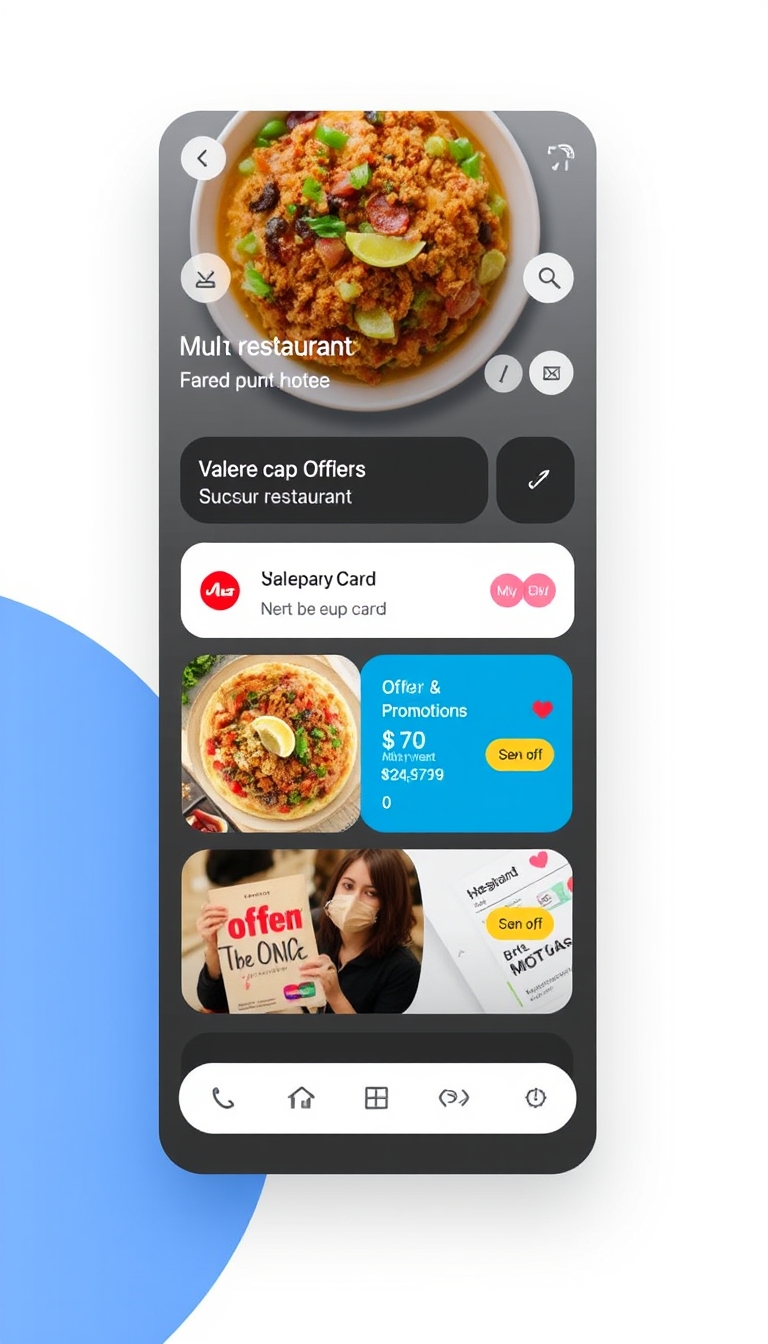
- MOBIUI containing a food ordering app screen, multiple restaurant selection options, bottom navigation bar, cards, offers and promotions card, app ui, mobile user interface
- aspect_ratio
- 9:16default1:1typeenumvalue typestringoptions1:1, 16:9, 21:9, 3:2, 2:3, 4:5, 5:4, 3:4, 4:3, 9:16, 9:21, custom
- model
- schnelldefaultdevtypeenumvalue typestringoptionsdev, schnell
- num_outputs
- 4default1typenumeric-rangevalue typeintegerminimum1maximum4
- num_inference_steps
- 4default28typenumeric-rangevalue typeintegerminimum1maximum50
- guidance_scale
- 3.5default3typenumeric-rangevalue typenumbermaximum10
- output_format
- jpgdefaultwebptypeenumvalue typestringoptionswebp, jpg, png
- output_quality
- 100default80typenumeric-rangevalue typeintegermaximum100
- lora_scale
- 1default1typenumeric-rangevalue typenumberminimum-1maximum3
{
  "aspect_ratio": "9:16",
  "guidance_scale": 3.5,
  "lora_scale": 1,
  "model": "schnell",
  "num_inference_steps": 4,
  "num_outputs": 4,
  "output_format": "jpg",
  "output_quality": 100,
  "prompt": "MOBIUI containing a food ordering app screen, multiple restaurant selection options, bottom navigation bar, cards, offers and promotions card, app ui, mobile user interface "
}
Install Replicate’s Node.js client library:
npm install replicate
Set the
REPLICATE_API_TOKEN environment variable:export REPLICATE_API_TOKEN=r8_Bqq**********************************
This is your API token. Keep it to yourself.
Import and set up the client:
import Replicate from "replicate";
import fs from "node:fs";

const replicate = new Replicate({
  auth: process.env.REPLICATE_API_TOKEN,
});
Run justmalhar/flux-mobile-ui using Replicate’s API. Check out the model's schema for an overview of inputs and outputs.
const output = await replicate.run(
  "justmalhar/flux-mobile-ui:1bf3362039a0ba88a625bff817a559bd8466428ae5a357e172fabfd4fe066fdf",
  {
    input: {
      aspect_ratio: "9:16",
      guidance_scale: 3.5,
      lora_scale: 1,
      model: "schnell",
      num_inference_steps: 4,
      num_outputs: 4,
      output_format: "jpg",
      output_quality: 100,
      prompt: "MOBIUI containing a food ordering app screen, multiple restaurant selection options, bottom navigation bar, cards, offers and promotions card, app ui, mobile user interface "
    }
  }
);

// To access the file URL:
console.log(output[0].url()); //=> "http://example.com"

// To write the file to disk:
fs.writeFile("my-image.png", output[0]);
To learn more, take a look at the guide on getting started with Node.js.
Install Replicate’s Python client library:
pip install replicate
Set the
REPLICATE_API_TOKEN environment variable:export REPLICATE_API_TOKEN=r8_Bqq**********************************
This is your API token. Keep it to yourself.
Import the client:
import replicate
Run justmalhar/flux-mobile-ui using Replicate’s API. Check out the model's schema for an overview of inputs and outputs.
output = replicate.run(
    "justmalhar/flux-mobile-ui:1bf3362039a0ba88a625bff817a559bd8466428ae5a357e172fabfd4fe066fdf",
    input={
        "aspect_ratio": "9:16",
        "guidance_scale": 3.5,
        "lora_scale": 1,
        "model": "schnell",
        "num_inference_steps": 4,
        "num_outputs": 4,
        "output_format": "jpg",
        "output_quality": 100,
        "prompt": "MOBIUI containing a food ordering app screen, multiple restaurant selection options, bottom navigation bar, cards, offers and promotions card, app ui, mobile user interface "
    }
)

# To access the file URL:
print(output[0].url())
#=> "http://example.com"

# To write the file to disk:
with open("my-image.png", "wb") as file:
    file.write(output[0].read())
To learn more, take a look at the guide on getting started with Python.
Set the
REPLICATE_API_TOKEN environment variable:export REPLICATE_API_TOKEN=r8_Bqq**********************************
This is your API token. Keep it to yourself.
Run justmalhar/flux-mobile-ui using Replicate’s API. Check out the model's schema for an overview of inputs and outputs.
curl -s -X POST \
  -H "Authorization: Bearer $REPLICATE_API_TOKEN" \
  -H "Content-Type: application/json" \
  -H "Prefer: wait" \
  -d $'{
    "version": "justmalhar/flux-mobile-ui:1bf3362039a0ba88a625bff817a559bd8466428ae5a357e172fabfd4fe066fdf",
    "input": {
      "aspect_ratio": "9:16",
      "guidance_scale": 3.5,
      "lora_scale": 1,
      "model": "schnell",
      "num_inference_steps": 4,
      "num_outputs": 4,
      "output_format": "jpg",
      "output_quality": 100,
      "prompt": "MOBIUI containing a food ordering app screen, multiple restaurant selection options, bottom navigation bar, cards, offers and promotions card, app ui, mobile user interface "
    }
  }' \
  https://api.replicate.com/v1/predictions
To learn more, take a look at Replicate’s HTTP API reference docs.
Output
{
  "id": "mdczs4gwm1rm20chfv28q19q0m",
  "model": "justmalhar/flux-mobile-ui",
  "version": "1bf3362039a0ba88a625bff817a559bd8466428ae5a357e172fabfd4fe066fdf",
  "input": {
    "aspect_ratio": "9:16",
    "guidance_scale": 3.5,
    "lora_scale": 1,
    "model": "schnell",
    "num_inference_steps": 4,
    "num_outputs": 4,
    "output_format": "jpg",
    "output_quality": 100,
    "prompt": "MOBIUI containing a food ordering app screen, multiple restaurant selection options, bottom navigation bar, cards, offers and promotions card, app ui, mobile user interface "
  },
  "logs": "Using seed: 36769\nPrompt: MOBIUI containing a food ordering app screen, multiple restaurant selection options, bottom navigation bar, cards, offers and promotions card, app ui, mobile user interface\ntxt2img mode\nUsing schnell model\nLoading LoRA weights\nEnsuring enough disk space...\nFree disk space: 9322812465152\nDownloading weights\n2024-08-23T10:24:27Z | INFO  | [ Initiating ] chunk_size=150M dest=/src/weights-cache/2c8f74d277701d7c url=https://replicate.delivery/yhqm/v6e5FP2DnMTdf0VlCxKJBG0WC5yJB5UC1n2LwkzSlEsw1gVTA/trained_model.tar\n2024-08-23T10:24:29Z | INFO  | [ Complete ] dest=/src/weights-cache/2c8f74d277701d7c size=\"181 MB\" total_elapsed=1.618s url=https://replicate.delivery/yhqm/v6e5FP2DnMTdf0VlCxKJBG0WC5yJB5UC1n2LwkzSlEsw1gVTA/trained_model.tar\nb''\nDownloaded weights in 1.6485824584960938 seconds\nLoRA weights loaded successfully\n  0%|          | 0/4 [00:00<?, ?it/s]\n 25%|██▌       | 1/4 [00:00<00:02,  1.03it/s]\n 50%|█████     | 2/4 [00:01<00:01,  1.20it/s]\n 75%|███████▌  | 3/4 [00:02<00:00,  1.13it/s]\n100%|██████████| 4/4 [00:03<00:00,  1.10it/s]\n100%|██████████| 4/4 [00:03<00:00,  1.11it/s]",
  "output": [
    "https://replicate.delivery/yhqm/VN7rVIXsaPrvLFstdoPqoIUA5p4l4Qc0maixNJRL1N3aVY1E/out-0.jpg",
    "https://replicate.delivery/yhqm/UcZ61ee4xOjgqkKLyPn49tjVLs0eNvfeePC0rtwpg8w4aVY1E/out-1.jpg",
    "https://replicate.delivery/yhqm/c5GisEIsel2ZGip1lfKeVdiZ5rtTpvPfPOVmYzouf2IctKsaC/out-2.jpg",
    "https://replicate.delivery/yhqm/KJgj8JC02m72BxpASFlzsc161cL1IPQoFnSq9jNAxo7aVY1E/out-3.jpg"
  ],
  "data_removed": false,
  "error": null,
  "source": "web",
  "status": "succeeded",
  "created_at": "2024-08-23T10:24:27.296Z",
  "started_at": "2024-08-23T10:24:27.307295Z",
  "completed_at": "2024-08-23T10:24:43.762595Z",
  "urls": {
    "cancel": "https://api.replicate.com/v1/predictions/mdczs4gwm1rm20chfv28q19q0m/cancel",
    "get": "https://api.replicate.com/v1/predictions/mdczs4gwm1rm20chfv28q19q0m",
    "web": "https://replicate.com/p/mdczs4gwm1rm20chfv28q19q0m"
  },
  "metrics": {
    "predict_time": 16.455299855,
    "total_time": 16.466595
  }
}
Generated in
Using seed: 36769
Prompt: MOBIUI containing a food ordering app screen, multiple restaurant selection options, bottom navigation bar, cards, offers and promotions card, app ui, mobile user interface
txt2img mode
Using schnell model
Loading LoRA weights
Ensuring enough disk space...
Free disk space: 9322812465152
Downloading weights
2024-08-23T10:24:27Z | INFO | [ Initiating ] chunk_size=150M dest=/src/weights-cache/2c8f74d277701d7c url=https://replicate.delivery/yhqm/v6e5FP2DnMTdf0VlCxKJBG0WC5yJB5UC1n2LwkzSlEsw1gVTA/trained_model.tar
2024-08-23T10:24:29Z | INFO | [ Complete ] dest=/src/weights-cache/2c8f74d277701d7c size="181 MB" total_elapsed=1.618s url=https://replicate.delivery/yhqm/v6e5FP2DnMTdf0VlCxKJBG0WC5yJB5UC1n2LwkzSlEsw1gVTA/trained_model.tar
b''
Downloaded weights in 1.6485824584960938 seconds
LoRA weights loaded successfully
0%| | 0/4 [00:00<?, ?it/s]
25%|██▌ | 1/4 [00:00<00:02, 1.03it/s]
50%|█████ | 2/4 [00:01<00:01, 1.20it/s]
75%|███████▌ | 3/4 [00:02<00:00, 1.13it/s]
100%|██████████| 4/4 [00:03<00:00, 1.10it/s]
100%|██████████| 4/4 [00:03<00:00, 1.11it/s]